
What this calculator does
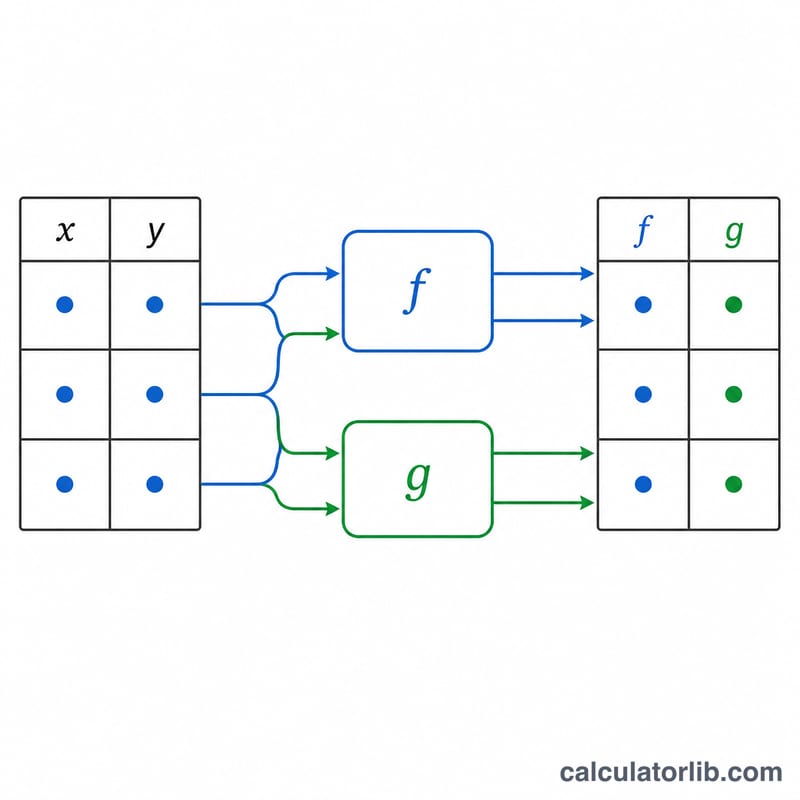
This tool takes a table of (x, y) data pairs and two mathematical expressions you write yourself, \(f(x, y)\) and \(g(x, y)\). It substitutes every row's x and y into both expressions and returns a table of f and g values. It is ideal for batch-evaluating formulas, transforming coordinates, or building lookup tables without a spreadsheet. This is a universal mathematics tool with no country or unit assumptions: inputs are plain dimensionless numbers.
How to use it
Enter your data in the table box, one row per line with two numbers (x then y) separated by a comma, space, or tab. Type any expression for \(f(x, y)\) and \(g(x, y)\) using x and y as variables. Choose how many digits to display. The supported tokens are: + - * / ^ (power), parentheses, the constants pi and e, and the functions sqrt, cbrt, abs, exp, ln, log (base 10), log2, sin, cos, tan, asin, acos, atan, atan2, sinh, cosh, tanh, floor, ceil, round, sign, min, max and mod.
The formula explained
Each expression is parsed once into an evaluable form, then evaluated for every row at full double precision; the display-digit setting only changes rounding shown on screen. Trigonometric functions work in radians, so inverse-trig results are radians. To show degrees, multiply by 180/pi (as in the default g). To feed degrees into a trig function, multiply by pi/180.
$$\begin{gathered} f(x,y) = \text{f(x, y)} \qquad g(x,y) = \text{g(x, y)} \\[1.5em] \text{evaluated over each } (x,y) \text{ pair in } \text{Data} \end{gathered}$$Worked example
Using \(f = \sqrt{x^2+y^2}\) and \(g = \operatorname{atan}(y/x)\cdot 180/\pi\) on the row x=3, y=4: $$f = \sqrt{9 + 16} = \sqrt{25} = 5,$$ and \(g = \operatorname{atan}(4/3) = 0.927295218\) rad, times \(180/\pi = 53.1301023541560\) degrees. On x=1, y=1 the result is \(f = \sqrt{2} = 1.41421356237310\) and \(g = 45\) degrees.
FAQ
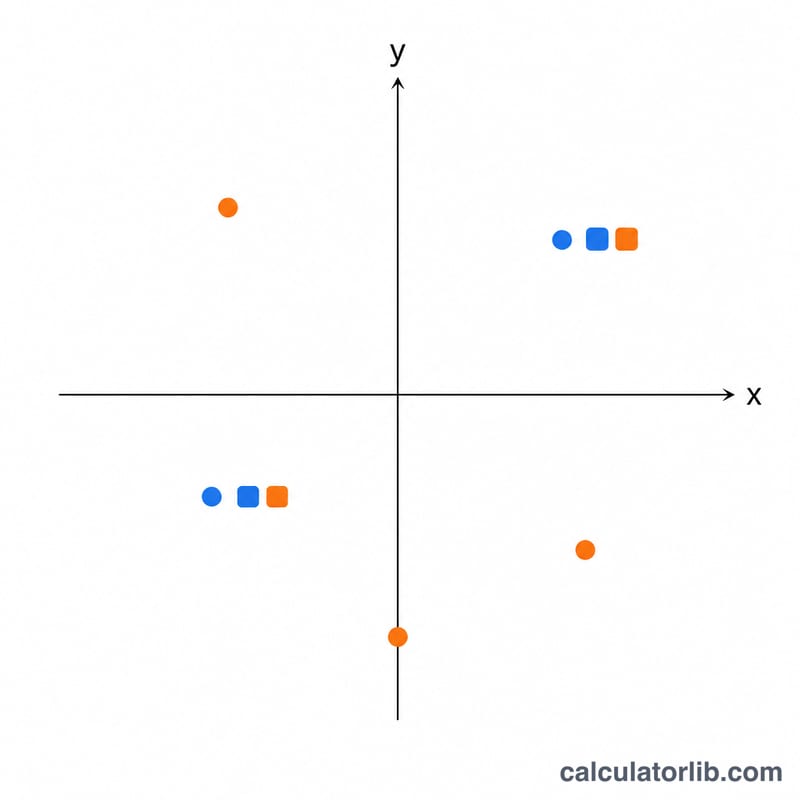
Why does g give the wrong quadrant? Plain \(\operatorname{atan}(y/x)\) loses sign information; use \(\operatorname{atan2}(y,x)\cdot 180/\pi\) for a true full-circle polar angle.
What happens with division by zero or a negative square root? The affected cell shows "undefined" (NaN) or Infinity, but the rest of the table still computes.
Are angles in degrees? No. Trig functions use radians; convert explicitly with *180/pi or *pi/180.