

What is a Loan Comparison by Monthly Payment Calculator?
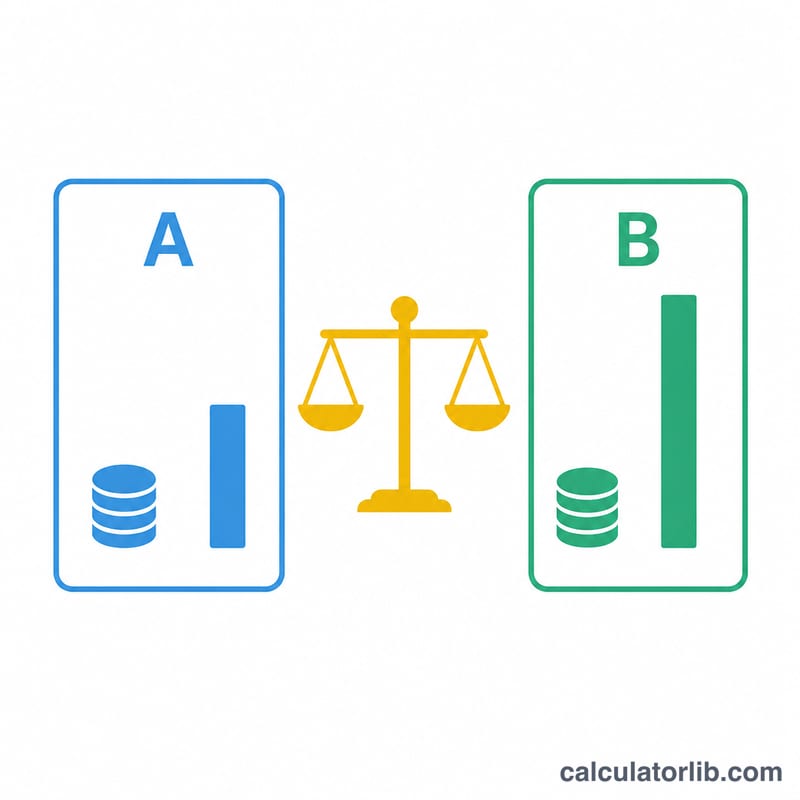
This tool compares two loan offers that may differ in interest rate, term length, and upfront fees. It calculates the monthly payment, total interest, and total cost (including fees) for each offer, then tells you which loan is cheaper over its full life and how much you save.
How to use it
Enter the loan amount, then the APR, term in months, and any upfront fees for Offer A and Offer B. The calculator returns each monthly payment and the total amount you'll repay, and highlights the lower-cost option.
The formula explained
The monthly payment uses the standard amortization formula:
$$\text{PMT} = P \times \frac{r}{1-(1+r)^{-n}}$$
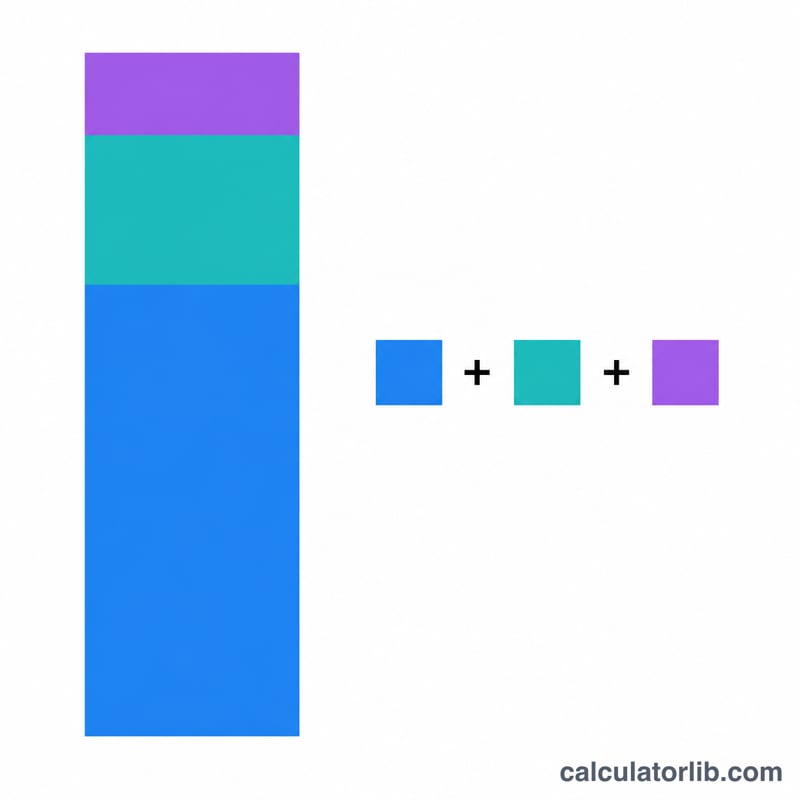
where P is the loan amount, r is the monthly rate (\(\text{APR} \div 12 \div 100\)), and n is the number of months. Total cost is then \(\text{PMT} \times n + \text{fees}\), and total interest is \(\text{PMT} \times n - P\).
Worked example
Borrow $20,000. Offer A: 6.5% APR, 60 months, $300 fees. Monthly rate = \(0.0054167\), PMT \(\approx \$391.32\), total cost \(\approx \$23{,}779.38 + ...\) wait, \(\$24{,}079.38\). Offer B: 5.9% APR, 72 months, $0 fees. PMT \(\approx \$330.94\), total cost \(\approx \$23{,}827.39\). Offer B is cheaper by about \(\$252.11\) in total cost, even though it runs longer.
FAQ
Does a lower monthly payment mean a cheaper loan? No. A longer term lowers the monthly payment but can raise total interest. This tool compares total cost so you see the real picture.
Are fees included? Yes — upfront fees are added to total cost so two offers are compared fairly.
What if the rate is 0%? The calculator falls back to simply dividing the principal by the number of months.