
What the Split Bill Calculator Does
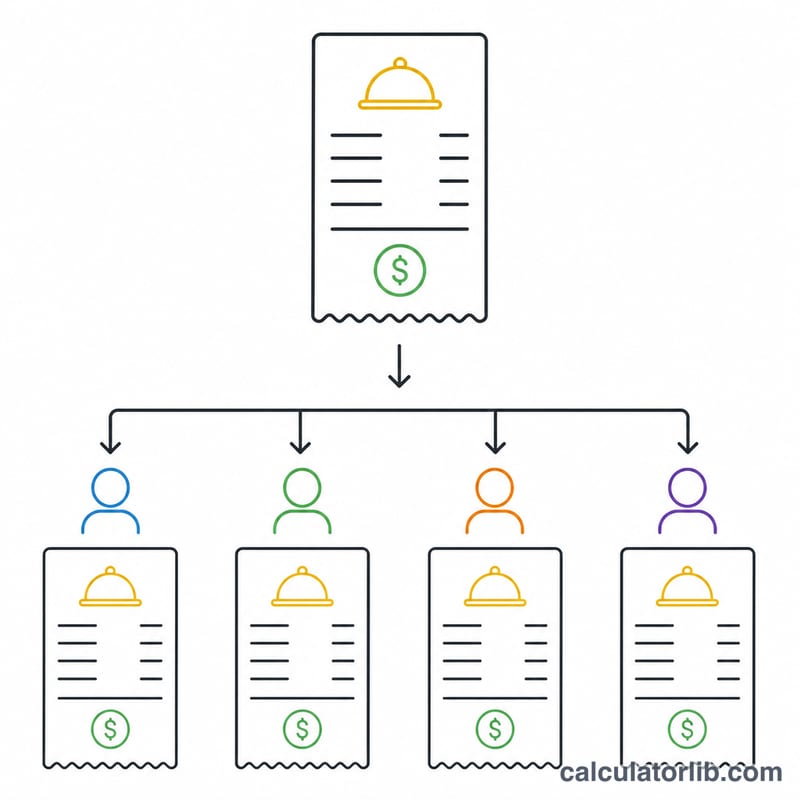
The Split Bill Calculator takes a shared bill, adds a tip, and divides everything evenly across the group. Instead of doing fiddly mental maths at the end of a meal, you enter three values and instantly see what each person owes — including their share of the tip. It works with any currency your locale uses, since amounts are formatted automatically.
The Three Inputs You Enter
- Total Bill Amount – the pre-tip cost of the meal, drinks or service.
- Number of People – how many people are splitting the cost equally.
- Tip Percentage – the gratuity you want to add, expressed as a percentage of the bill.
The Formula It Uses
The calculator works through a simple chain of steps:
- Tip Amount = Bill × (Tip % ÷ 100)
- Total With Tip = Bill + Tip Amount
- Subtotal Per Person = Bill ÷ Number of People
- Tip Per Person = Tip Amount ÷ Number of People
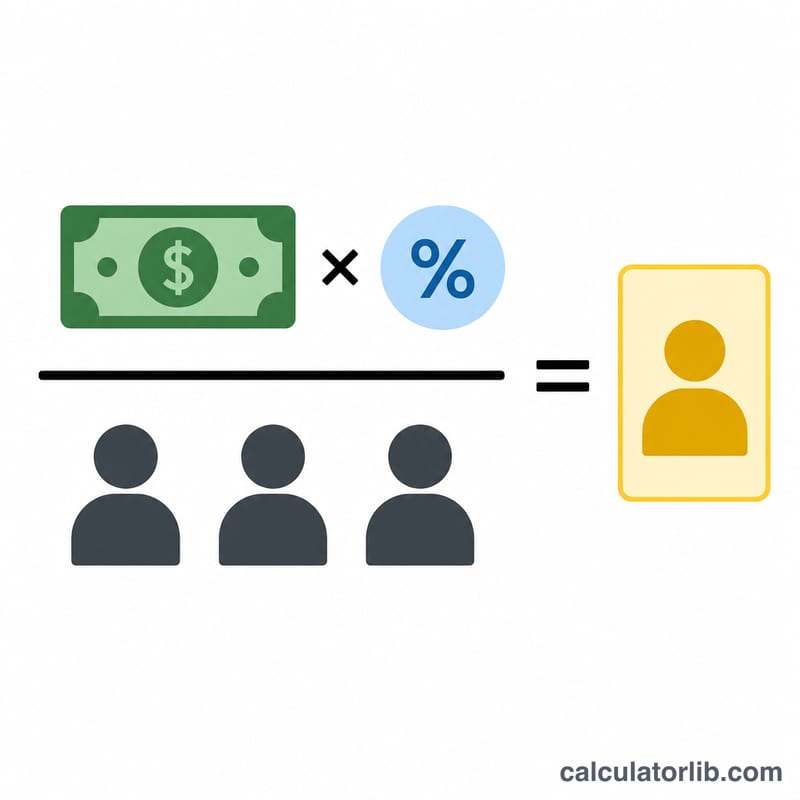
- Amount Per Person = Total With Tip ÷ Number of People
This breakdown lets each person see their share of the food separately from their share of the tip, so the split is transparent and easy to verify.
Worked Example
Suppose the bill is 120.00, there are 4 people, and you want to leave an 18% tip:
- Tip Amount = 120 × (18 ÷ 100) = 21.60
- Total With Tip = 120 + 21.60 = 141.60
- Subtotal Per Person = 120 ÷ 4 = 30.00
- Tip Per Person = 21.60 ÷ 4 = 5.40
- Amount Per Person = 141.60 ÷ 4 = 35.40
Each person pays 35.40 — made up of 30.00 for their food and 5.40 toward the tip.
Frequently Asked Questions
Is the tip calculated before or after splitting? The tip is calculated on the full bill first, then divided. This gives the same fair result as everyone tipping the same percentage individually.
Can it split a bill unevenly? No — this calculator divides everything equally among the number of people you enter. For uneven shares, you would need to calculate each person's order separately.
What if I enter 0% tip? The tip amount becomes zero, so the amount per person simply equals the bill divided by the number of people.