
What Is the Triangle Area Calculator?
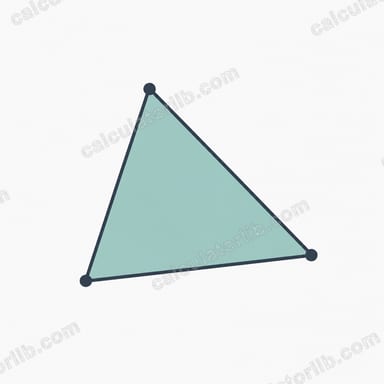
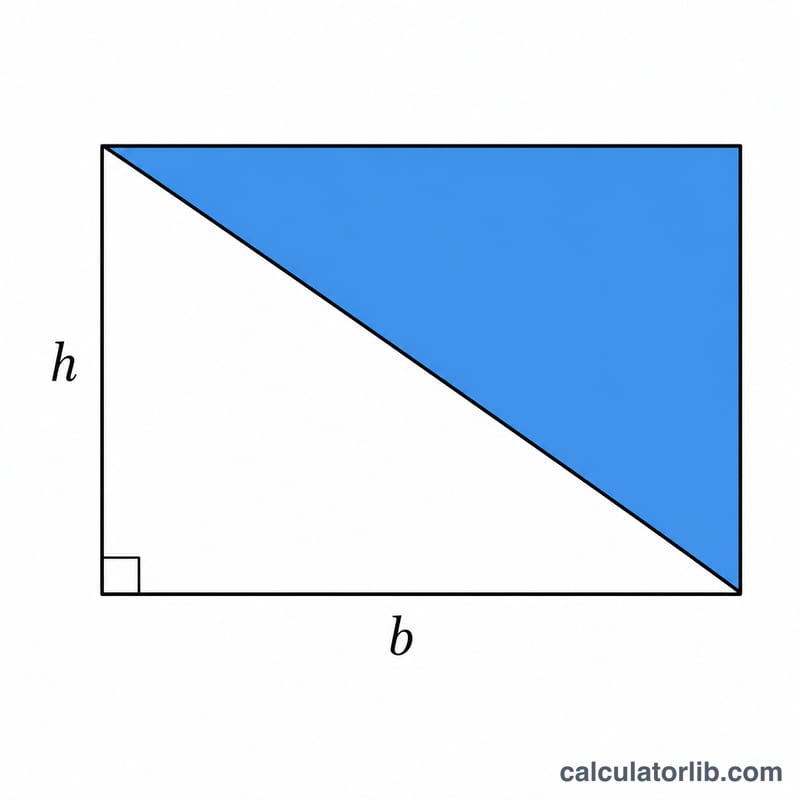
This calculator finds the area of a triangle when you know its base and the perpendicular height to that base. It uses the classic formula \(A = \frac{1}{2} \cdot b \cdot h\), which works for every triangle — right, acute, or obtuse — regardless of the unit of measurement you use (cm, m, inches, feet, and so on). The answer is returned in square units of whatever unit you entered.
How to Use It
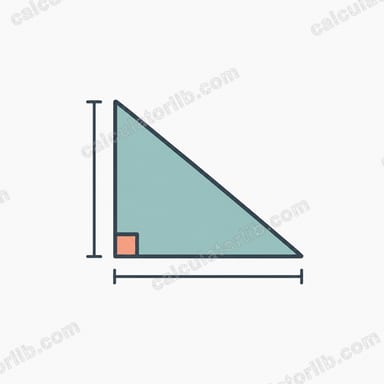
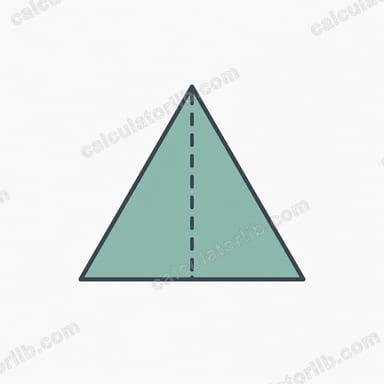
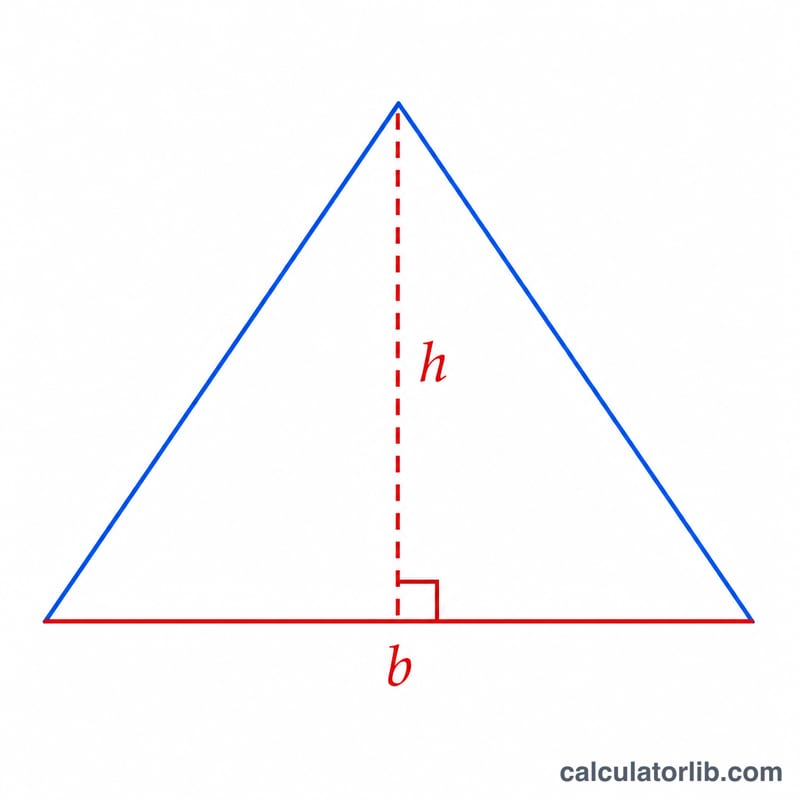
Enter the base length and the height. The base can be any side of the triangle, but the height must be measured perpendicular (at a right angle) to that chosen base — it is the straight-line distance from the base to the opposite vertex. Click calculate and the area appears instantly.
The Formula Explained
The area of a triangle is exactly half the area of a rectangle (or parallelogram) that shares the same base and height. That is why the formula is $$A = \frac{1}{2} \cdot b \cdot h.$$ If your base is 10 and your height is 6, a matching rectangle would have area \(10 \times 6 = 60\), so the triangle is half of that: 30 square units.
Worked Example
Suppose a triangle has a base of 8 cm and a height of 5 cm. Then $$A = \frac{1}{2} \times 8 \times 5 = \frac{1}{2} \times 40 = 20 \text{ cm}^2.$$ A triangle with base 12 and height 9 gives $$A = \frac{1}{2} \times 12 \times 9 = 54 \text{ square units}.$$
FAQ
Does the base have to be the bottom side? No. Any side can be the base, as long as the height is measured perpendicular to that same side.
What if I only know the three sides? Then use Heron's formula instead — this tool needs base and height.
What units does the result use? Square units of your input. If you entered centimetres, the area is in square centimetres.