
What This Calculator Does
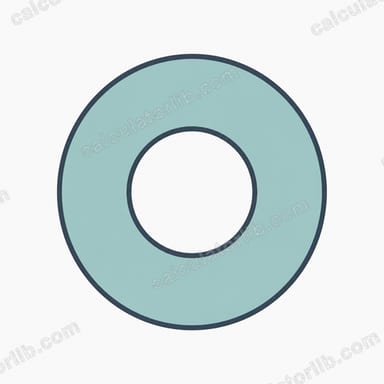
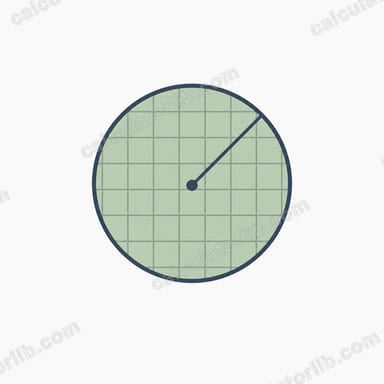
This tool finds the area of a circle in square inches (in²). Enter either the radius or the diameter of your circle in inches, and the calculator instantly returns the enclosed area, along with the matching radius, diameter, and circumference for convenience. It's handy for flooring, fabric cutting, pipe cross-sections, baking pans, gardening beds, and any DIY or geometry task where you need the surface area of a round shape.
How to Use It
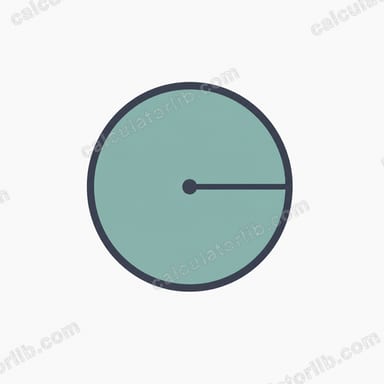
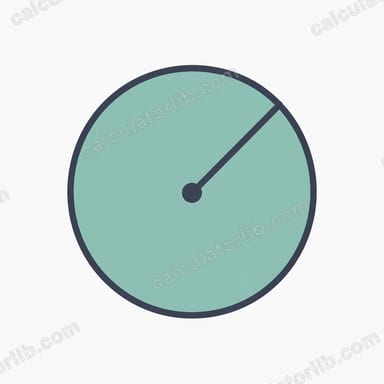
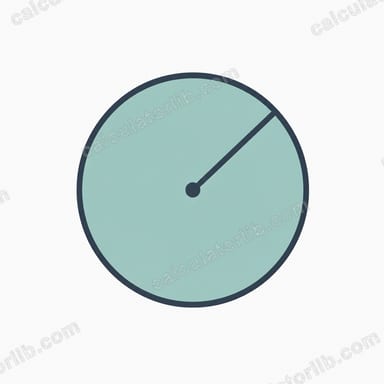
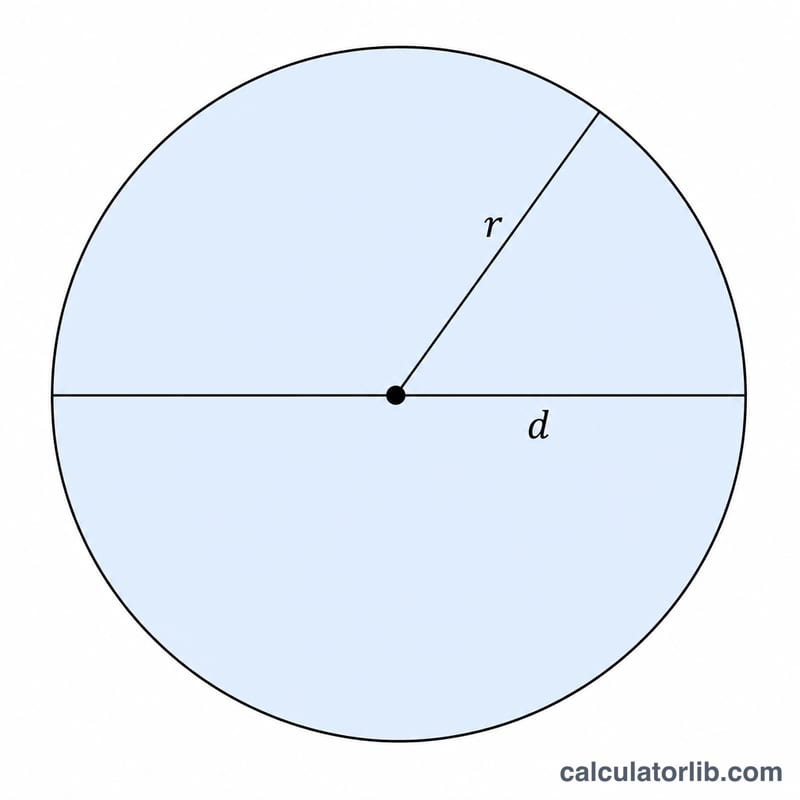
First choose whether you are measuring the radius (the distance from the center to the edge) or the diameter (the full width across the center). Then type the length in inches. The result appears immediately in square inches. If you measured in feet, multiply by 12 first to convert to inches.
The Formula Explained
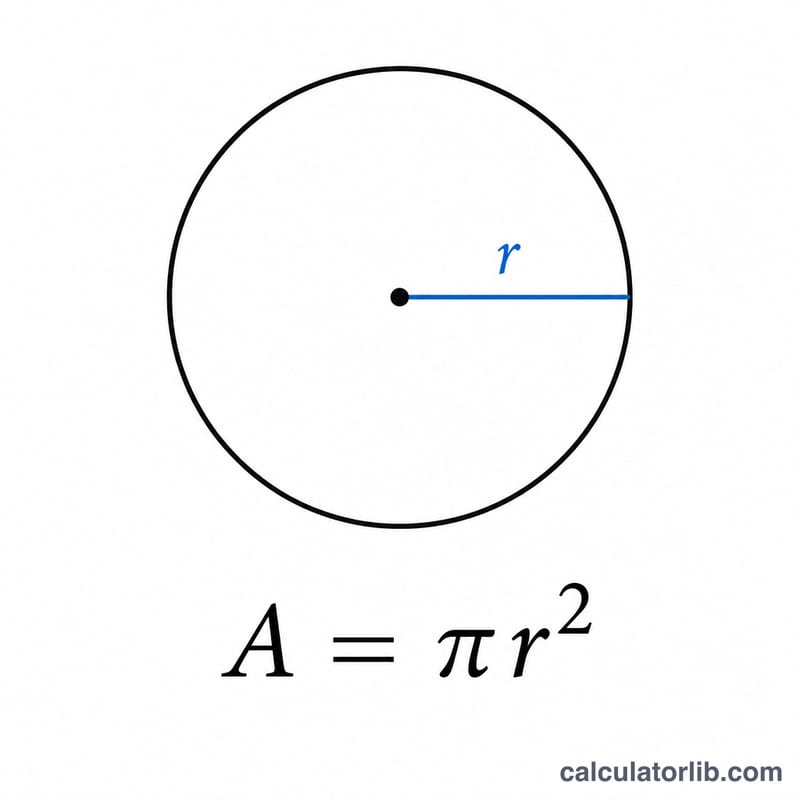
The area of a circle is given by $$A = \pi r^{2}$$, where \(r\) is the radius and \(\pi \approx 3.14159\). If you only know the diameter \(d\), the radius is simply \(d \div 2\), so the formula becomes $$A = \frac{\pi d^{2}}{4}$$. Because the radius is squared, doubling the radius quadruples the area.
Worked Example
Suppose a round table has a radius of 5 inches. Plug it in: $$A = \pi \times 5^{2} = \pi \times 25 \approx 78.54 \text{ square inches}.$$ If instead you knew the diameter was 10 inches, the radius is \(10 \div 2 = 5\) inches, giving the same \(78.54 \text{ in}^{2}\).
FAQ
What if I measured the diameter, not the radius? Just select "Diameter" — the calculator halves it automatically before computing the area.
How do I convert to square feet? Divide the square-inch result by 144 (since \(1 \text{ ft}^{2} = 144 \text{ in}^{2}\)).
Does this work for any unit? The math is identical for any unit; just keep the input and output units consistent. This tool labels everything in inches.