
What this calculator does
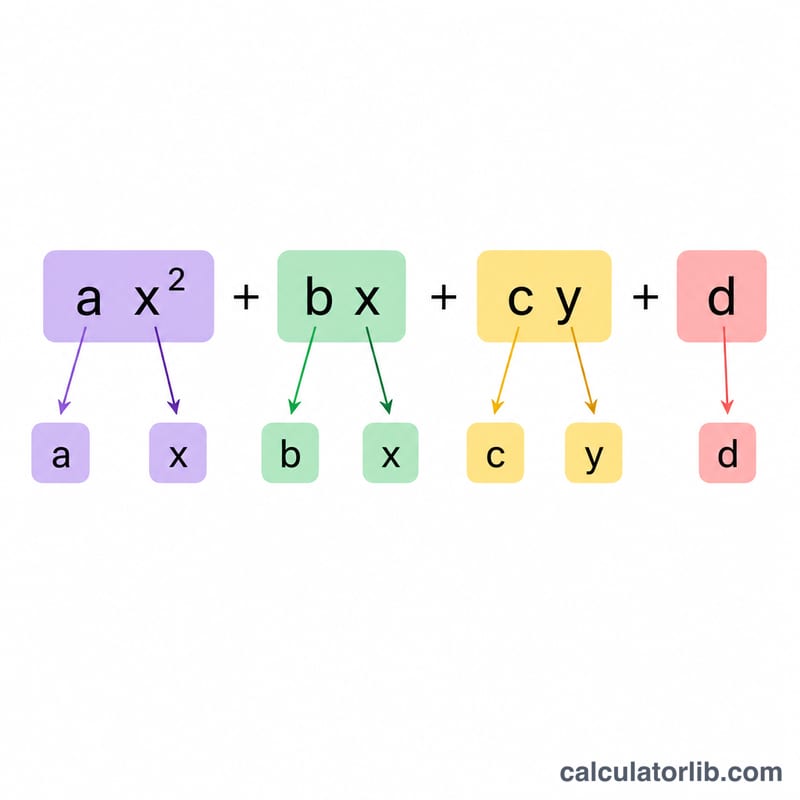
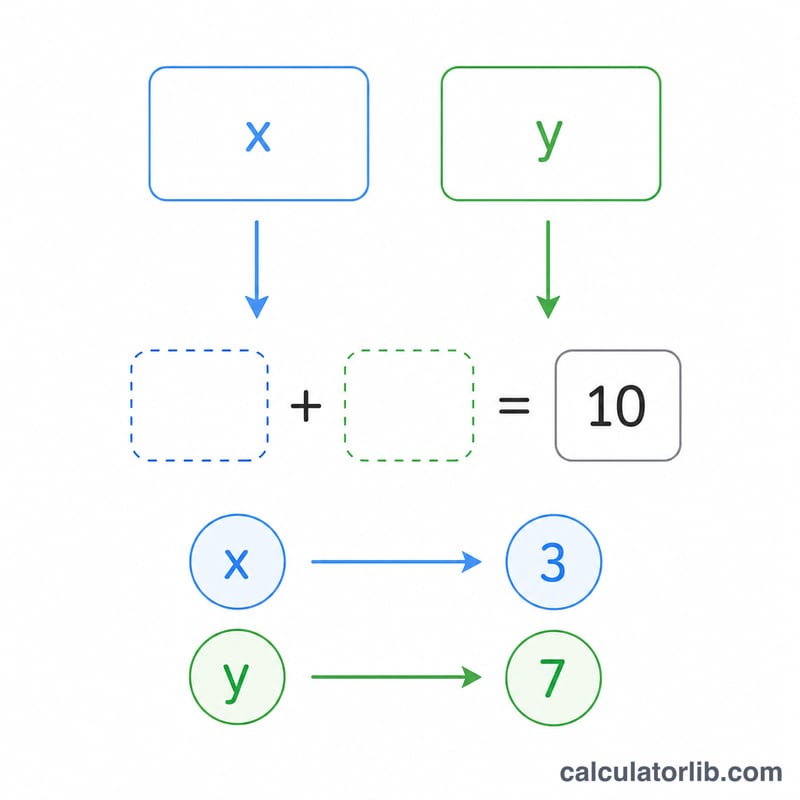
This tool evaluates the algebraic expression \(a\cdot x^{2} + b\cdot x + c\cdot y + d\) by substituting the numeric values you provide for the variables x and y. Substitution is one of the most fundamental skills in algebra: you replace each variable with a given number, then follow the order of operations to simplify down to a single value. This calculator does the arithmetic for you and shows the contribution of every term so you can check your own working.
How to use it
Enter the four coefficients a, b, c and d that define your expression. Then enter the values of x and y you want to substitute. Press calculate and you will see the final value along with a breakdown table showing a·x², b·x, c·y and the constant d individually. To evaluate a simpler expression, just set unused coefficients to 0 — for example, set c = 0 to drop the y term entirely.
The formula explained
The expression follows the standard order of operations (PEMDAS/BODMAS). Exponents are applied first, so x² is computed before multiplying by a. Each multiplication forms a term, and the terms are added last. Formally: $$E = a\cdot x^{2} + b\cdot x + c\cdot y + d.$$
Worked example
Suppose a = 2, b = 3, c = 4, d = 5, with x = 3 and y = 2. Then \(a\cdot x^{2} = 2 \times 9 = 18\), \(b\cdot x = 3 \times 3 = 9\), \(c\cdot y = 4 \times 2 = 8\), and \(d = 5\). Adding gives $$E = 18 + 9 + 8 + 5 = 40.$$
FAQ
Can I evaluate a linear expression? Yes — set a = 0 to remove the x² term, leaving \(b\cdot x + c\cdot y + d\).
Does it handle negative values? Absolutely. Enter negative coefficients or negative x/y values and the squaring and multiplication are handled correctly.
Why show each term? Seeing each term separately helps you verify your manual substitution and catch sign or order-of-operations mistakes.