

What this calculator does
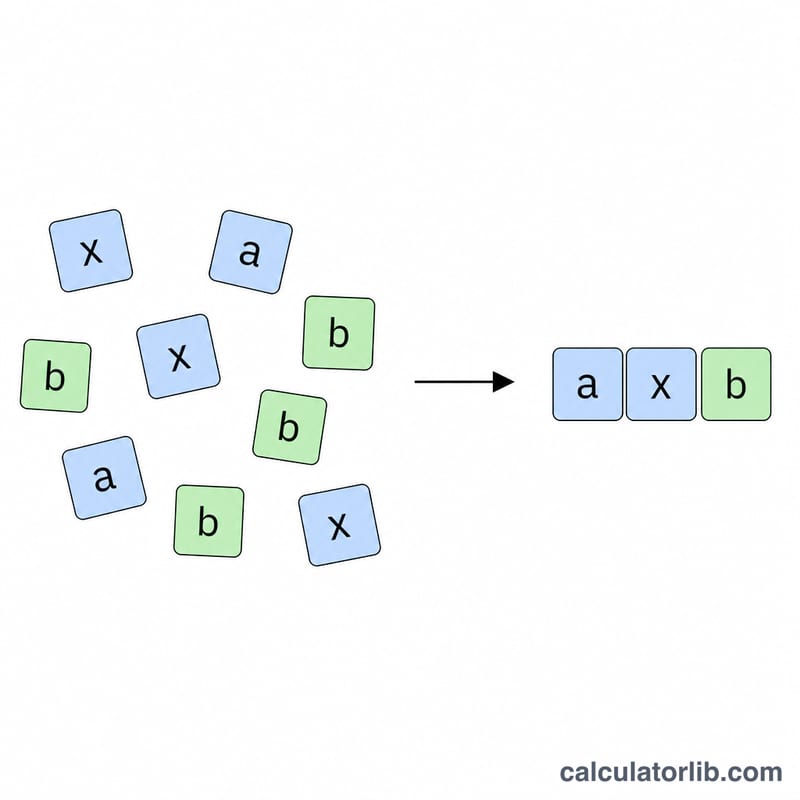
The Simplify Algebraic Expression Calculator reduces a linear expression to its simplest standard form, \(ax + b\). It works by combining like terms — grouping all the x-terms and all the constant terms — and then applying any distribution multiplier that scales the whole sum. This is the everyday algebra skill used in equation solving, factoring, and simplifying before graphing a line.
How to use it
Enter the two x-coefficients (the numbers in front of x) and the two constants you want to combine. If your expression is wrapped in a multiplier such as 2(...), enter that as the distribution multiplier; otherwise leave it as 1. The calculator adds the like terms and multiplies the result by the distribution factor, returning a clean \(ax + b\) expression.
The formula explained
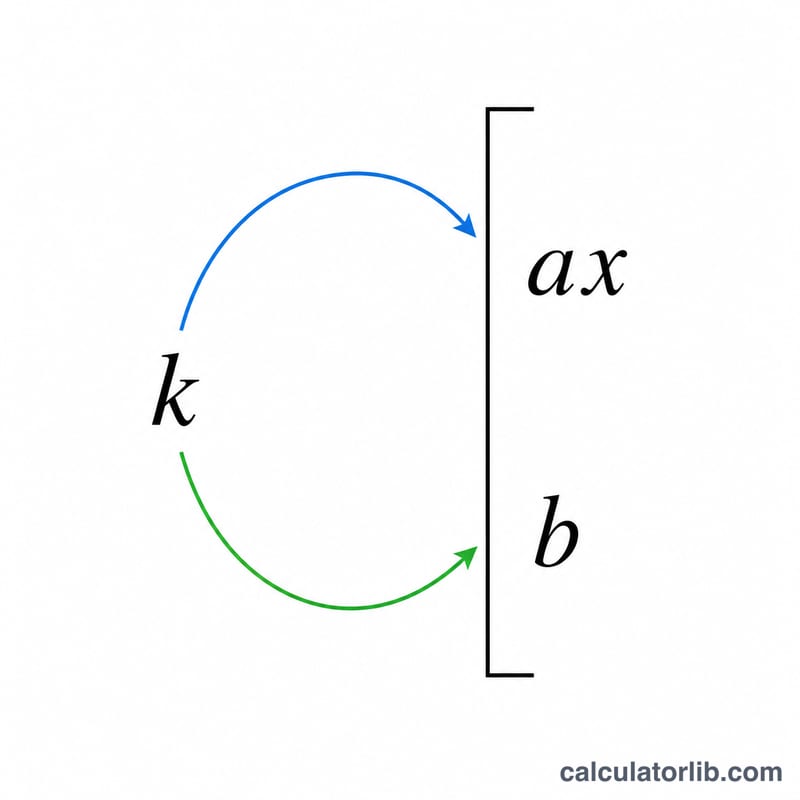
Starting from \(a_1x + b_1 + a_2x + b_2\), like terms are combined to give \((a_1 + a_2)x + (b_1 + b_2)\). Multiplying by the distribution factor \(k\) gives the following:
$$\text{Result} = \text{Mult}\Big[\left(\text{Coef}_1 + \text{Coef}_2\right)x + \left(\text{Const}_1 + \text{Const}_2\right)\Big]$$The x-coefficient and the constant are reported separately so you can read off the slope and intercept of the resulting line.
Worked example
Suppose you want to simplify \(2[(3x + 5) + (2x + 4)]\). The x-coefficients are 3 and 2, summing to 5; the constants are 5 and 4, summing to 9. With distribution factor 2, the x-coefficient becomes
$$5 \times 2 = 10$$and the constant becomes
$$9 \times 2 = 18$$The simplified expression is \(10x + 18\).
FAQ
What if there is no multiplier? Set the distribution multiplier to 1; the expression is then just the combined like terms.
Can I use negative numbers? Yes. Enter negative coefficients or constants directly and they will be added with their signs.
Does it handle non-linear terms? No, this tool focuses on linear expressions in a single variable x reduced to \(ax + b\) form.