
What This Calculator Does
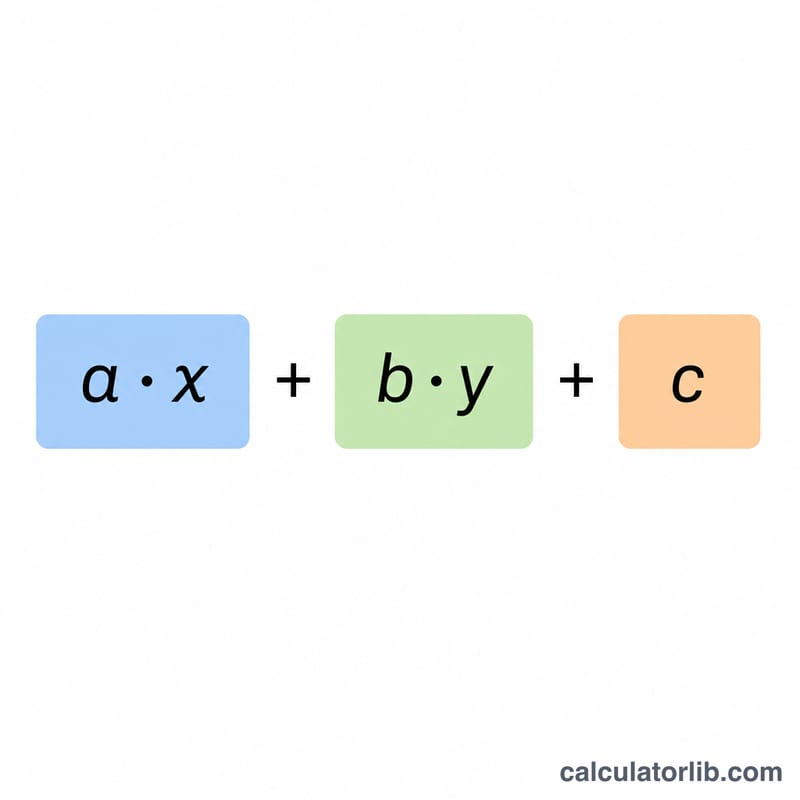
This tool evaluates a linear expression of the form \(a \cdot x + b \cdot y + c\) by substituting numeric values for the variables x and y. Substitution is one of the most fundamental skills in algebra: you replace each variable with a known number, then carry out the arithmetic to simplify the expression to a single value.
How to Use It
Enter the three coefficients — a (multiplies x), b (multiplies y), and the constant c. Then enter the values you want to substitute for x and y. The calculator multiplies each variable by its coefficient, adds the constant, and shows you the final value along with each intermediate term so you can follow the work.
The Formula Explained
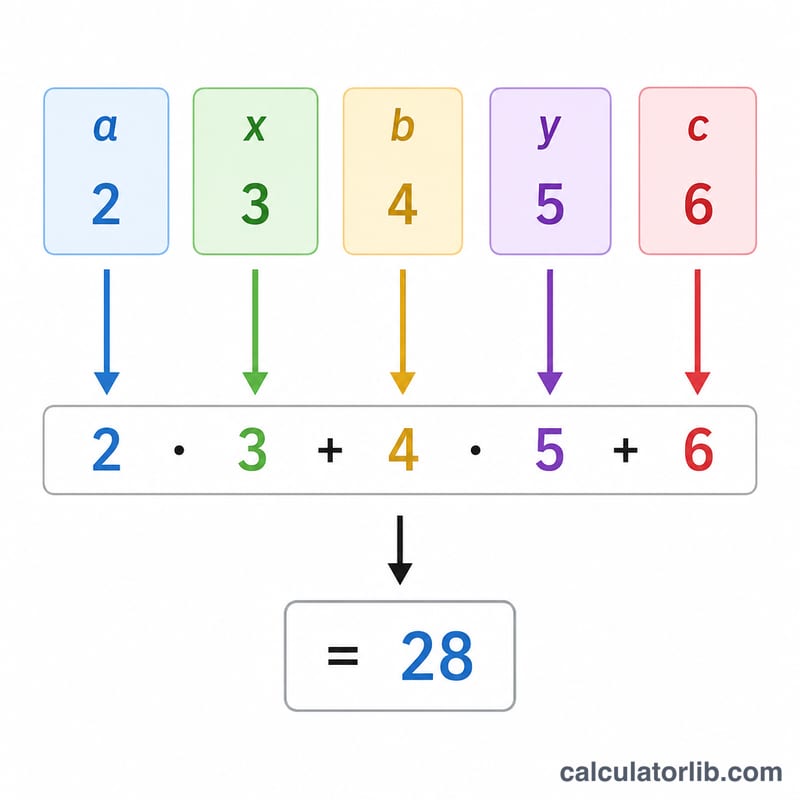
The expression is $$f(x, y) = a \cdot x + b \cdot y + c$$ Substitution simply means plugging in numbers: wherever you see x, write its value; wherever you see y, write its value. Following the order of operations, you multiply before you add, so \(a \cdot x\) and \(b \cdot y\) are computed first, then summed with \(c\).
Worked Example
Suppose a = 2, b = 3, c = 5, x = 4, and y = 1. Substituting gives $$2 \cdot 4 + 3 \cdot 1 + 5 = 8 + 3 + 5 = 16$$ The calculator returns 16 and shows the terms 8, 3, and 5 in the breakdown table.
FAQ
Can I use negative or decimal values? Yes — any real number works for the coefficients and variable values, including negatives and decimals.
What if I only have one variable? Set the coefficient of the unused variable (a or b) to 0, and that term will not affect the result.
Does this solve equations? No — it evaluates an expression at given values. To solve for an unknown you would set the expression equal to a target and rearrange.