
What is the rectangle scale factor?
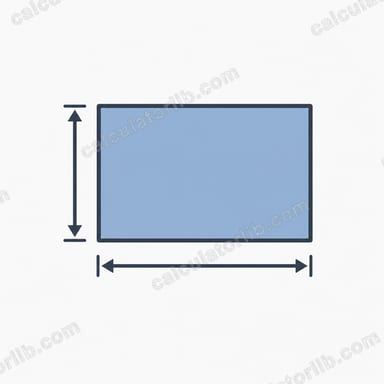
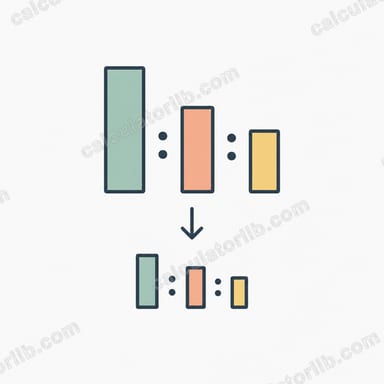
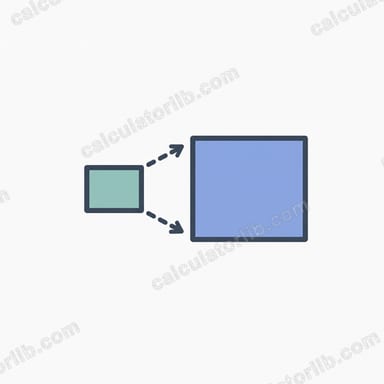
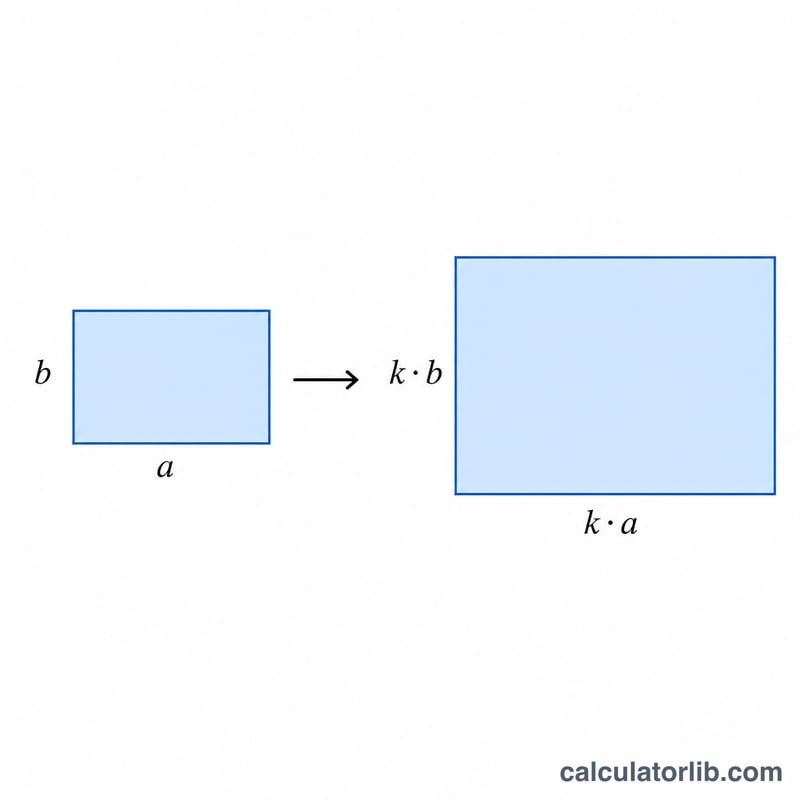
When two rectangles are similar (one is an enlargement or reduction of the other), the scale factor \(k\) is the ratio of a length on the new shape to the corresponding length on the original. This calculator finds \(k\) from any matching pair of lengths and then computes the area ratio, which is \(k\) squared.
How to use this calculator
Enter the original length and the new length of corresponding sides of the two rectangles. The tool returns the linear scale factor \(k\) and the area ratio \(k^2\). A scale factor greater than 1 means an enlargement; between 0 and 1 means a reduction.
The formula explained
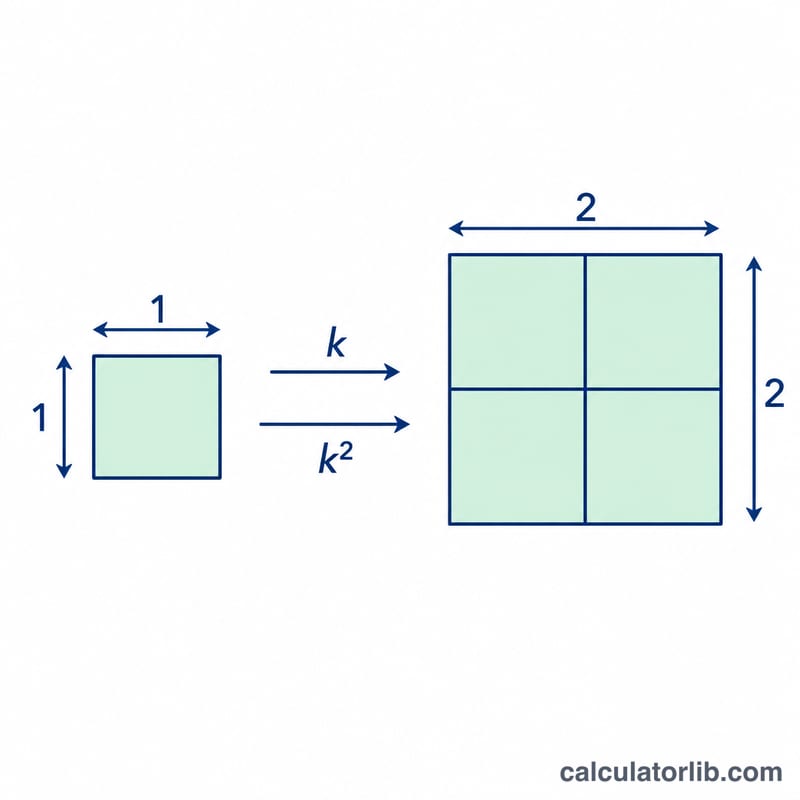
The linear scale factor is simply $$\text{Scale Factor} = \frac{\text{New Length}}{\text{Original Length}}$$ Because area is a two-dimensional measure (length \(\times\) width), and both dimensions scale by \(k\), the area is multiplied by \(k \times k = k^2\). So if a rectangle is enlarged by a scale factor of 3, its area becomes \(3^2 = 9\) times larger.
Worked example
Suppose a rectangle has an original side of 4 cm and the enlarged rectangle has a corresponding side of 12 cm. Then $$k = 12 \div 4 = 3$$ The area ratio is $$k^2 = 3^2 = 9$$ meaning the new rectangle has 9 times the area of the original.
FAQ
Does it matter which side I use? No — for similar rectangles every pair of corresponding sides gives the same scale factor.
What if \(k\) is less than 1? That indicates a reduction; for example \(k = 0.5\) means the new rectangle is half the size in each direction and one quarter of the area.
How do I scale the perimeter? Perimeter scales linearly, so the new perimeter is \(k\) times the original (not \(k^2\)).