What It Does
The Round to the Nearest Dollar Calculator takes any monetary amount and rounds it to the closest whole dollar. This is handy for budgeting, estimating, tax forms (many of which let you round to whole dollars), and quick mental-math checks where the cents simply don't matter.
How to Use It
Type your amount into the field — for example $12.49 or $1,250.50 — and the calculator returns the rounded whole-dollar value, restates your original amount, and shows the difference between the two so you can see exactly how much was added or removed by rounding.
The Formula
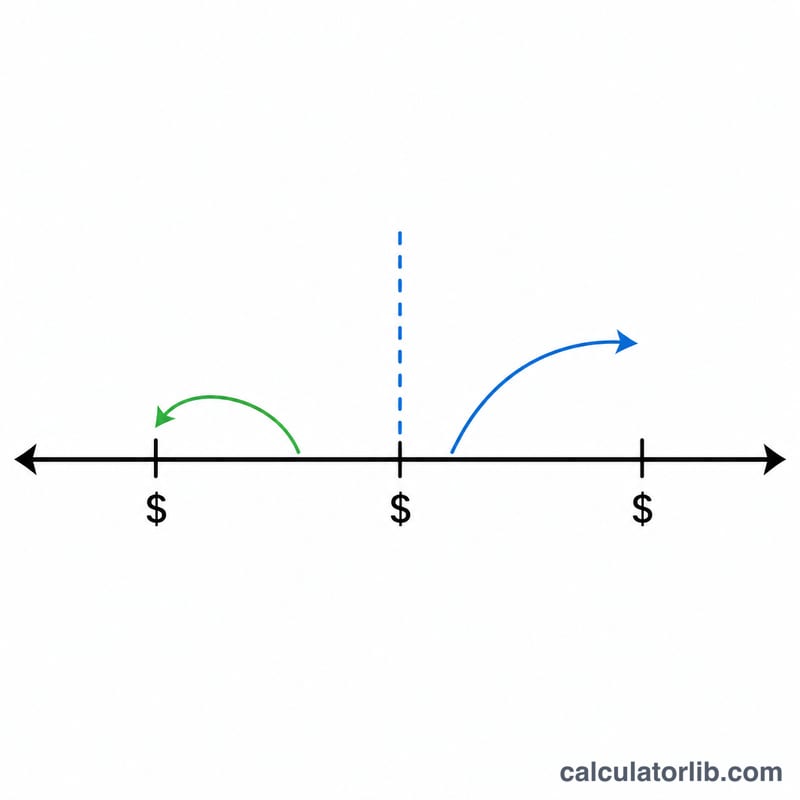
The math is the standard rounding rule: result = round(x). If the fractional (cents) portion is 0.50 or greater, the amount rounds up to the next dollar; if it is less than 0.50, it rounds down. The difference is calculated as rounded − original, which is positive when rounding up and negative when rounding down.
$$\text{Rounded} = \left\lfloor \text{Amount (\$)} + 0.5 \right\rfloor$$Worked Example
Suppose you have $12.49. The cents portion is 0.49, which is less than 0.50, so it rounds down to $12. The difference is \(12 - 12.49 = -\$0.49\). Now take $12.50: the cents are exactly 0.50, so it rounds up to $13, a difference of \(+\$0.50\).
Rounding Examples Across Different Amounts
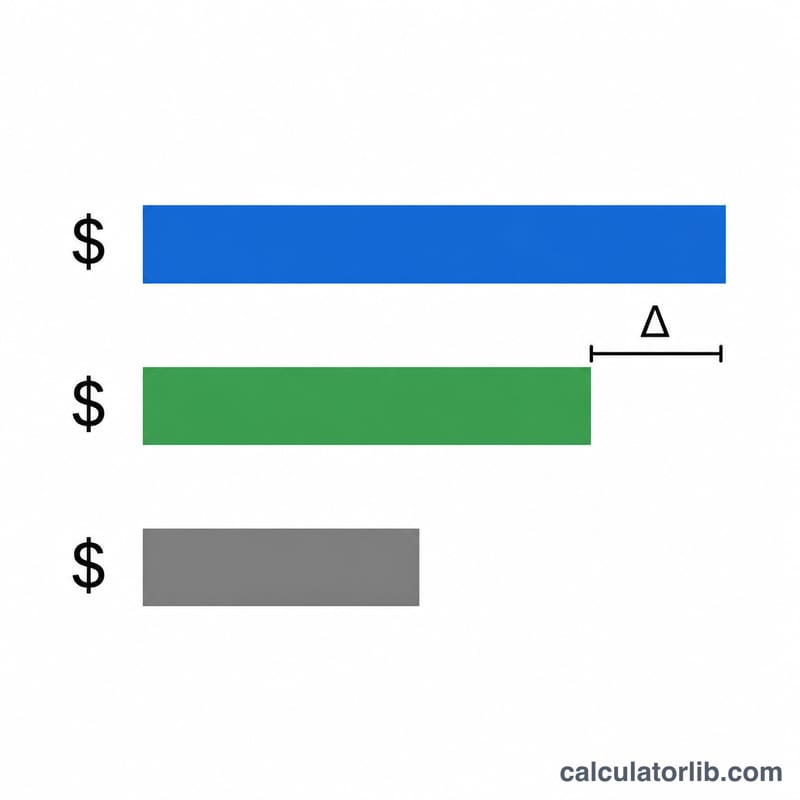
The table shows how the calculator rounds to the nearest whole dollar using the round half up rule, \(\lfloor x + 0.5 \rfloor\). The difference is the rounded result minus the original amount, so a positive value means the amount went up.
| Original amount | Cents portion | Rounded result | Difference |
|---|---|---|---|
| $12.49 | 49¢ | $12 | -$0.49 |
| $12.50 | 50¢ | $13 | +$0.50 |
| $12.99 | 99¢ | $13 | +$0.01 |
| $0.50 | 50¢ | $1 | +$0.50 |
| $0.49 | 49¢ | $0 | -$0.49 |
| $100.00 | 0¢ | $100 (no change) | $0.00 |
| $1,250.50 | 50¢ | $1,251 | +$0.50 |
| -$4.50 | 50¢ | -$4 | +$0.50 |
| -$4.51 | 51¢ | -$5 | -$0.49 |
Negative amounts: under round half up, a value exactly halfway rounds toward positive infinity (the higher number). That is why -$4.50 becomes -$4, since \(\lfloor -4.50 + 0.5 \rfloor = \lfloor -4.00 \rfloor = -4\). -$4.51 becomes -$5, since \(\lfloor -4.51 + 0.5 \rfloor = \lfloor -4.01 \rfloor = -5\). Only exact halves behave differently from the "away from zero" convention.
Key Rounding Terms
- Rounding: replacing a number with a nearby, simpler value, here a whole dollar, so it is easier to read or use.
- Round half up: a value exactly halfway between two integers goes to the larger one. 2.5 becomes 3, and -2.5 becomes -2. This calculator uses this rule.
- Round half away from zero: a value exactly halfway goes to the integer with the larger absolute value. 2.5 becomes 3, and -2.5 becomes -3. It matches round half up for positive numbers but not for negatives, so -4.50 becomes -5 here, whereas this calculator gives -4.
- Banker's rounding (round half to even): a value exactly halfway goes to the nearest even integer. 2.5 becomes 2 and 3.5 becomes 4. It reduces systematic upward bias when many values are rounded.
- Floor function (\(\lfloor x \rfloor\)): the largest integer less than or equal to \(x\). For example, \(\lfloor 3.9 \rfloor = 3\) and \(\lfloor -3.1 \rfloor = -4\). Adding 0.5 before taking the floor gives round half up.
- Fractional (cents) portion: the part of the amount after the decimal point. For $12.49 it is 0.49, or 49 cents. Cents of 50 or more round up for positive amounts.
- Rounding difference: the rounded amount minus the original amount. It is always between -$0.50 and +$0.50 (never below -$0.50, and +$0.50 only on exact halves).
FAQ
What happens at exactly 50 cents? Amounts ending in .50 round up to the next whole dollar (standard "round half up" behavior).
Does it handle negative amounts? Yes — a value like −4.50 rounds to −4 using the same nearest-integer rule.
Can I use it for tax rounding? It follows the common nearest-dollar convention used on many forms, but always verify your specific jurisdiction's rounding instructions.