
What is a reverse sales tax calculator?
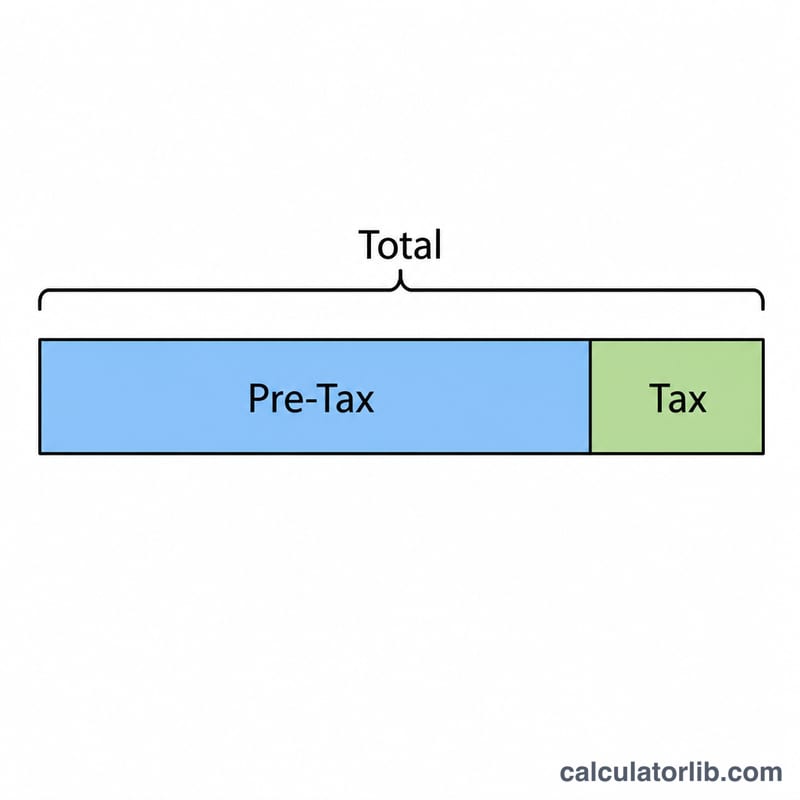
A reverse sales tax calculator works backward from a price that already includes tax. Instead of adding tax to a base amount, it removes the tax to reveal the original pre-tax price and the exact tax portion. This is handy when a receipt only shows the final total, or when you need to record the net amount for bookkeeping, expense reports, or tax filing.
How to use it
Enter the total price you paid (including tax) and the sales tax rate as a percentage. The calculator instantly returns the pre-tax price and the amount of sales tax contained in that total. The tax rate can be any combined state, county, or local rate that applies to your purchase.
The formula explained
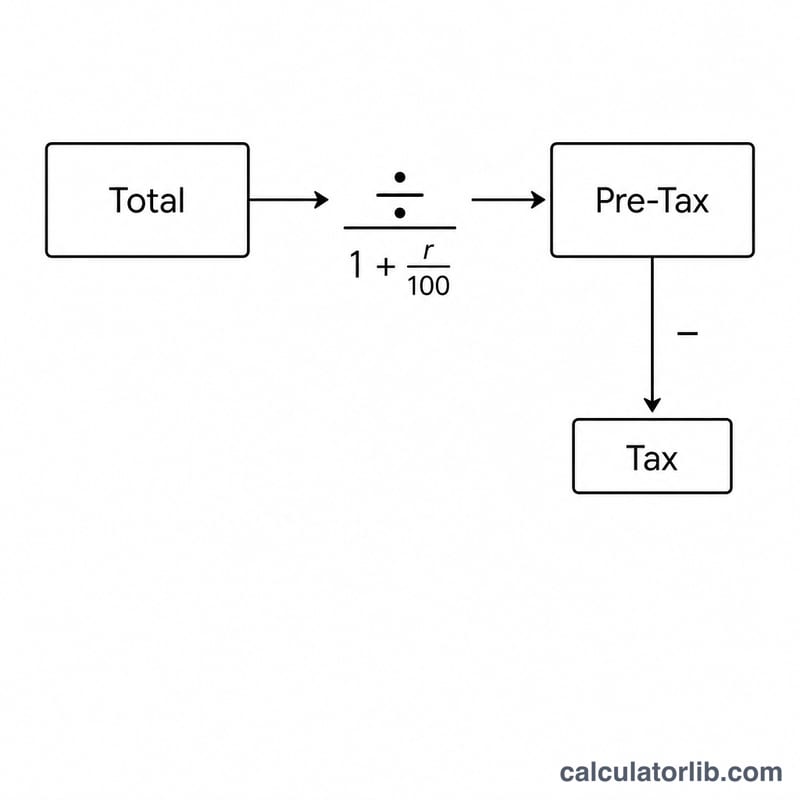
If the rate is r percent, the total equals the base price multiplied by \(1 + r/100\). To reverse it, divide the total by that same factor:
$$\text{Pre-Tax Price} = \dfrac{\text{Total Price}}{1 + \dfrac{\text{Tax Rate (\%)}}{100}}$$The tax itself is simply the difference: $$\text{Tax} = \text{Total} - \text{Pre-Tax Price}$$
Worked example
Suppose you paid $107.50 and the sales tax rate is 7.5%. Divide 107.50 by 1.075 to get a pre-tax price of $100.00. The tax is $$107.50 - 100.00 = 7.50$$ So the original product cost $100 and you paid $7.50 in tax.
FAQ
Why not just multiply the total by the tax rate? Because the rate applies to the pre-tax base, not the total. Multiplying the total overstates the tax. You must divide first to isolate the base.
Does this work for VAT or GST? Yes. Any single inclusive percentage tax uses the same math — just enter your VAT or GST rate.
Can the rate include combined local taxes? Yes. Enter the full combined rate (e.g. state + county + city) as one percentage for an accurate split.