
What Is the Shaded Region Area?
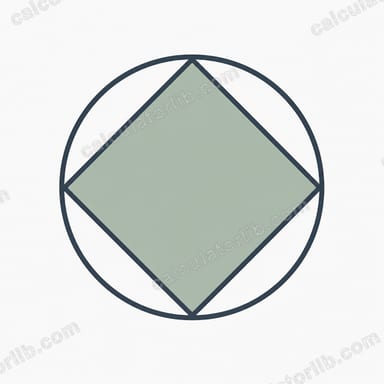
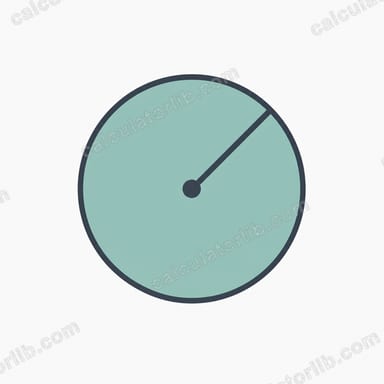
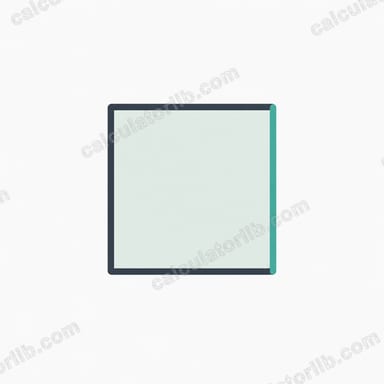
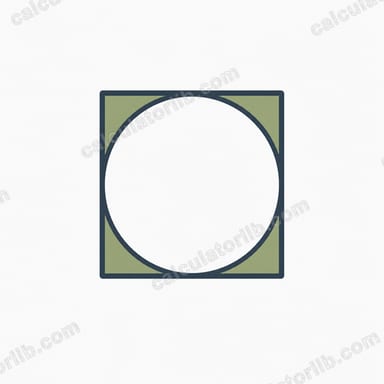
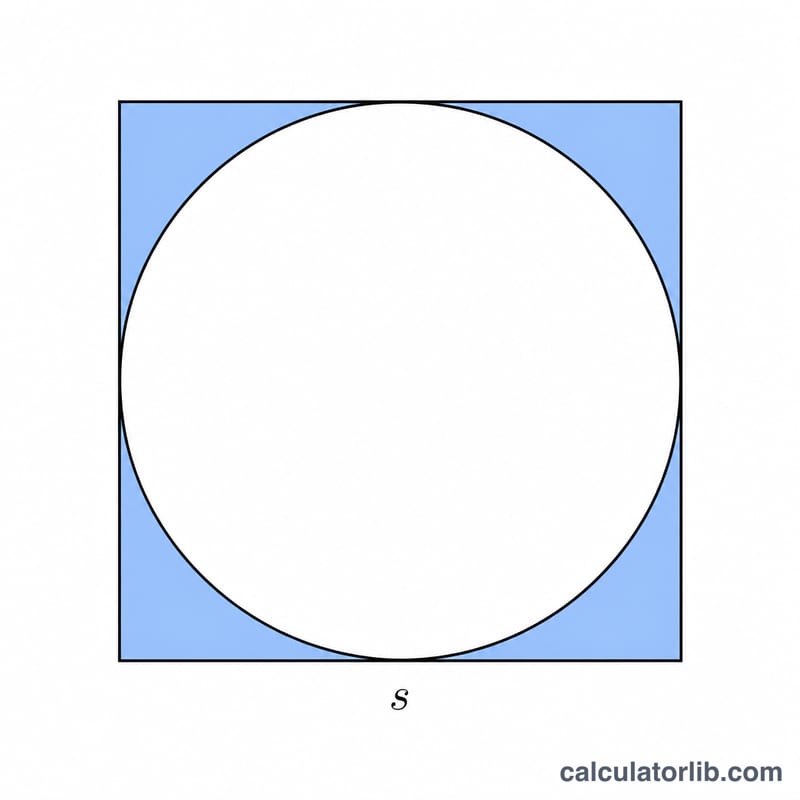
A classic geometry problem shows a square with a circle drawn inside it, where the circle touches all four sides (an inscribed circle). The shaded region is the four corner pieces left over — the part of the square that the circle does not cover. This calculator finds that area for any square side length.
How to Use It
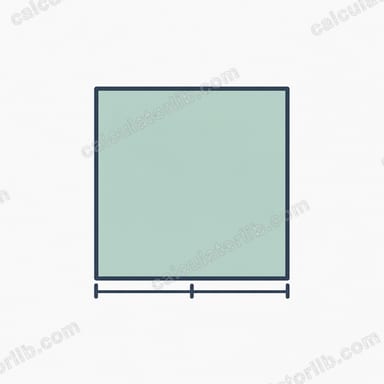
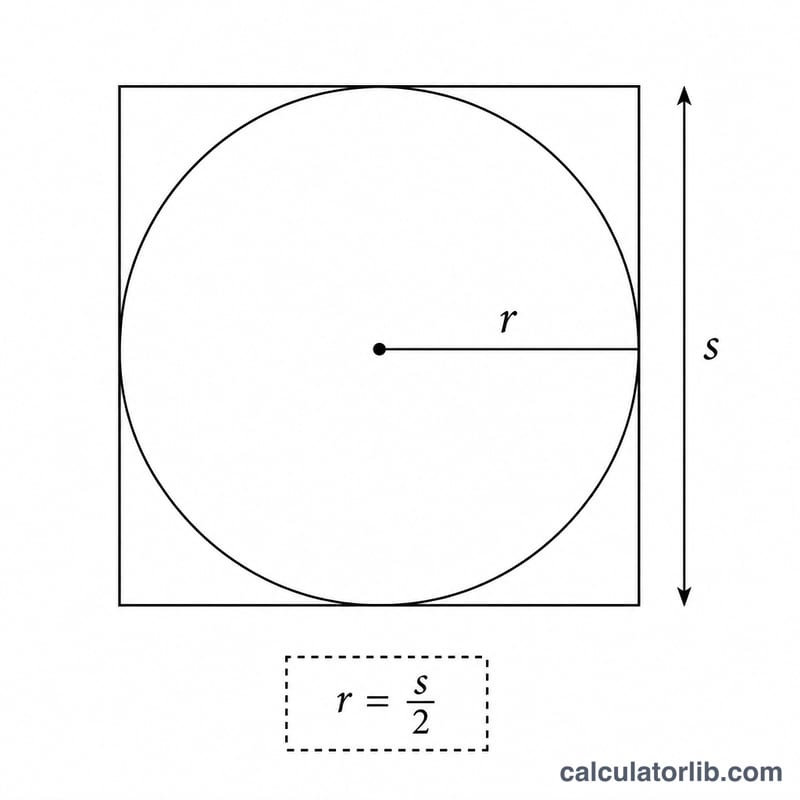
Enter the side length s of the square. The largest circle that fits inside has a diameter equal to the side, so its radius is \(s/2\). The tool computes the square area, the inscribed circle area, and subtracts them to give the shaded corners.
The Formula Explained
The square's area is \(s^2\). The inscribed circle has radius \(r = s/2\), so its area is \(\pi\left(\frac{s}{2}\right)^2\). The shaded area is therefore:
$$A = s^2 - \pi\left(\frac{s}{2}\right)^2$$
This can also be written as \(A = s^2\left(1 - \frac{\pi}{4}\right) \approx 0.2146 \times s^2\), meaning the four corners always make up about 21.46% of the square regardless of size.
Worked Example
Suppose the square side is 10 units. The square area is \(10^2 = 100\). The circle radius is 5, so the circle area is $$\pi \times 5^2 = 25\pi \approx 78.54.$$ The shaded region is \(100 - 78.54 = \textbf{21.46}\) square units.
FAQ
Does the circle have to be inscribed? Yes — this formula assumes the circle's diameter equals the square's side length, the most common textbook setup.
What percentage of the square is shaded? Always about 21.46% \((1 - \pi/4)\), no matter the side length.
What units does it use? The result is in square units of whatever unit you enter for the side (cm² for cm, in² for inches, etc.).