
What is a RAID Capacity Calculator?
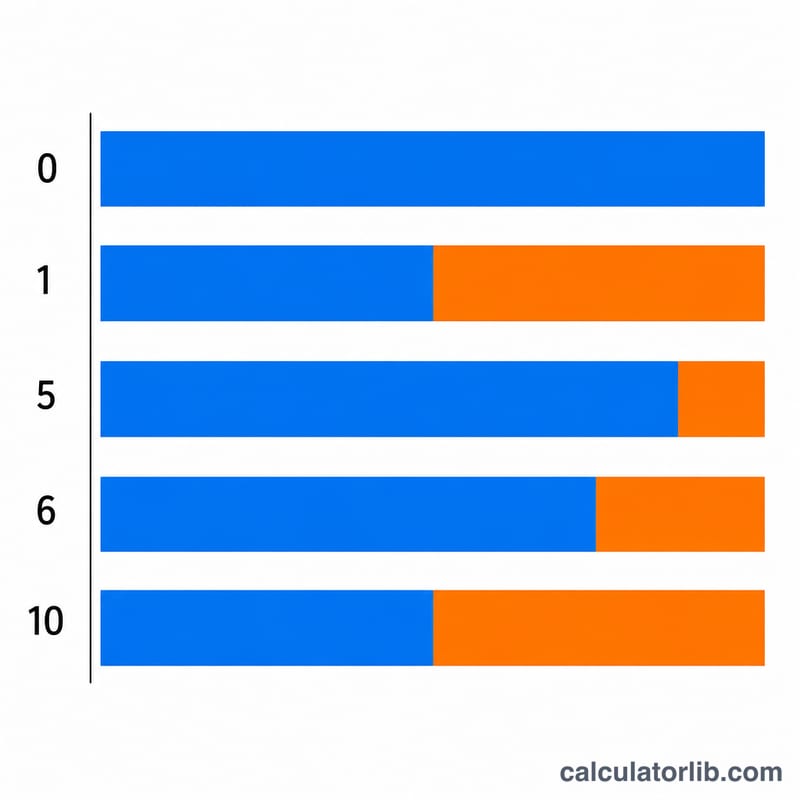
RAID (Redundant Array of Independent Disks) combines multiple physical drives into a single logical volume for better performance, redundancy, or both. Because parity and mirroring consume some of your raw storage, the usable capacity is always less than the sum of the disks (except RAID 0). This calculator instantly shows the usable capacity, the space lost to redundancy, and the storage efficiency for RAID 0, 1, 5, 6, and 10.
How to use it
Pick your RAID level, enter the number of disks in the array, and the capacity of each disk (assuming all disks are the same size). The calculator returns usable terabytes, raw total, overhead, fault tolerance, and efficiency percentage.
The formulas explained
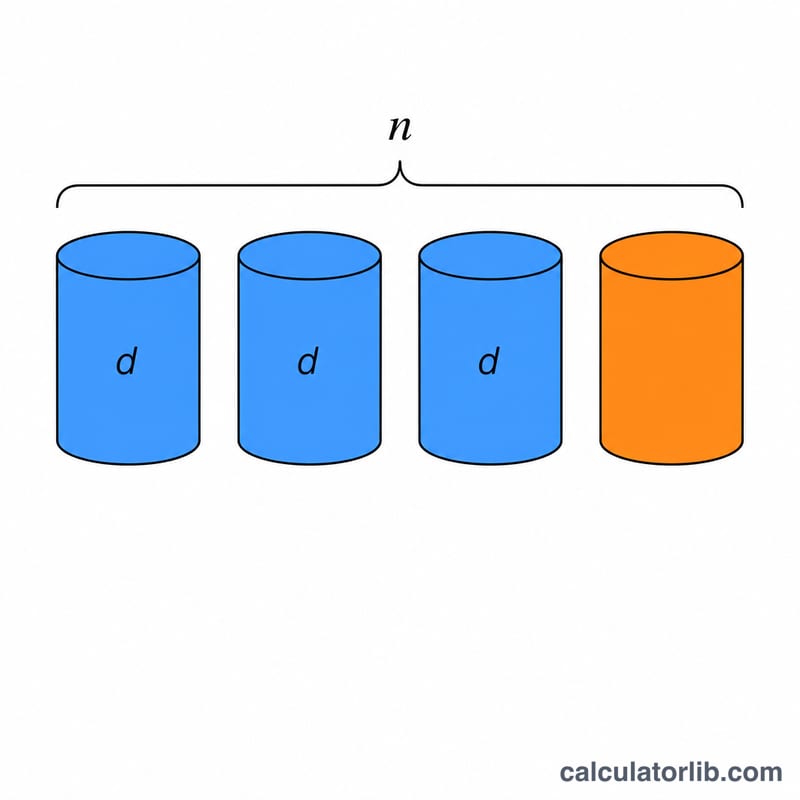
For an array of n equal disks of size d: RAID 0 uses everything, so usable = \(n \cdot d\) (no fault tolerance). RAID 1 mirrors all disks, leaving usable = \(d\). RAID 5 reserves one disk of parity: usable = \((n-1) \cdot d\). RAID 6 uses double parity: usable = \((n-2) \cdot d\). RAID 10 stripes across mirrored pairs: usable = \(\left\lfloor n/2 \right\rfloor \cdot d\).
Worked example
Suppose you have 4 disks of 4 TB each in RAID 5. Usable:
$$\text{Usable} = (4-1) \times 4 = 12\ \text{TB}$$Raw total is 16 TB, so 4 TB (one disk) is lost to parity, giving 75% efficiency and tolerance for one drive failure.
FAQ
Why is my usable capacity lower than the marketing number? Drive makers use decimal terabytes (\(10^{12}\)) while operating systems report binary tebibytes (\(2^{40}\)), about 9% smaller. This tool works in whatever unit you enter; format the result accordingly.
Does RAID replace backups? No. RAID protects against drive failure, not accidental deletion, ransomware, or controller faults. Always keep separate backups.
What if my disks are different sizes? Most arrays size each disk to the smallest member, so wasted space occurs. For accurate results, use the smallest disk's capacity as the per-disk value.