
What Is the Throughput Calculator?
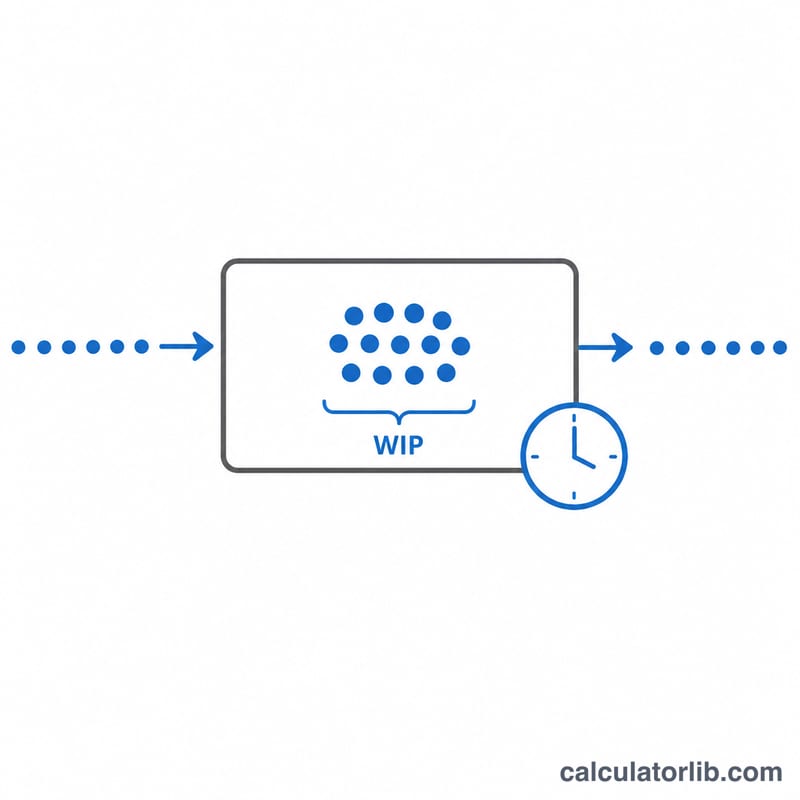
This calculator uses Little's Law to find the throughput of any stable process. Throughput is the rate at which items leave a system — finished products, completed tickets, served customers, or processed orders. Little's Law relates three quantities: work-in-progress (WIP), flow time (also called lead time or cycle time), and throughput. It applies universally to any queueing system in a steady state, from software Kanban boards to factory lines and call centers.
How to Use It
Enter your average Work in Progress (WIP) — the number of items currently inside the system — and your average Flow Time — how long, on average, a single item takes to move all the way through. The calculator divides WIP by flow time to give throughput in items per unit of time. Keep your units consistent: if flow time is measured in days, throughput will be items per day.
The Formula Explained
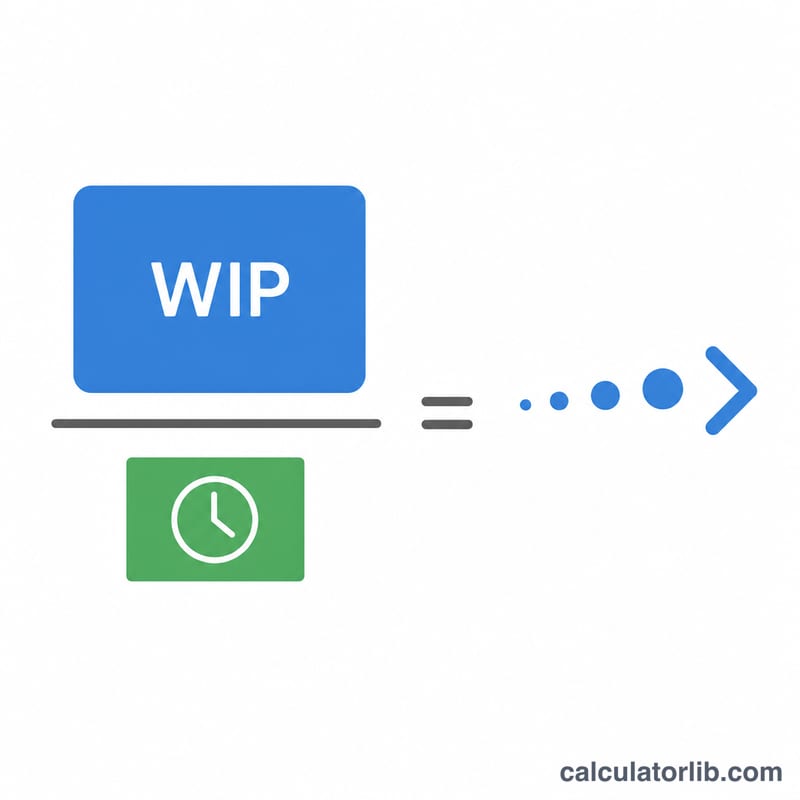
Little's Law states that average WIP = throughput × flow time. Rearranging for throughput gives:
$$\text{Throughput} = \frac{\text{WIP (items)}}{\text{Flow Time}}$$
The law only requires that the system be stable (arrivals roughly equal departures over the measurement window). It makes no assumptions about the distribution of arrivals or service times, which is why it is so widely used.
Worked Example
A development team has 12 stories in progress (WIP = 12) and each story takes an average of 4 days to complete (flow time = 4 days). Throughput $$= \frac{12}{4} = 3 \text{ stories per day}$$. To increase throughput, the team can either reduce flow time (work faster or eliminate waiting) or increase WIP — though raising WIP often increases flow time too, so reducing flow time is usually the better lever.
FAQ
What units does throughput use? Whatever unit you used for flow time. Flow time in hours gives throughput in items per hour.
Why does my result need a stable system? Little's Law holds for long-run averages in a steady state. If your queue is growing or shrinking rapidly, the snapshot can be misleading.
Can I find flow time instead? Yes — rearrange to \(\text{Flow Time} = \frac{\text{WIP}}{\text{Throughput}}\). Lowering WIP is a fast way to cut flow time.