
What Is the CNC Feed Rate Calculator?
The CNC feed rate calculator determines how fast a cutting tool should move through material on a CNC mill or router. Feed rate is one of the most important machining parameters: too slow and you rub and overheat the cutter; too fast and you snap the tool or burn the workpiece. This tool works with any consistent unit system — if you enter chip load in inches, you get inches per minute; if you enter it in millimeters, you get millimeters per minute.
How to Use It
Enter three values: the spindle speed in revolutions per minute (RPM), the number of flutes (cutting edges) on your end mill, and the recommended chip load per tooth from your tooling chart. Press calculate and you get the feed rate to program into your G-code or controller. Most tooling manufacturers publish chip load tables by material and tool diameter.
The Formula Explained
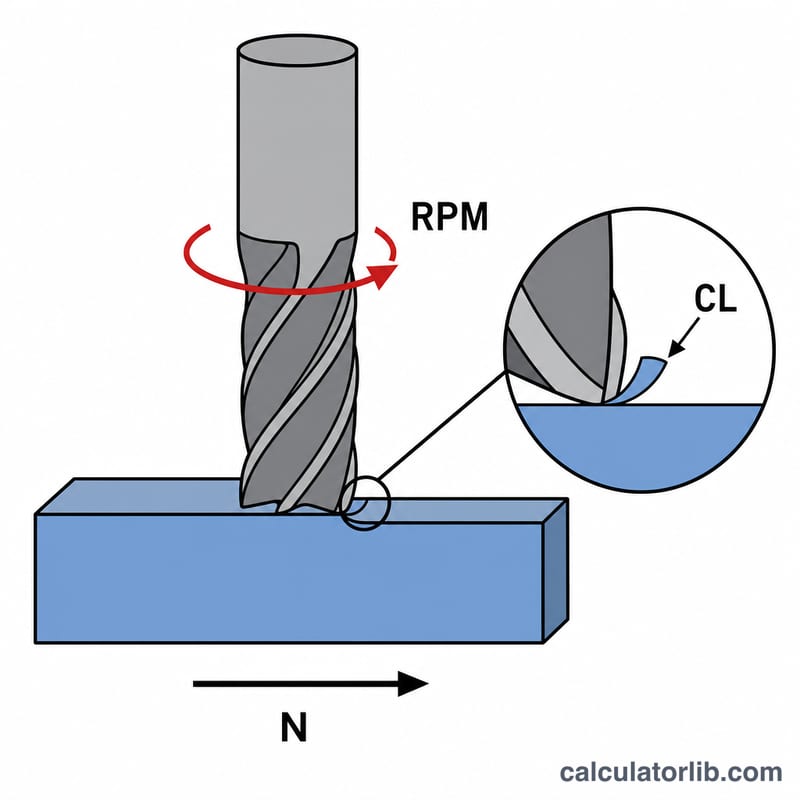
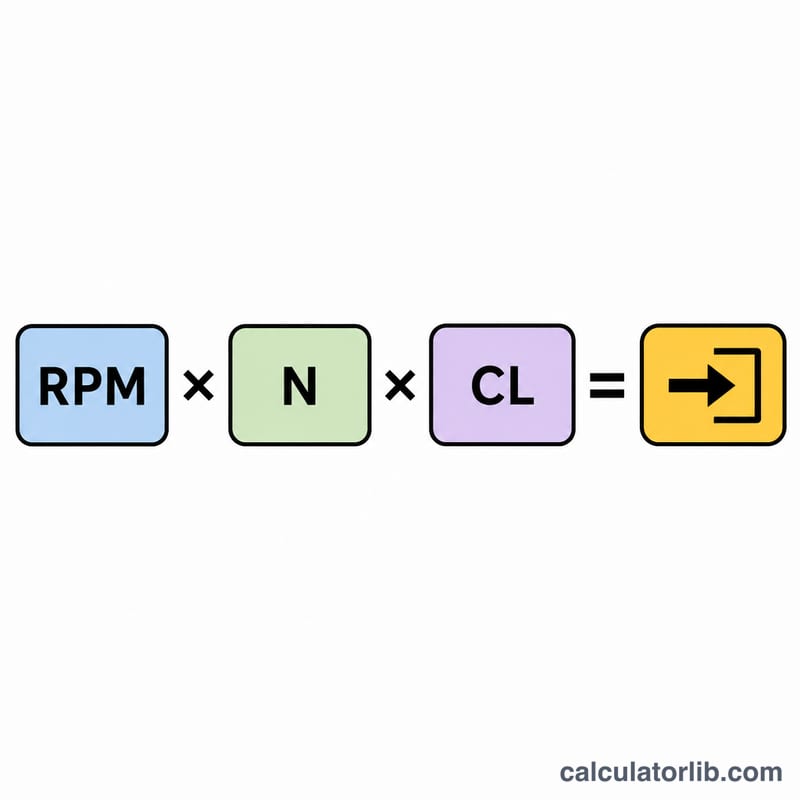
$$\text{Feed Rate} = \text{RPM} \times \text{Number of Flutes} \times \text{Chip Load per Tooth}$$ Each flute removes one "chip" per revolution, so a 2-flute tool takes two bites per turn. Multiply the bites per minute (\(\text{RPM} \times \text{flutes}\)) by how much material each bite removes (chip load) and you get total linear travel per minute.
Worked Example
Suppose you run a 2-flute end mill at 10,000 RPM with a recommended chip load of 0.002 inches per tooth. $$\text{Feed Rate} = 10{,}000 \times 2 \times 0.002 = 40 \text{ inches per minute}$$ You would program the machine to advance at 40 IPM.
FAQ
What is chip load? Chip load (also called feed per tooth) is the thickness of material each cutting edge removes per revolution. It is the key value from your tooling datasheet.
Does this work in metric? Yes. Enter chip load in millimeters and the result is in millimeters per minute. The formula is unit-agnostic.
How do I find the right chip load? Use the manufacturer's chart for your tool diameter and the material you are cutting. Harder materials and smaller tools call for smaller chip loads.