
What It Does
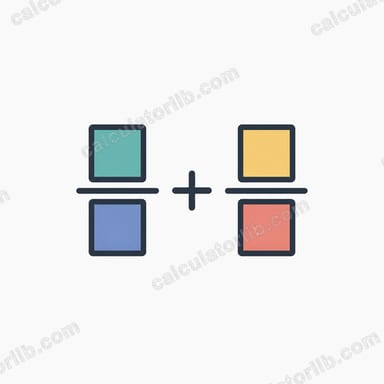
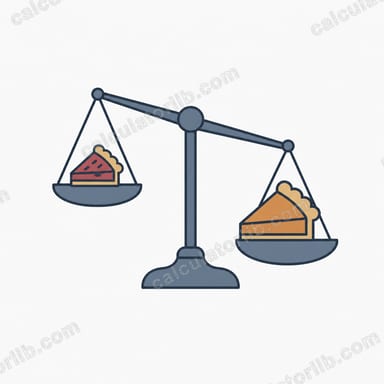
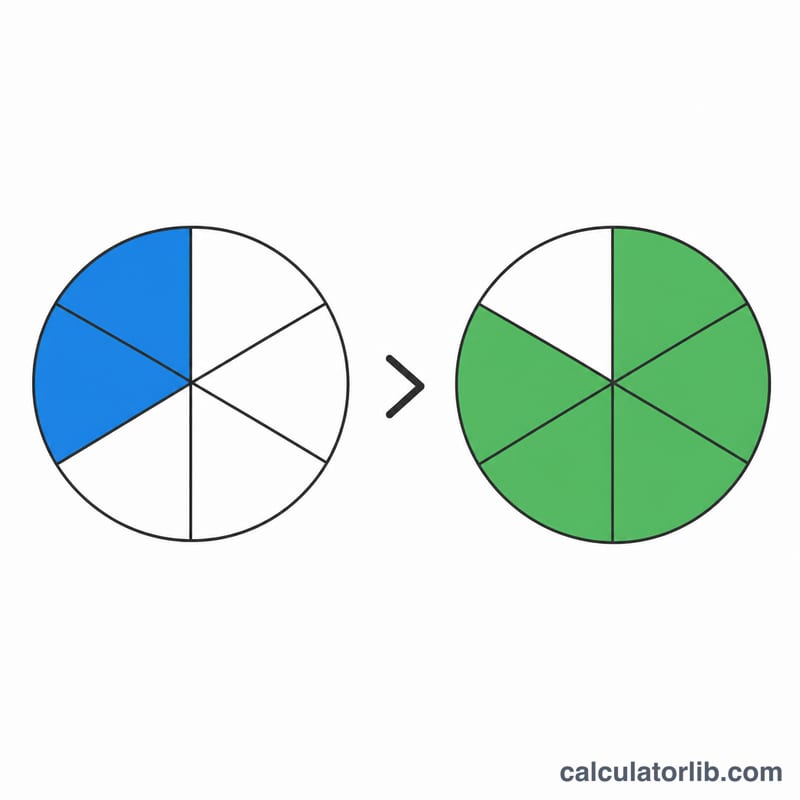
The Compare Fractions Calculator tells you whether one fraction is greater than, less than, or equal to another. Instead of converting both fractions to a common denominator, it uses the fast cross-multiplication method and also shows the decimal value of each fraction for clarity.
How to Use It
Enter the numerator and denominator of your first fraction (a/b), then do the same for the second fraction (c/d). The calculator immediately reports the relationship along with both cross products and decimal equivalents.
The Formula Explained
To compare a/b and c/d (with positive denominators), multiply diagonally: compute \(a\times d\) and \(c\times b\). If \(a\times d\) is larger, then a/b is the larger fraction; if it is smaller, a/b is smaller; if they are equal, the fractions are equal. This works because multiplying both fractions by the positive product \(b\times d\) preserves their order.
$$\frac{a}{b} \;?\; \frac{c}{d} \iff a\cdot d \;?\; c\cdot b$$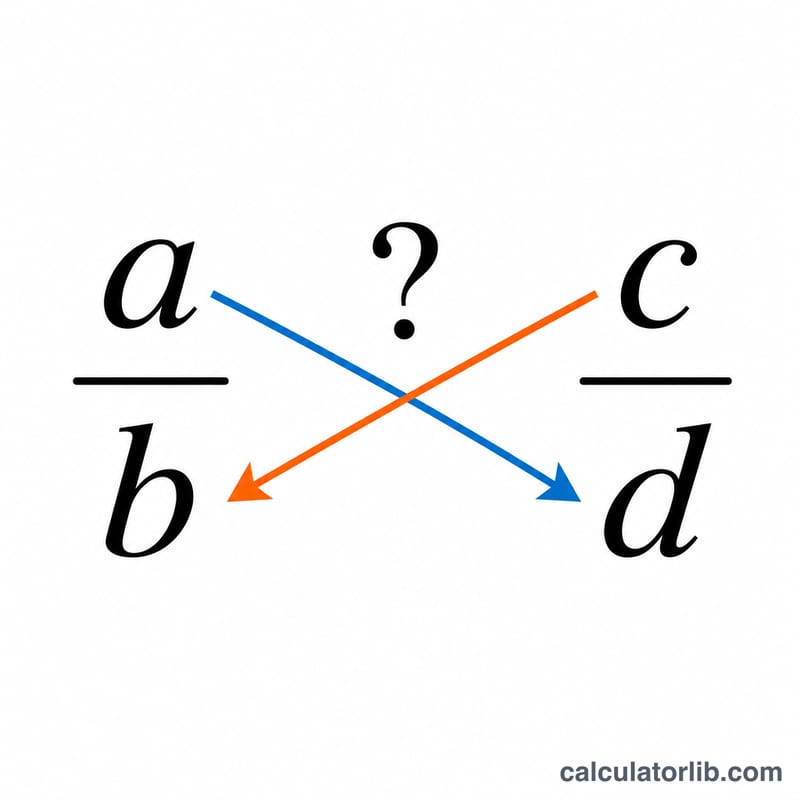
Worked Example
Compare 3/4 and 5/7. Cross multiply: \(3\times 7 = 21\) and \(5\times 4 = 20\). Since \(21 > 20\), the first fraction 3/4 is greater than 5/7. Checking decimals confirms this: \(3/4 = 0.75\) and \(5/7 \approx 0.7143\).
FAQ
Does this work with unlike denominators? Yes — that is the whole point. Cross multiplication compares fractions without needing a common denominator.
What if the fractions are equal? Equivalent fractions such as 1/2 and 2/4 give equal cross products (\(1\times 4 = 4\) and \(2\times 2 = 4\)), so the calculator reports them as equal.
Can I use negative numbers? The calculator falls back to comparing the actual decimal values, so negatives and negative denominators are handled correctly.