What this calculator does
The Intermittent Fasting Time Calculator tells you exactly when your fast finishes and when your daily eating window opens and closes. Enter the time of your last meal and the length of your fasting and eating windows (for example 16 and 8 for the popular 16:8 plan), and the tool maps those hours onto a 24-hour clock so you never have to count on your fingers again.
How to use it
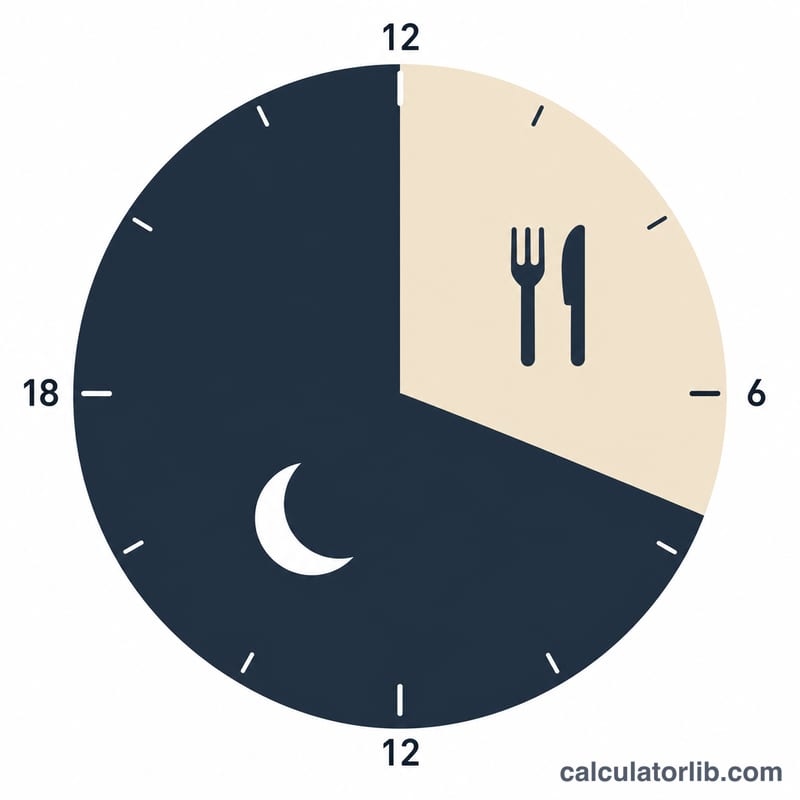
Pick the time of your last meal on a 24-hour clock — 20 means 8:00 PM, and you can use decimals such as 20.5 for 8:30 PM. Then enter how many hours you want to fast and how many hours your eating window should last. Common schedules are 16:8, 18:6, and 20:4. The calculator adds the fasting hours to your last meal to find when the fast ends, then adds the eating hours to find when the window closes.
The formula explained
The math is simple clock arithmetic. Fast end equals last meal plus fasting hours. Because a day only has 24 hours, the result is wrapped with a modulo-24 operation so a time past midnight rolls back into the 0–24 range. The eating window close is then fast end plus eating hours, again wrapped to 24 hours.
$$\begin{gathered} \text{Fasting Ends} = \left(\text{Last Meal} + \text{Fasting (h)}\right) \bmod 24 \\[1.5em] \text{Eating Ends} = \left(\text{Last Meal} + \text{Fasting (h)} + \text{Eating (h)}\right) \bmod 24 \end{gathered}$$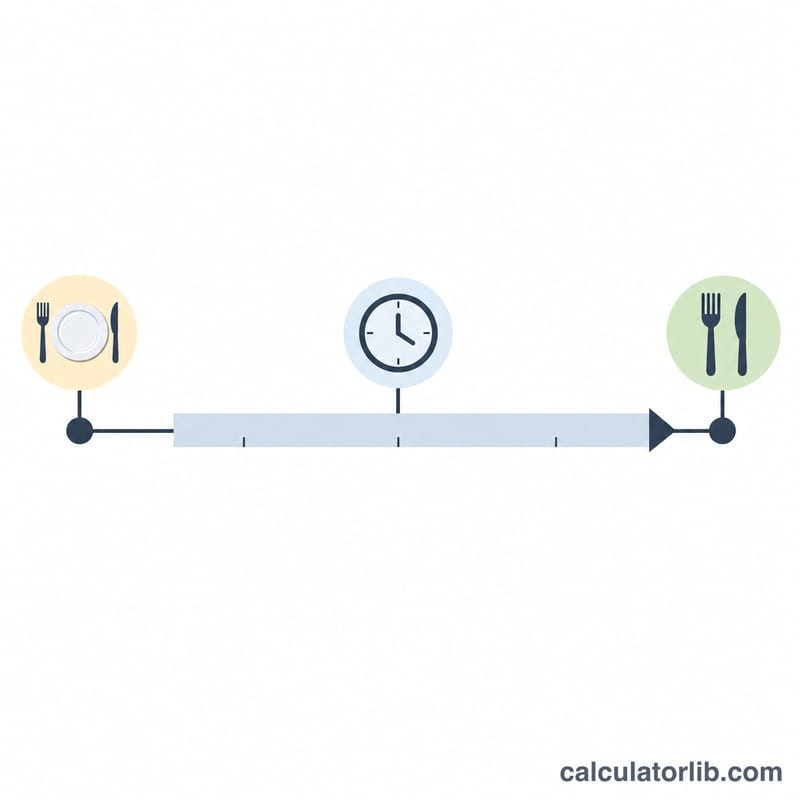
Worked example
Suppose your last meal was at 20:00 (8 PM) and you follow a 16:8 schedule. Fast end = \(20 + 16 = 36\), which \(36 \bmod 24 = 12\):00 noon — that's when you can eat. Eating window close = \(12 + 8 = 20\):00, so your next fast begins at 8 PM, completing a clean daily cycle.
Key Terms
- Fasting window: the stretch of hours each day when you do not eat or consume calories.
- Eating window: the hours each day during which you eat. It starts when the fast ends and closes after the chosen number of eating hours.
- Last meal time: the clock time when you finish eating, which starts the fasting clock. Enter it in 24-hour format, using decimals for minutes (for example 20.5 for 8:30 PM).
- Fast end: the clock time when the fasting window finishes and eating can resume: \((\text{last meal} + \text{fasting hours}) \bmod 24\).
- 16:8 notation: the format fasting hours : eating hours. 16:8 means 16 hours fasting and 8 hours eating; the two numbers usually sum to 24.
- 24-hour clock format: a time system counting hours from 0 to 23 (for example 20 = 8 PM) instead of AM/PM.
- Modulo 24 wrap-around: the remainder after dividing by 24. When the sum goes past 24 it wraps to the next day, so 36 becomes \(36 \bmod 24 = 12\), i.e. noon.
12-Hour to 24-Hour Clock Conversion
| 12-hour time | 24-hour value |
|---|---|
| 12 AM (midnight) | 0 (or 24) |
| 6 AM | 6 |
| 12 PM (noon) | 12 |
| 6 PM | 18 |
| 7 PM | 19 |
| 8 PM | 20 |
| 9 PM | 21 |
| 10 PM | 22 |
| 11 PM | 23 |
For PM times after noon, add 12 to the hour. To express minutes as a decimal, divide by 60:
| Minutes | Decimal | Example |
|---|---|---|
| :15 | .25 | 7:15 PM = 19.25 |
| :30 | .5 | 8:30 PM = 20.5 |
| :45 | .75 | 9:45 PM = 21.75 |
Example: a last meal at 8:30 PM is \(8 + 12 + 30/60 = 20.5\).
FAQ
Do I enter AM/PM? No — use the 24-hour clock. Add 12 to any PM hour (7 PM = 19).
What if my eating window opens after midnight? The calculator wraps past midnight automatically, so a result like 2 means 2:00 AM.
Is intermittent fasting right for everyone? No. This tool is for scheduling only. Consult a doctor before starting fasting, especially if you are pregnant, diabetic, or have a medical condition.