
What this calculator does
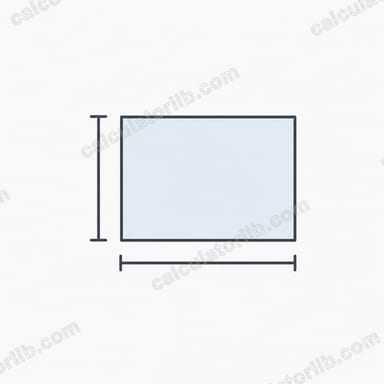
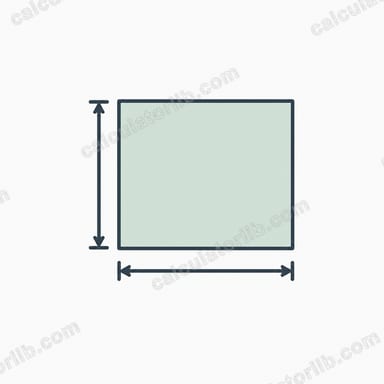
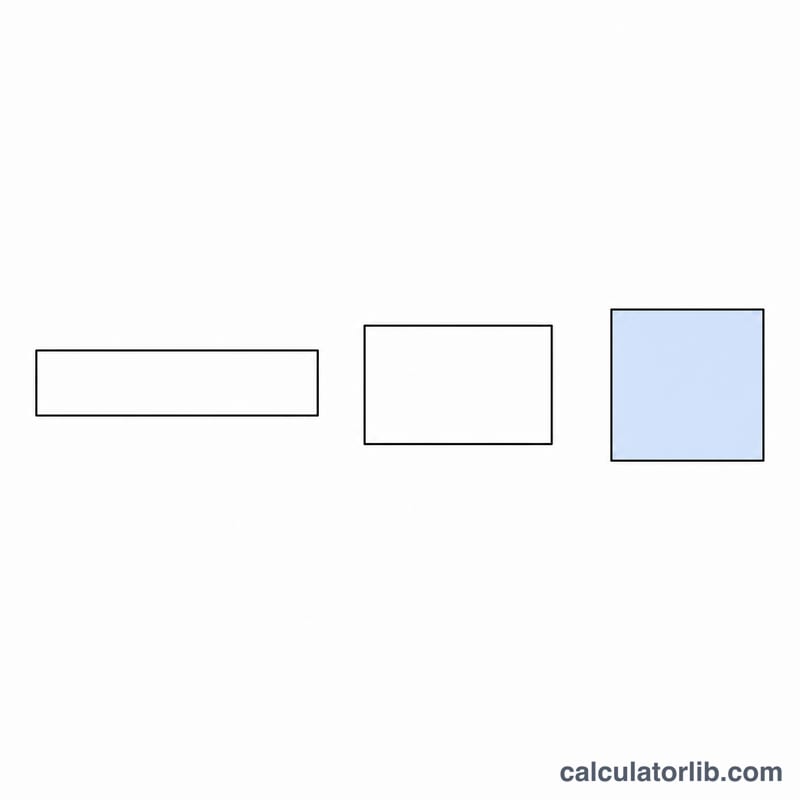
This tool answers a classic optimization question: among all rectangles that share the same fixed perimeter, which one encloses the greatest area? The answer is always a square. Enter your perimeter and the calculator returns the optimal side length and the maximum possible area.
How to use it
Type the total perimeter P (the distance all the way around the rectangle) into the input box and submit. The calculator divides the perimeter by four to find the side of the optimal square, then squares that value to give the maximum area. Use any consistent unit — metres, feet, centimetres — and the area comes out in the corresponding square units.
The formula explained
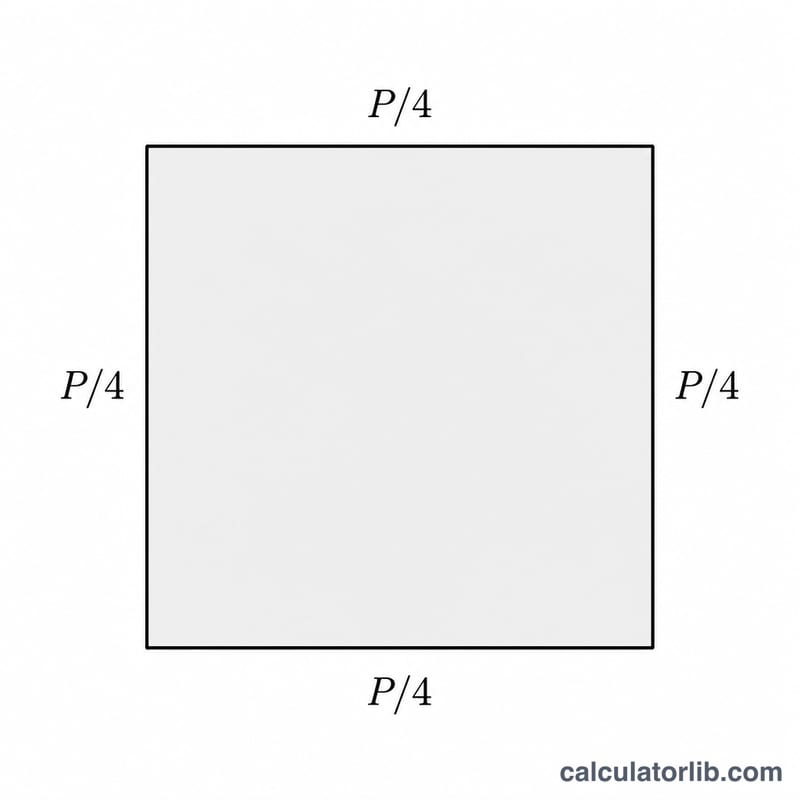
A rectangle with sides a and b has perimeter \(P = 2(a + b)\) and area \(A = a\cdot b\). Holding P constant means \(a + b\) is constant. The product of two numbers with a fixed sum is largest when the two numbers are equal, so \(a = b\). That makes the rectangle a square, with each side equal to \(P/4\). Substituting gives the maximum area $$A_{\max} = \left(\frac{P}{4}\right)^{2}.$$
Worked example
Suppose you have 40 metres of fencing. The optimal side is \(40 \div 4 = 10\) metres, so the best shape is a 10 m × 10 m square. Its area is $$10 \times 10 = 100 \text{ m}^2.$$ Any non-square rectangle with the same 40 m perimeter — say 5 m × 15 m — encloses less area (only 75 m²).
FAQ
Why is the answer always a square? Because for a fixed sum of side lengths, the product (the area) is maximised when both sides are equal.
Can I use this for fencing problems? Yes — if your fence forms a closed rectangle, the perimeter is the total fence length and this gives the maximum area you can enclose.
What if one side is fixed against a wall? That is a different problem (three sides of fencing); this calculator assumes all four sides count toward the perimeter.