
What this tool does
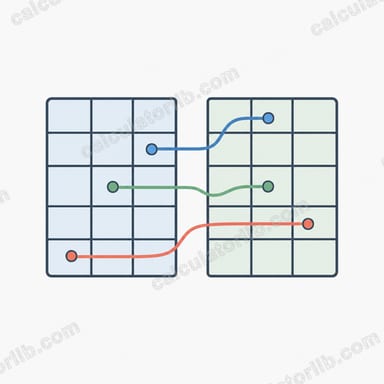
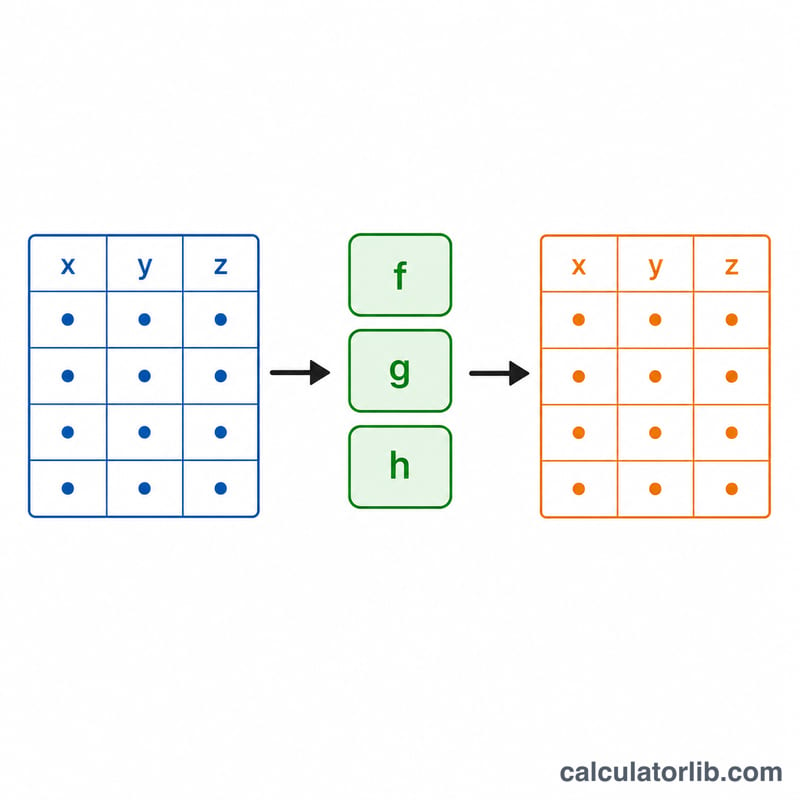
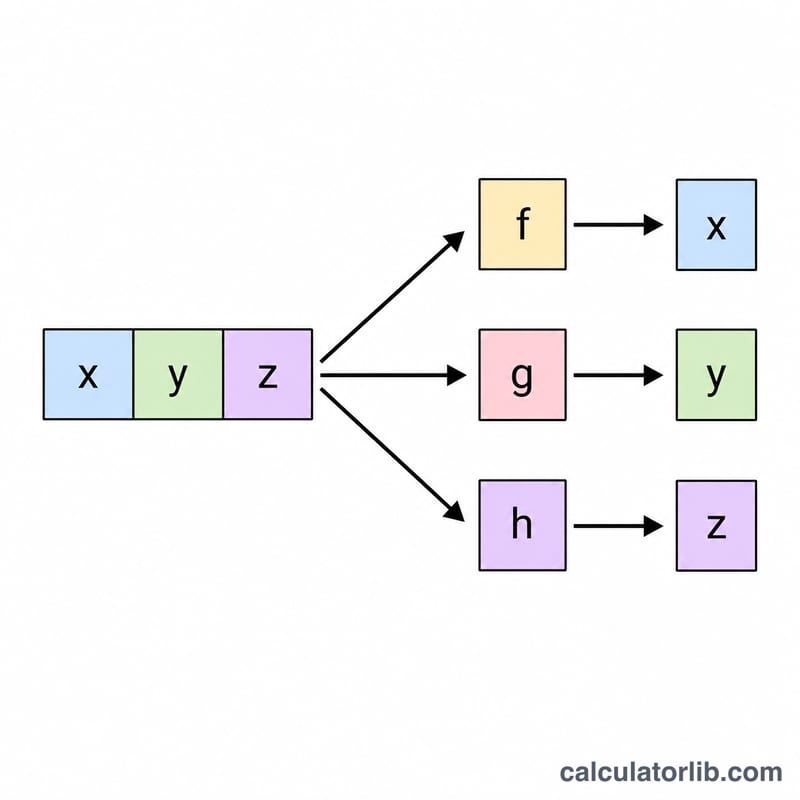
The Table Three-Function Evaluator is a "spreadsheet column formula" utility. You enter a table of numbers in three columns (interpreted as the variables x, y and z), then type up to three mathematical expressions \(f(x,y,z)\), \(g(x,y,z)\) and \(h(x,y,z)\). The tool walks every row of your table, substitutes that row's x, y, z values into each formula, and prints a results table with one output row per input row. It is a pure-math tool with no units, regions or locale rules.
How to use it
Type one row per line in the data table, separating the three values with a comma, space or tab. Fill in any or all of the f, g, h expression boxes; an empty box simply drops that output column, so the tool works with one, two or three functions. Pick how many significant figures to display, then submit. Trigonometric functions operate in radians, so multiply by \(180/\pi\) to get degrees (the default g and h do exactly this).
Supported syntax
Operators: + - * / ^ (power), unary minus and parentheses. Constants: pi and e. Variables: x, y, z. Functions: sqrt, cbrt, exp, log/ln (natural log), log10, abs, sign, floor, ceil, round, sin, cos, tan, asin, acos, atan, atan2(y,x), sinh, cosh, tanh, pow(a,b), mod(a,b), min(a,b), max(a,b) and hypot(a,b).
Worked example
With the default expressions $$f=\sqrt{x^2+y^2+z^2}, \quad g=\operatorname{atan}\!\left(\frac{y}{x}\right)\cdot\frac{180}{\pi}, \quad h=\operatorname{atan}\!\left(\frac{\sqrt{x^2+y^2}}{z}\right)\cdot\frac{180}{\pi}$$ the row (3, 4, 0) gives \(f=5\), \(g=53.13010235\) degrees and \(h=90\) degrees. The row (1, 1, 1) gives \(f=1.7320508\) (the square root of 3), \(g=45\) degrees and \(h=54.7356103\) degrees. These are the spherical-coordinate radius and angles of the Cartesian point.
FAQ
Are angles in degrees or radians? All trig functions use radians. Multiply a radian result by \(180/\pi\) to display degrees.
What happens on division by zero or log of a negative number? The cell shows "NaN" or "Infinity" instead of crashing, matching IEEE double behavior.
Does the significant-figures setting change the math? No. It only controls how many digits are shown; calculations always run at full double precision (about 15-16 meaningful digits).