
What is the Vector Calculator?
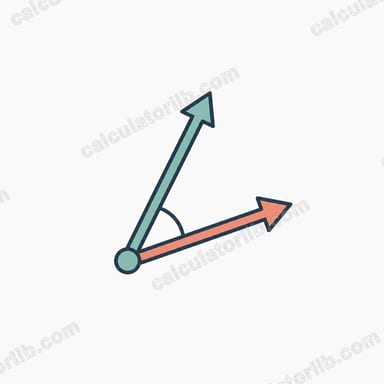
This Vector Calculator works with two three-dimensional vectors, A and B, each defined by its X, Y, and Z components. From those six numbers it computes the most common vector quantities used in mathematics, physics, and engineering: the magnitude (length) of each vector, the dot product, the cross product, and the angle between the two vectors. It is a universal mathematical tool — no jurisdiction or unit system is assumed.
How to use it
Enter the X, Y, and Z components for Vector A and Vector B. Use 0 for any component you don't need (for a 2D vector, set Z to 0). Press calculate and you'll see the dot product highlighted, plus a breakdown of magnitudes, the cross product vector, its magnitude, and the angle between A and B in degrees.
The formulas explained
The magnitude of a vector is the square root of the sum of its squared components: \(\lVert\vec{v}\rVert = \sqrt{x^{2} + y^{2} + z^{2}}\). The dot product multiplies matching components and adds them:
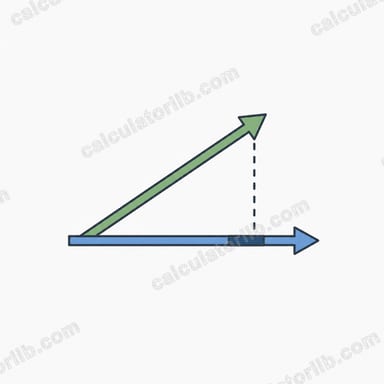
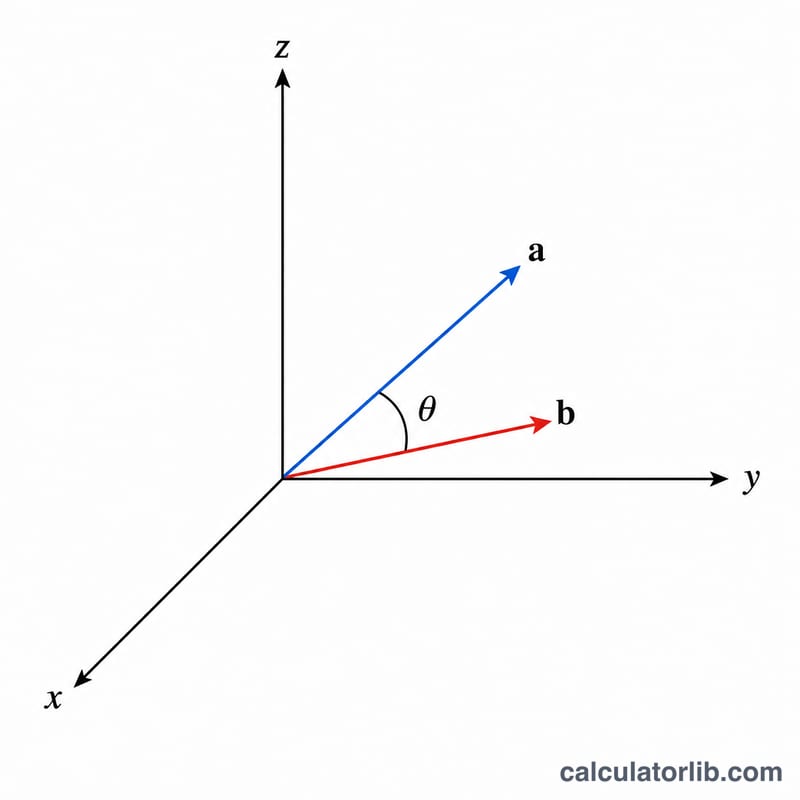
$$\vec{A}\cdot\vec{B} = \text{A}_x\,\text{B}_x + \text{A}_y\,\text{B}_y + \text{A}_z\,\text{B}_z$$and it relates to the angle \(\theta\) via \(\vec{A}\cdot\vec{B} = \lVert\vec{A}\rVert\,\lVert\vec{B}\rVert\cos\theta\). The cross product produces a new vector perpendicular to both inputs, with components
$$\vec{A}\times\vec{B} = \begin{pmatrix} \text{A}_y\,\text{B}_z - \text{A}_z\,\text{B}_y \\ \text{A}_z\,\text{B}_x - \text{A}_x\,\text{B}_z \\ \text{A}_x\,\text{B}_y - \text{A}_y\,\text{B}_x \end{pmatrix}$$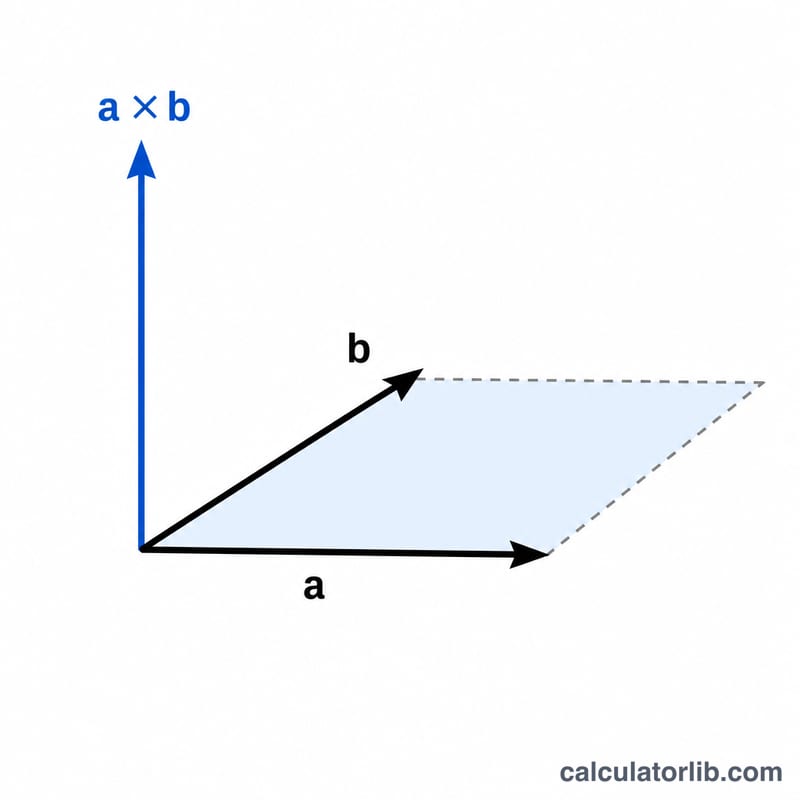
Worked example
Let A = (1, 2, 3) and B = (4, 5, 6). Dot product = \(1\cdot4 + 2\cdot5 + 3\cdot6 = 4 + 10 + 18 = 32\). \(\lVert\vec{A}\rVert = \sqrt{1+4+9} = \sqrt{14} \approx 3.7417\), \(\lVert\vec{B}\rVert = \sqrt{16+25+36} = \sqrt{77} \approx 8.7750\). Cross product = \((2\cdot6 - 3\cdot5,\ 3\cdot4 - 1\cdot6,\ 1\cdot5 - 2\cdot4) = (-3, 6, -3)\), with magnitude \(\sqrt{9+36+9} = \sqrt{54} \approx 7.3485\). The angle = \(\arccos\!\left( \dfrac{32}{3.7417\cdot8.7750} \right) \approx 12.93^\circ\).
FAQ
Can I use 2D vectors? Yes — set the Z component to 0 for both vectors and the formulas still work correctly.
What does the cross product tell me? It gives a vector perpendicular to both inputs; its magnitude equals the area of the parallelogram they span.
What if a vector is zero? The magnitude will be 0 and the angle is undefined, so this tool reports the angle as 0 in that case.