
What This Calculator Does
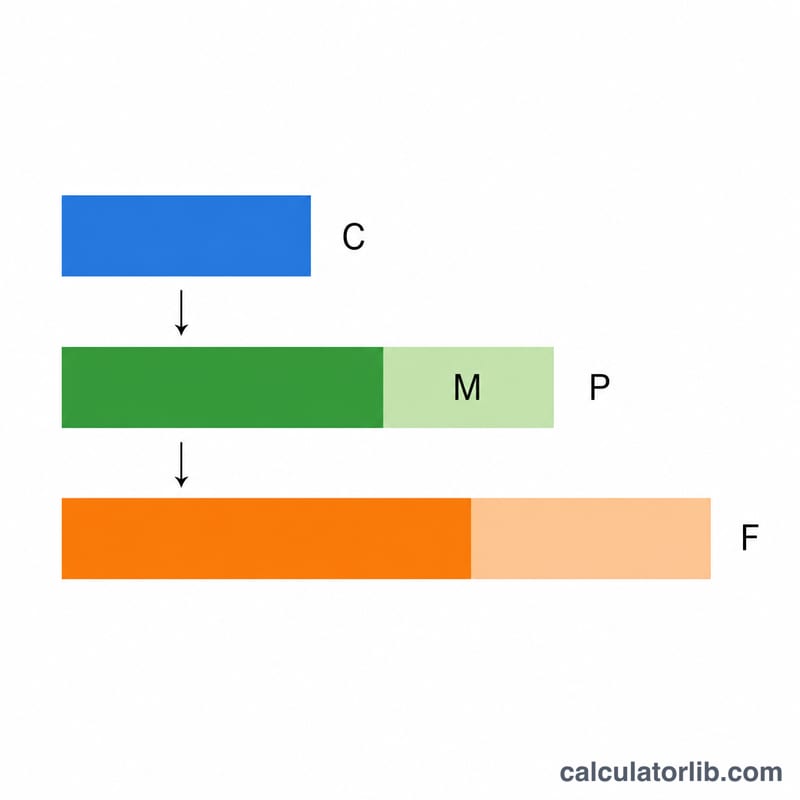
The Margin and Sales Tax Calculator turns your product cost into a sellable, tax-inclusive price in one step. First it marks up the cost to hit your target gross margin — the percentage of the selling price that is profit. Then it applies your local sales tax rate so you can see exactly what the customer will pay at checkout.
How to Use It
Enter three values: the cost you pay for the item, the margin you want to earn (as a percentage of the selling price), and your sales tax rate. The calculator returns the pre-tax selling price, your profit, the tax amount, and the final price including tax.
The Formula Explained
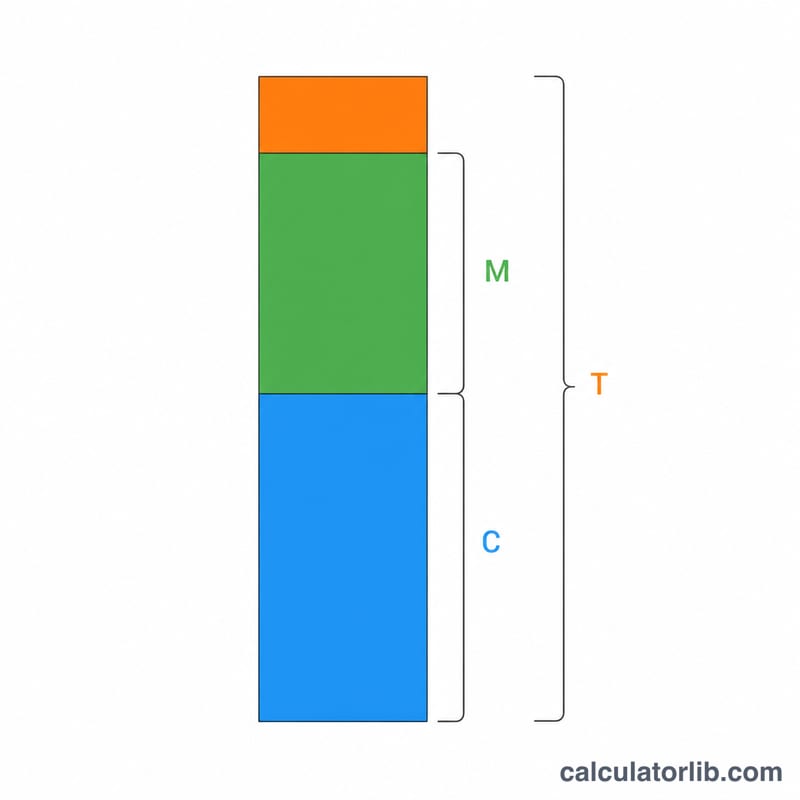
Margin is profit divided by selling price, not by cost. To solve for price we use $$\text{Price} = \frac{\text{Cost}}{1 - \frac{\text{Margin}}{100}}$$ Dividing by one minus the margin guarantees the profit equals the target percentage of the final selling price. Sales tax is then added on top: $$\text{PriceWithTax} = \text{Price} \times \left(1 + \frac{\text{TaxRate}}{100}\right)$$ Tax is charged on the selling price, not on the cost or the profit.
Worked Example
Suppose an item costs $50, you want a 40% margin, and sales tax is 8%. Selling price = \(50 / (1 - 0.40) = 50 / 0.60 =\) $83.33. Profit = \(83.33 - 50 = \$33.33\) (which is 40% of $83.33). Sales tax = \(83.33 \times 0.08 = \$6.67\). Final price the customer pays = \(83.33 \times 1.08 =\) $90.00.
FAQ
Is margin the same as markup? No. Markup is profit as a percentage of cost; margin is profit as a percentage of selling price. A 40% margin is a higher dollar amount than a 40% markup.
Why divide by (1 − margin)? Because margin is based on the price you don't know yet. Rearranging \(\text{Margin} = (\text{Price} - \text{Cost})/\text{Price}\) gives \(\text{Price} = \text{Cost} / (1 - \text{Margin})\).
Can I use a 0% tax rate? Yes. Set the tax rate to 0 and the final price will equal the pre-tax selling price.