
What this calculator does
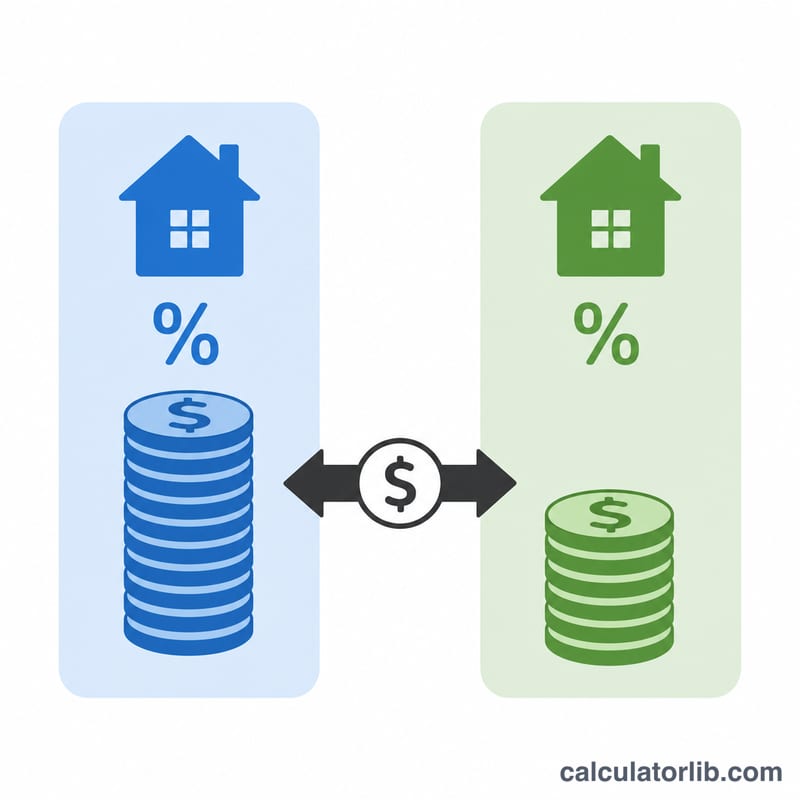
The Mortgage Comparison Calculator lets you put two interest rates head to head on the same loan amount and term. Even a fraction of a percent changes your monthly payment and can add up to tens of thousands of dollars over the life of a 30‑year mortgage. This tool shows the monthly payment, total amount paid, and total interest for each loan, plus the difference between them.
How to use it
Enter the loan amount (the principal you intend to borrow), the term in years, and the two annual percentage rates you want to compare — for example a quoted rate versus a rate you'd get by paying points. The result instantly shows which loan costs less and by how much, both per month and across the whole term.
The formula explained
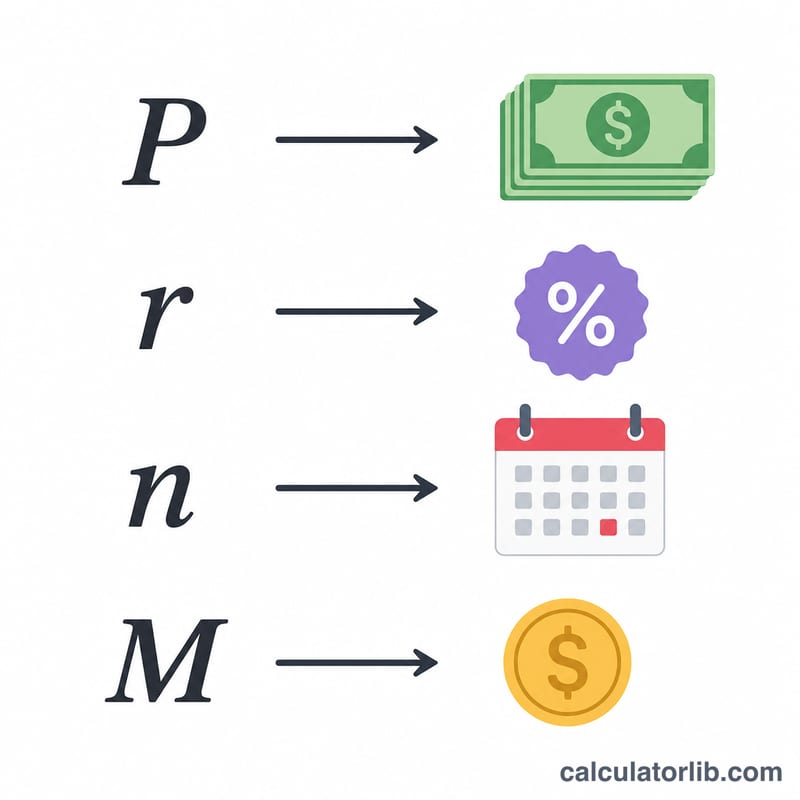
Each fixed‑rate loan uses the standard amortization formula $$M = P \cdot \frac{r}{1-(1+r)^{-n}}$$ where P is the principal, r is the monthly interest rate (the APR divided by 12 and by 100), and n is the total number of monthly payments (years \(\times\) 12). Multiplying the monthly payment by n gives the total cost; subtracting the principal gives the total interest.
Worked example
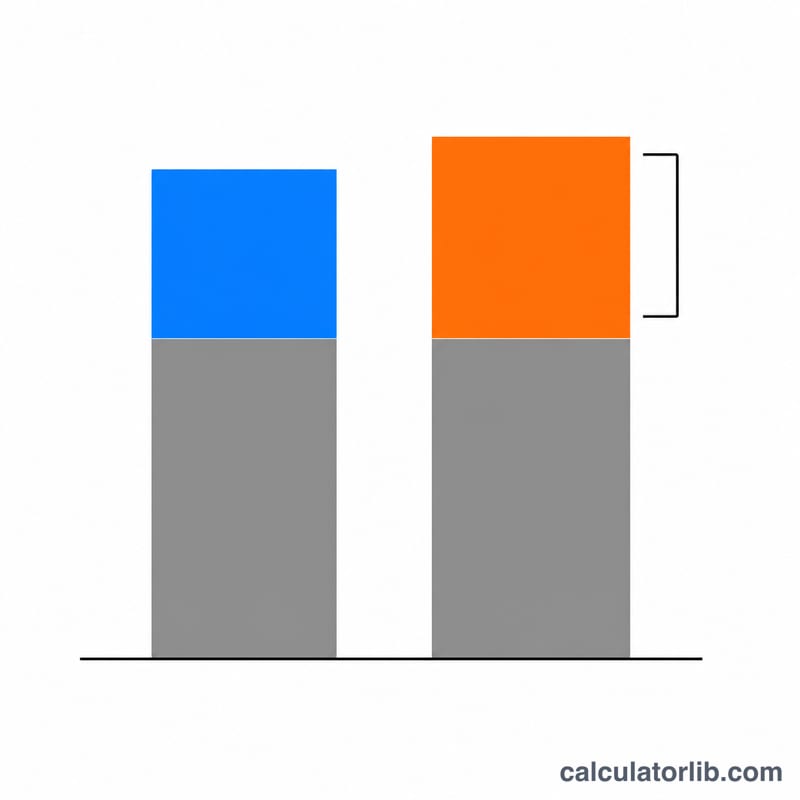
For a $300,000 loan over 30 years (360 payments): at 6.5% the monthly rate is \(0.0054167\), giving a payment of about $1,896.20 and total cost ~$682,633. At 6.0% the payment is about $1,798.65 with total cost ~$647,515. The lower rate saves roughly $97.55 per month and about $35,118 over the full term.
FAQ
Does this include taxes and insurance? No — it models principal and interest only, so you can compare rates cleanly.
What if I enter 0% for a rate? The calculator divides the principal evenly across the term to avoid a divide‑by‑zero.
Is this country‑specific? No. It is a universal fixed‑rate amortization comparison and works with any currency, as long as both loans share the same amount and term.