
What This Calculator Does
The Mortgage Refinance Calculator compares your existing home loan with a proposed new loan. It computes the new monthly principal-and-interest payment, how much you would save each month, and the break-even point — the number of months it takes for your monthly savings to pay back the refinance closing costs.
How to Use It
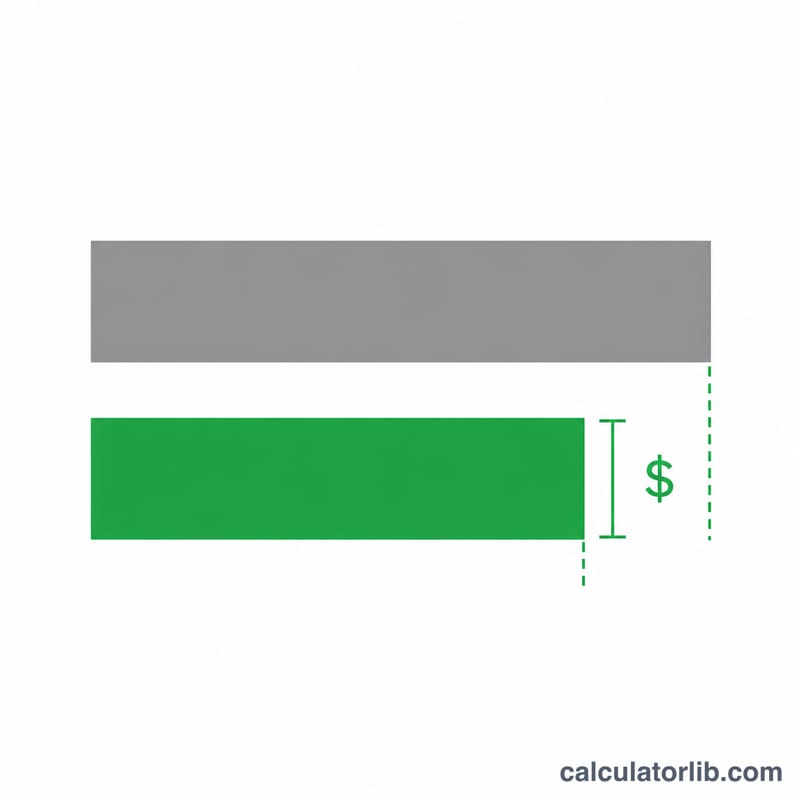
Enter your current loan balance, your current interest rate and remaining term, then the new rate, new term and the estimated closing costs of the refinance. The calculator returns your old and new payments, the monthly difference, and how long until you recover the upfront cost.
The Formula Explained
Each monthly payment uses the standard amortization formula $$M = P \cdot \frac{i(1+i)^n}{(1+i)^n - 1}$$ where \(P\) is the balance, \(i\) is the monthly interest rate (annual rate divided by 12 and by 100), and \(n\) is the number of months. Monthly savings is simply the old payment minus the new payment, and the break-even point is closing costs divided by monthly savings.
Worked Example
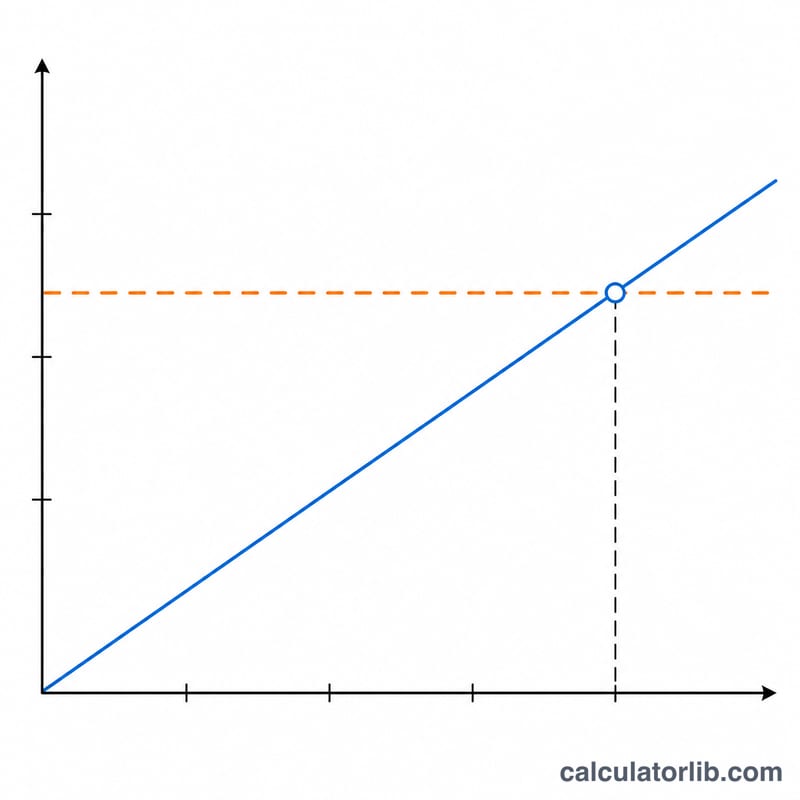
Refinancing a $250,000 balance from 6.5% over 25 years to 5.0% over 30 years: the old payment is about $1,688.02/month and the new payment is about $1,342.05/month. That gives monthly savings of roughly $345.96. With $4,000 in closing costs, the break-even point is $$4000 \div 345.96 \approx 11.6 \text{ months}.$$
FAQ
Does extending the term really save money? A lower payment from a longer term can free monthly cash flow, but you may pay more total interest over the life of the loan.
What is the break-even point? It is when accumulated monthly savings equal your closing costs. Refinancing typically makes sense if you keep the home well past that date.
Does this include taxes and insurance? No — it calculates principal and interest only, not escrow items like property tax or homeowners insurance.