
What the Multiplication Factor Calculator Does
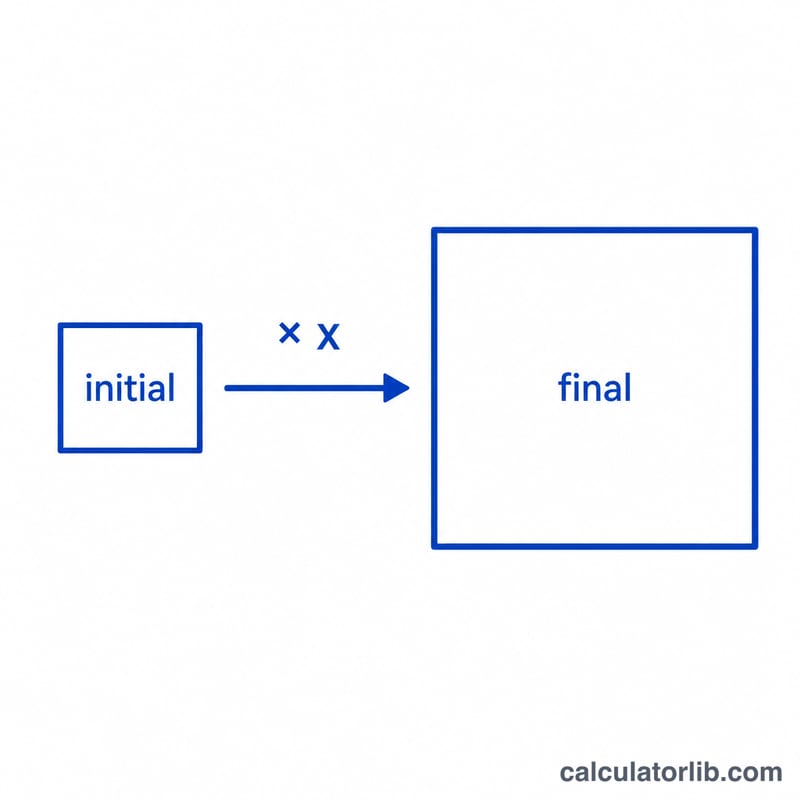
The Multiplication Factor Calculator tells you how many times larger (or smaller) one number is compared to another. You enter a starting figure and an ending figure, and the tool divides the final value by the initial value to produce a single scaling number called the multiplication factor. It also reports the equivalent percentage change, so you can see growth or shrinkage both as a ratio and as a percent in one step.
This is handy whenever you need to compare two quantities — sales this year versus last year, a recipe scaled up for more guests, image dimensions being enlarged, investment value over time, or any before-and-after measurement.
The Inputs You Provide
- Initial Value – your starting or original number (the "before" amount).
- Final Value – your ending or target number (the "after" amount).
Both can be any positive or negative number. The initial value cannot be zero, since dividing by zero is undefined.
The Formula
The calculator uses a simple division:
$$\text{Multiplication Factor} = \frac{\text{Final Value}}{\text{Initial Value}}$$It then derives the percentage change from that factor:
$$\text{Percentage Change} = (\text{Multiplication Factor} - 1) \times 100$$A factor greater than 1 means the value grew; a factor less than 1 means it fell; exactly 1 means no change.
Worked Example
Suppose your monthly website visits rose from an Initial Value of 400 to a Final Value of 1,000.
- Multiplication Factor = \(1{,}000 \div 400 = \mathbf{2.5}\)
- Percentage Change = \((2.5 - 1) \times 100 = \mathbf{+150\%}\)
So your traffic is 2.5 times what it was, an increase of 150%. If instead the value dropped from 400 to 300, the factor would be 0.75 (a −25% change).
Frequently Asked Questions
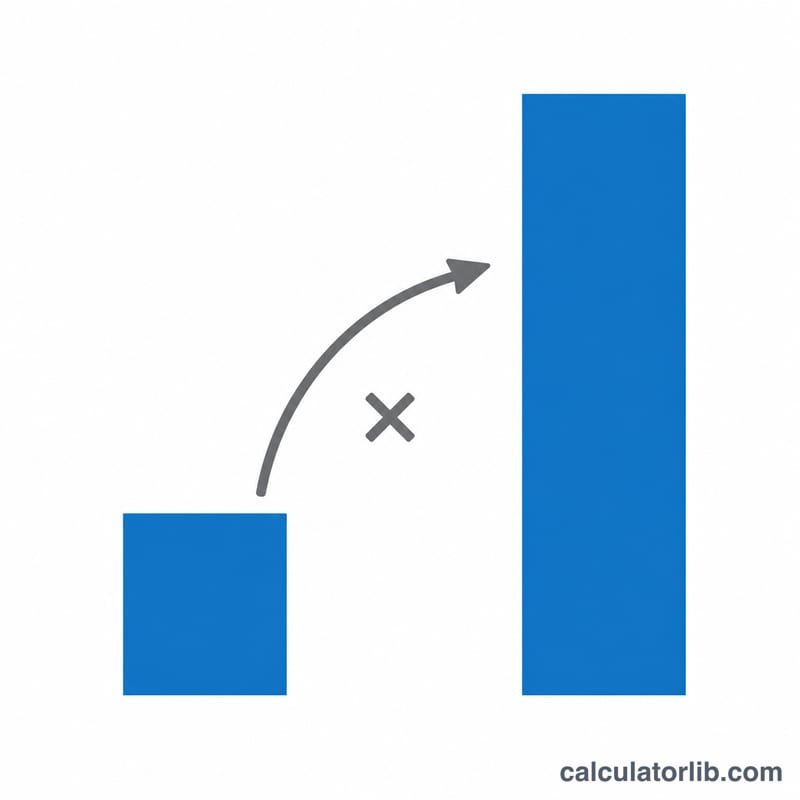
What is the difference between the multiplication factor and percentage change? The factor is a multiplier (2.5×), while the percentage change measures the gain or loss relative to the start (+150%). They describe the same shift in two formats.
What does a factor below 1 mean? It means the final value is smaller than the initial value — a decrease. For example, a factor of 0.5 means the value was halved.
Can the initial value be zero? No. Dividing by zero has no defined result, so you must enter a non-zero initial value to get a meaningful factor.