
What This Calculator Does
This calculator tells you the new value of a number after it increases or decreases by a given percentage. Start with an original value, choose whether it grows or shrinks, enter the percent, and the tool returns the resulting value plus the amount of change. It is useful for price markups and markdowns, salary raises, sales tax, discounts, population growth, and any situation where a quantity changes by a percentage.
How to Use It
Enter the original value (the starting number), type the percent change, and select Increase or Decrease. The calculator instantly shows the new value and the change amount. For example, a 20% increase on 50 gives 60, while a 20% decrease on 50 gives 40.
The Formula Explained
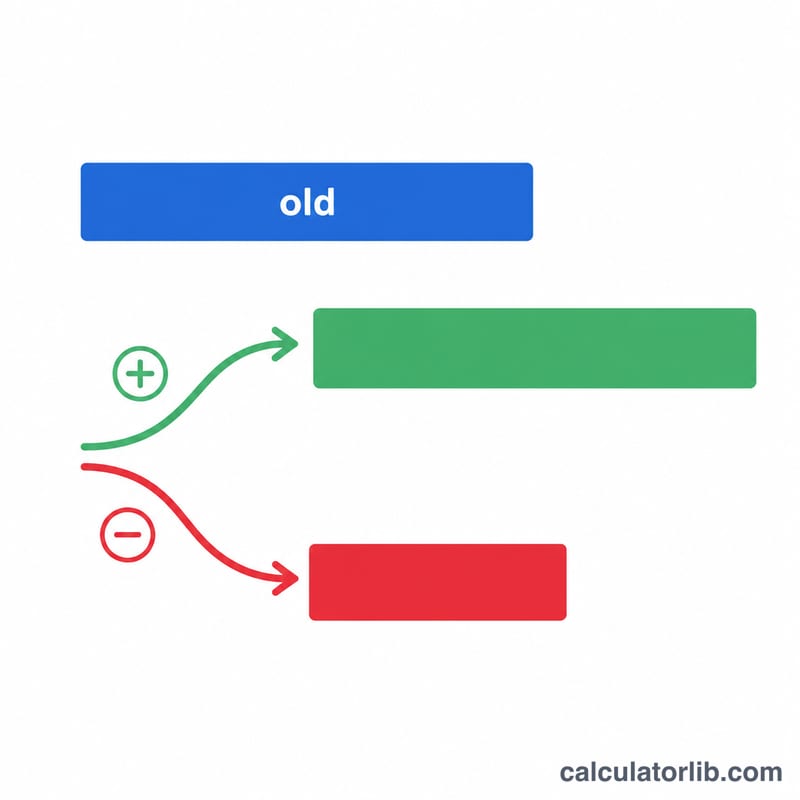
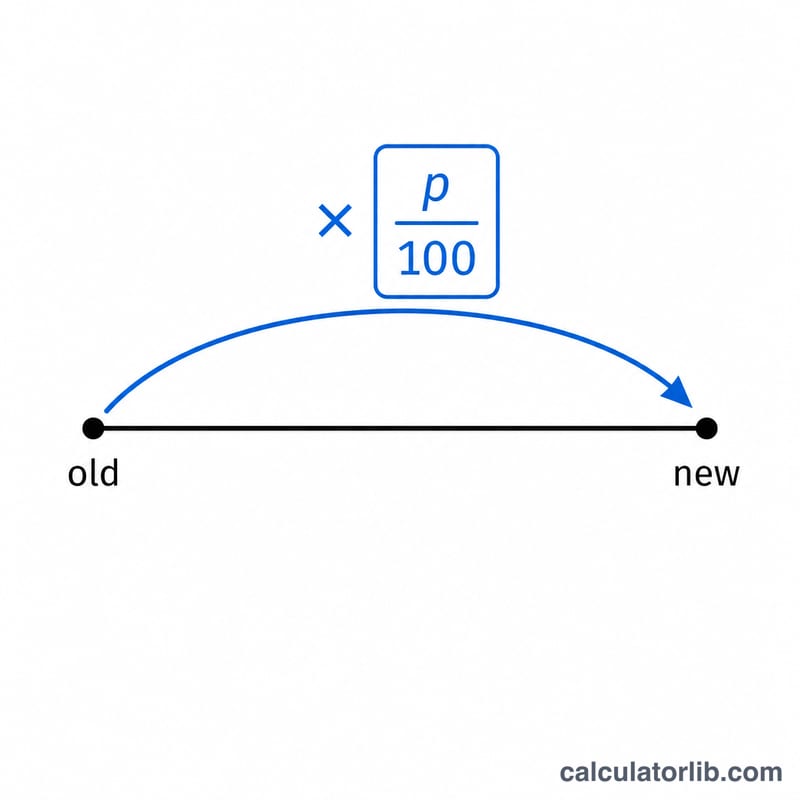
The core formula is $$\text{new} = \text{old} \times \left(1 \pm \frac{p}{100}\right)$$ The percent \(p\) is converted to a decimal by dividing by 100. For an increase you add it to 1; for a decrease you subtract it. Multiplying the original by this factor scales it up or down in a single step. The change amount is simply the new value minus the original.
Worked Example
Suppose a jacket costs $80 and is discounted by 25%. Convert: \(25 / 100 = 0.25\). Since it is a decrease, the factor is \(1 - 0.25 = 0.75\). New price = $$80 \times 0.75 = \$60$$ The change amount is \(60 - 80 = -\$20\), meaning the price dropped by $20.
FAQ
Can I use it for a price markup? Yes — choose Increase and enter the markup percent. A $40 item marked up 50% becomes \(40 \times 1.5 = \$60\).
What if the percent is over 100? That is fine. A 150% increase on 100 gives 250; a 100% decrease gives 0.
Does it work with decimals? Yes, both the original value and the percent accept decimal inputs.