
What This Calculator Does
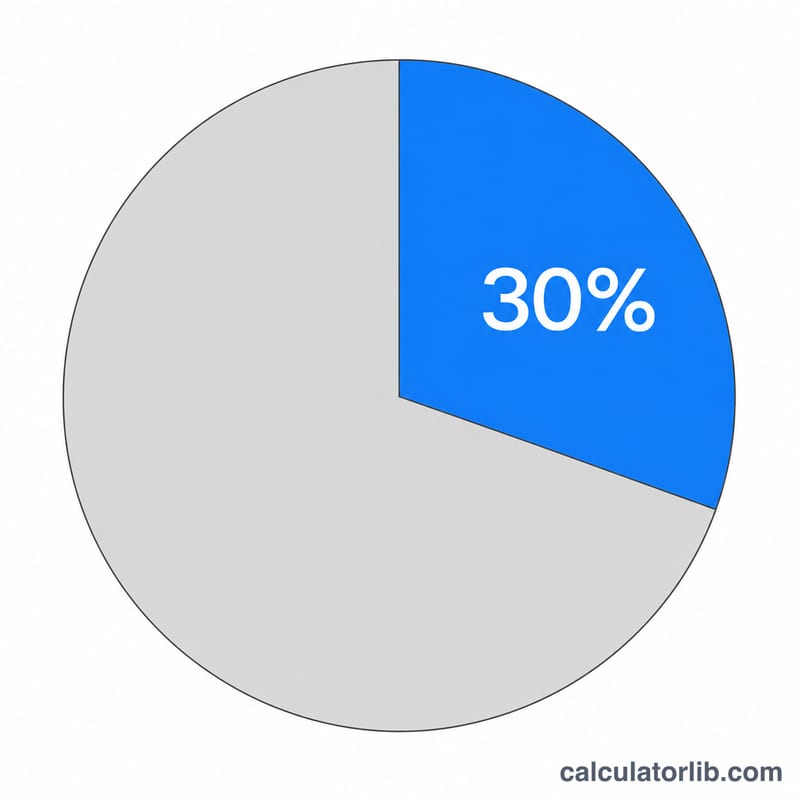
This tool tells you the maximum rent you can comfortably afford based on a chosen percentage of your monthly gross income. The most popular guideline is the 30% rule, which suggests spending no more than 30% of your gross income on rent, but you can enter any percentage that fits your situation.
How to Use It
Enter your monthly gross income (your pay before taxes and deductions) and the percentage of that income you want to allocate to rent. The calculator instantly shows your maximum monthly rent, your annual rent budget, and how much income you would have left over each month.
The Formula Explained
The math is simple: $$\text{Max Rent} = \text{Income} \times \frac{\text{pct}}{100}$$ Multiplying by the percentage and dividing by 100 converts the percentage into a fraction of your income. The annual budget is just that monthly figure multiplied by 12.
Worked Example
Suppose your monthly gross income is $4,000 and you follow the 30% rule. $$\text{Max Rent} = 4{,}000 \times 30 \div 100 = \$1{,}200 \text{ per month}$$ That equals $14,400 per year, leaving $2,800 of monthly income for other expenses.
FAQ
Why 30%? The 30% threshold is a long-standing affordability benchmark used by landlords and housing agencies to flag when housing costs may become a burden.
Should I use gross or net income? The 30% rule traditionally uses gross (pre-tax) income, but using net income gives a more conservative, realistic budget.
Can I change the percentage? Yes. In high-cost cities many people spend 40–50%, while a tighter budget might target 25% or less. Enter whatever percentage matches your goals.