

What the Profit Margin Calculator Does
This calculator turns two simple numbers — your revenue and your costs — into three useful figures: your total profit, your profit margin, and your profit percentage (markup). It is designed for any business, freelancer, or product seller who wants a quick, accurate read on profitability. The dollar values shown here are generic and currency-neutral, so the same logic applies whether you trade in dollars, pounds, or euros.
The Two Inputs
- Revenue ($): The total money you bring in from sales before any costs are deducted. This must be greater than zero — the calculator will reject zero or negative revenue.
- Costs ($): The total expenses tied to generating that revenue, such as materials, production, and overhead.
The Formula Explained
Once you enter both values, the tool computes:
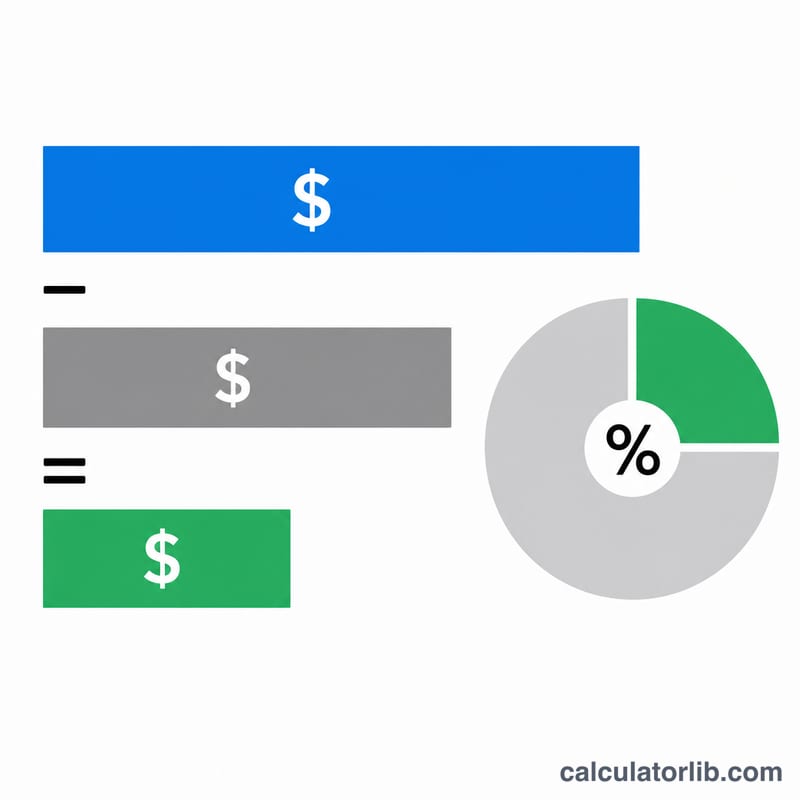
- Profit = Revenue − Costs
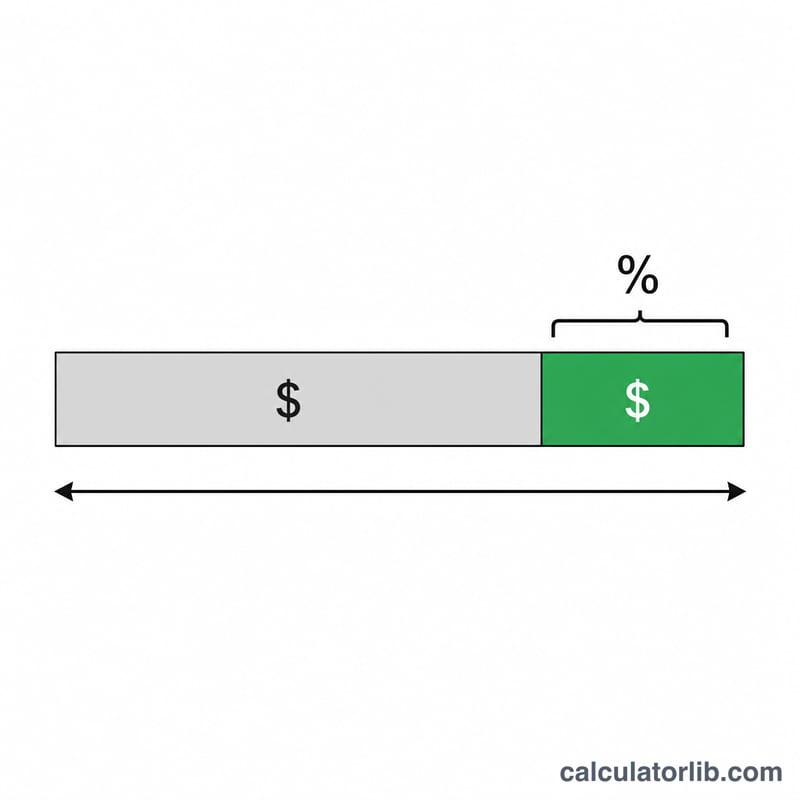
- Profit Margin (%) = (Profit ÷ Revenue) × 100 — profit as a share of revenue
- Profit Percentage (%) = (Profit ÷ Costs) × 100 — profit relative to cost, often called markup
The margin tells you how much of every revenue dollar you keep, while the profit percentage tells you how much return you earned on top of what you spent. They are different views of the same profit.
Worked Example
Suppose you enter Revenue = $1,000 and Costs = $600:
- Profit = 1,000 − 600 = $400
- Profit Margin = (400 ÷ 1,000) × 100 = 40%
- Profit Percentage = (400 ÷ 600) × 100 ≈ 66.67%
So you keep 40 cents of every revenue dollar, and your markup over cost is about 66.67%.
Frequently Asked Questions
What's the difference between profit margin and profit percentage? Profit margin divides profit by revenue, while profit percentage divides profit by costs. Margin is always the lower of the two for a profitable business, because revenue is larger than costs.
Can the result be negative? Yes. If your costs exceed your revenue, profit is negative, and both percentages become negative — a clear sign you are operating at a loss.
Why does revenue have to be above zero? The margin formula divides by revenue, so a revenue of zero would make the calculation undefined. The tool requires revenue greater than zero to return a valid result.