
What Is the Point Rotation Calculator?
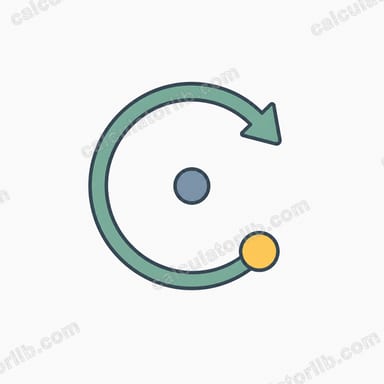
This tool rotates a point in the 2D plane around a chosen center by a given angle. Rotation is a rigid transformation: it preserves distances and shapes, only changing orientation. It is used everywhere in geometry, computer graphics, robotics, game development, and engineering — whenever you need to spin an object or coordinate around a pivot.
How to Use It
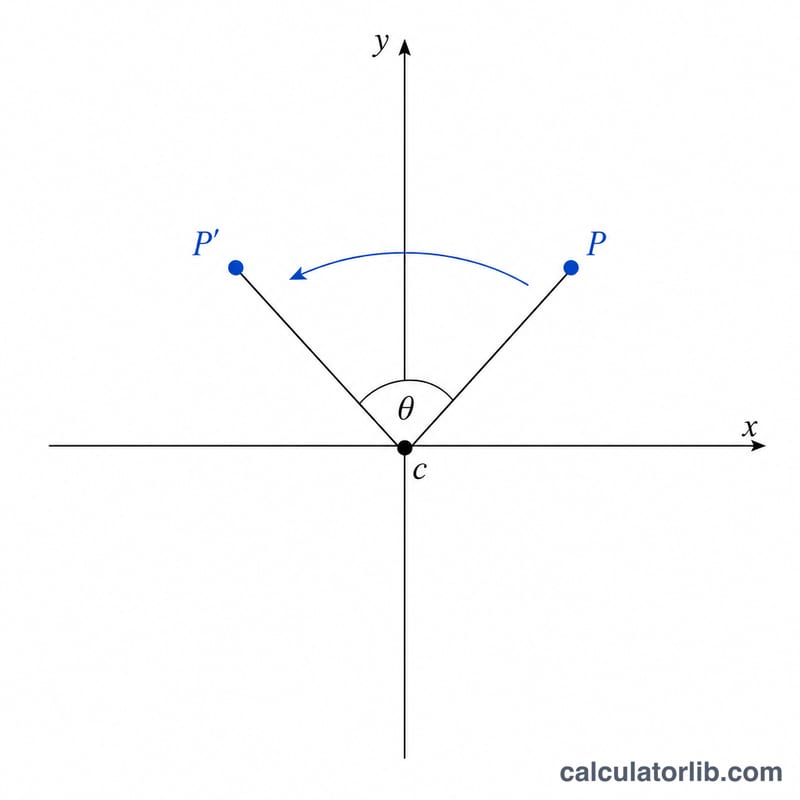
Enter the coordinates of the point you want to rotate (Point X, Point Y). Set the center of rotation (Center X, Center Y) — leave it at (0, 0) to rotate around the origin. Then type the rotation angle in degrees. Positive angles rotate counter-clockwise, negative angles rotate clockwise. The calculator returns the new coordinates \((x', y')\).
The Formula Explained
A counter-clockwise rotation by angle \(\theta\) around the origin maps a point \((x, y)\) to:
$$x' = x\cos\theta - y\sin\theta \quad \text{and} \quad y' = x\sin\theta + y\cos\theta$$
To rotate around an arbitrary center \((cx, cy)\), first subtract the center from the point, apply the rotation, then add the center back. This three-step "translate–rotate–translate" approach is exactly what the calculator performs internally.
Worked Example
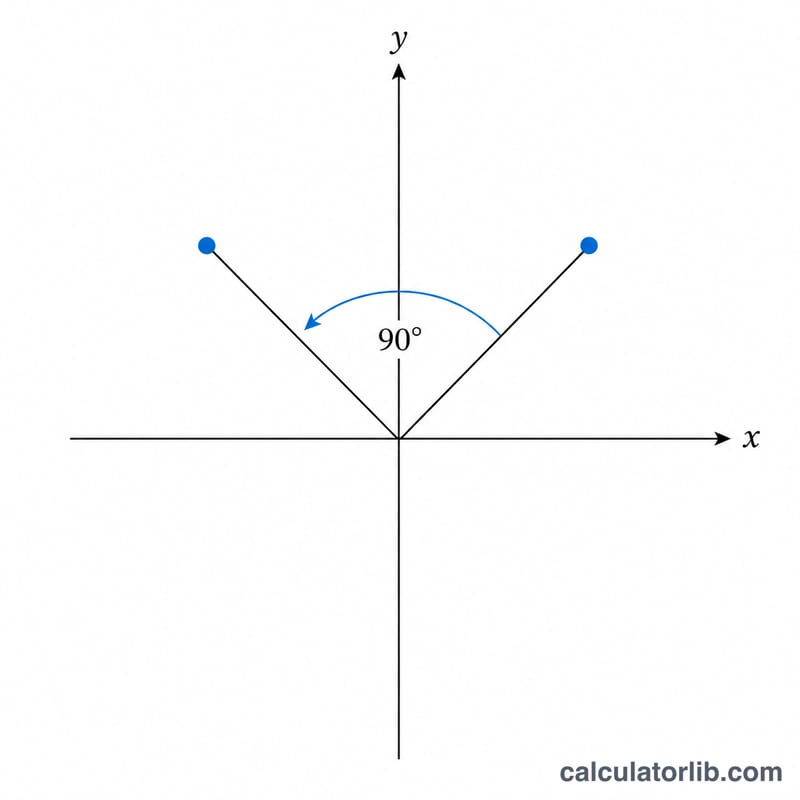
Rotate the point \((1, 0)\) by 90° around the origin. With \(\theta = 90°\), \(\cos\theta = 0\) and \(\sin\theta = 1\). So $$x' = 1\cdot 0 - 0\cdot 1 = 0 \quad \text{and} \quad y' = 1\cdot 1 + 0\cdot 0 = 1$$ The new point is \((0, 1)\) — exactly a quarter turn counter-clockwise, as expected.
FAQ
Are angles clockwise or counter-clockwise? Positive angles rotate counter-clockwise (the standard mathematical convention). Enter a negative angle for clockwise rotation.
Can I rotate around a point other than the origin? Yes. Set Center X and Center Y to your pivot point; the math handles the translation automatically.
Does rotation change the distance from the center? No. Rotation preserves distances, so the rotated point stays the same distance from the center as the original.