
What the Point Slope Form Calculator Does
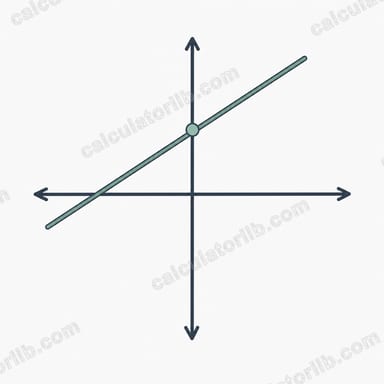
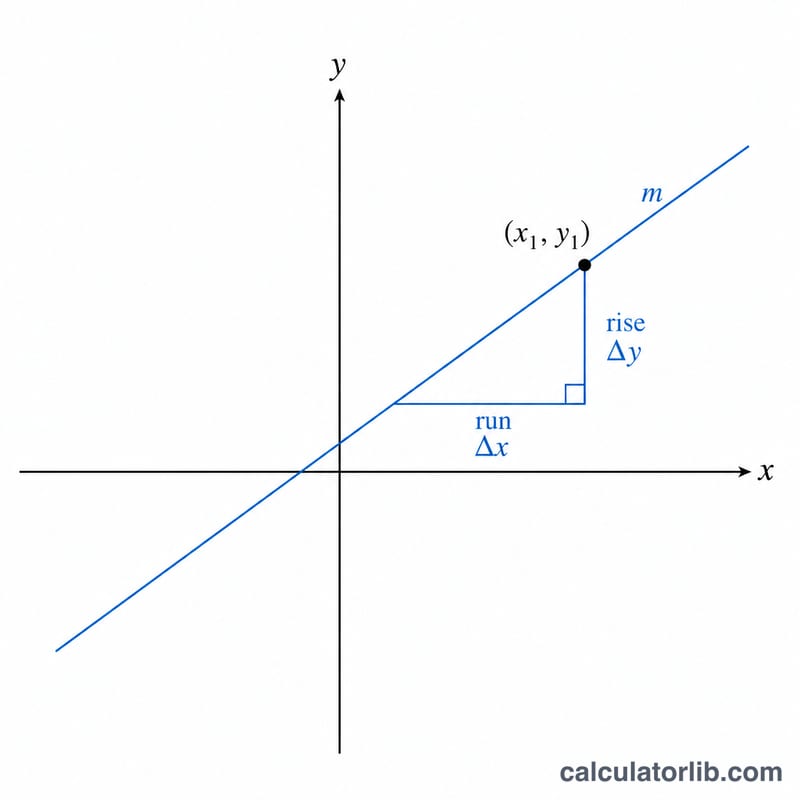
This calculator builds the equation of a straight line from a single known point and the line's slope. You enter three values — the x-coordinate of your point (x1), the y-coordinate (y1), and the slope (m) — and the tool instantly returns the line written in point-slope form. As a bonus, it also rearranges that equation into slope-intercept form (y = mx + b) so you can see the y-intercept at a glance.
The Formula
Point-slope form is defined as:
$$y - y_1 = m\left(x - x_1\right)$$
Here \((x_1, y_1)\) is your known point and \(m\) is the slope. To find the slope-intercept version, the calculator computes the y-intercept (b) using:
- \(b = y_1 - (m \times x_1)\)
- Then writes it as \(y = mx + b\)
All results are formatted neatly, trimming unnecessary trailing zeros (so 4.00 becomes 4 and 2.50 stays 2.5).
How to Use It
- x1: enter the x-coordinate of your point (e.g. 3).
- y1: enter the y-coordinate of your point (e.g. 5).
- Slope (m): enter the slope of the line (e.g. 2).
The calculator returns both the point-slope equation and the equivalent slope-intercept equation.
Worked Example
Suppose your point is (3, 5) and the slope is 2.
- Point-slope form: $$y - 5 = 2\left(x - 3\right)$$
- Y-intercept: \(b = 5 - (2 \times 3) = 5 - 6 = -1\)
- Slope-intercept form: \(y = 2x - 1\)
Both equations describe the exact same line; they're just written differently.
FAQ
What if my slope is zero? A slope of 0 gives a horizontal line. The equation simplifies to \(y = y_1\), meaning y stays constant no matter the x-value.
Can I use negative or decimal values? Yes. Negative coordinates, negative slopes and decimals all work. The tool formats the output cleanly and handles the signs for you.
Why does it also show slope-intercept form? Many problems ask for y = mx + b. Converting from a point and slope can be error-prone by hand, so the calculator does the algebra and displays the y-intercept and the rearranged equation automatically.