
What is the SAS Triangle Area Calculator?
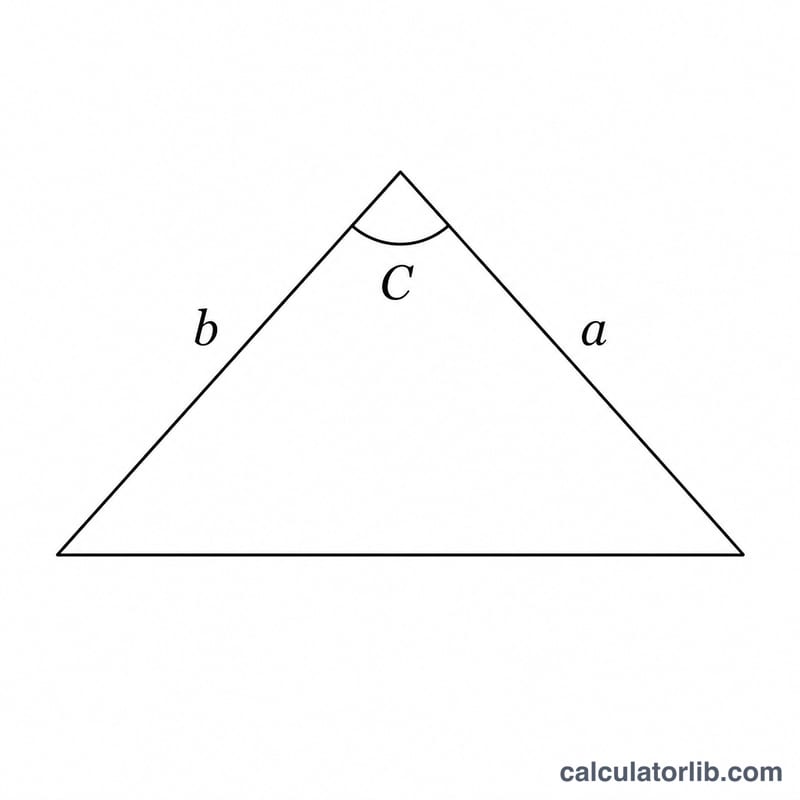
This tool computes the area of any triangle when you know two side lengths and the angle between them — the "Side-Angle-Side" (SAS) case. It is a universal geometry formula that works for every triangle, no matter its shape, and avoids the need to first find the height.
How to use it
Enter the lengths of the two sides, a and b, then enter the included angle C in degrees — that is the angle formed where the two sides meet. The calculator returns the area in the same square units as your side measurements (e.g. cm in gives cm²).
The formula explained
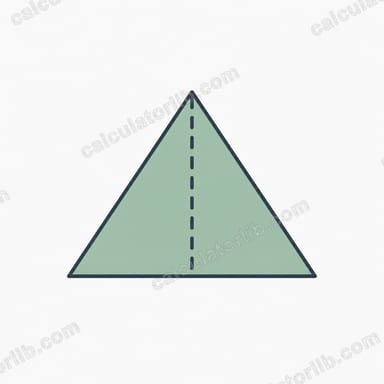
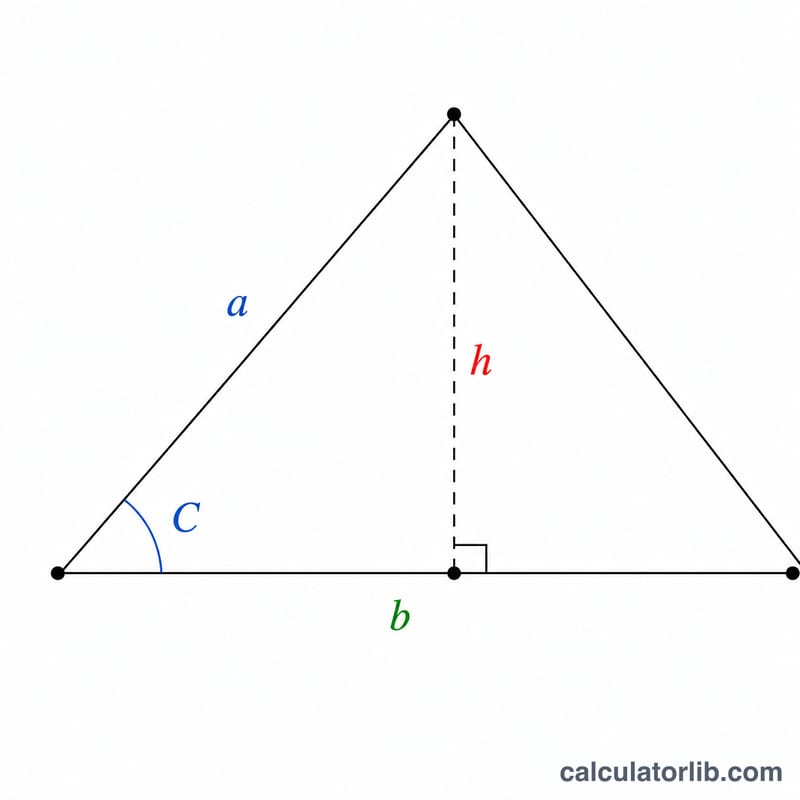
The area equals one half the product of the two sides multiplied by the sine of the included angle: $$\text{Area} = \frac{1}{2} \cdot \text{Side }a \cdot \text{Side }b \cdot \sin\!\left(\text{Angle }C\right)$$ The sine term effectively projects one side onto the perpendicular height. Because sine peaks at 90°, a right angle between the two sides gives the largest possible area for those side lengths.
Worked example
Suppose \(a = 5\), \(b = 7\), and \(C = 60°\). Then \(\sin(60°) \approx 0.866025\). $$\text{Area} = 0.5 \times 5 \times 7 \times 0.866025 = 17.5 \times 0.866025 \approx 15.155$$ square units.
FAQ
Does the angle have to be in degrees? Yes — enter C in degrees; the calculator converts it to radians internally.
What if I only know all three sides? Use Heron's formula instead; this calculator needs exactly two sides and their included angle.
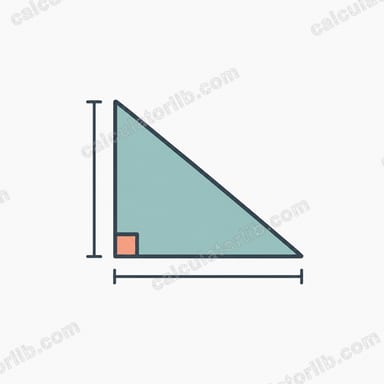
Can the angle be 90°? Yes. At 90° the formula reduces to \(\frac{1}{2} \cdot a \cdot b\), the familiar right-triangle area.