
What Is the Pluto Time Calculator?
The Pluto Time Calculator is a fun astronomical tool that converts a moment of Earth time into an equivalent "Pluto time" reading. It is based on the fact that Pluto rotates far faster relative to a 24-hour Earth day — in this calculator, one Earth day is treated as 6.4 Pluto days. Enter a single 24-hour clock time and the tool returns a Pluto-style time plus how far through a Pluto day that moment falls, expressed as a percentage.
How to Use It
There is just one input field:
- Earth Time (HH:MM) — a time in 24-hour format, for example
15:30.
Type your Earth time and the calculator instantly returns two results: the calculated Pluto time (also in HH:MM) and the percentage of a Pluto day that corresponds to.
The Formula Explained
The tool uses a Pluto factor of 6.4 and applies it separately to hours and minutes:
- Pluto hours = \( \left\lfloor \left( H + \frac{M}{60} \right) \times 6.4 \right\rfloor \bmod 24 \)
- Pluto minutes = \( \lfloor M \times 6.4 \rfloor \bmod 60 \)
- Percentage of Pluto day = \( \dfrac{\text{Pluto hours} \times 60 + \text{Pluto minutes}}{24 \times 60} \times 100 \)
The "mod 24" and "mod 60" keep the result inside a normal clock range, and the percentage simply shows how far along that result sits within a full 24-hour cycle.
$$\text{Pluto Hours} = \left\lfloor \left( \text{Earth Hour} + \frac{\text{Earth Minute}}{60} \right) \times 6.4 \right\rfloor \bmod 24$$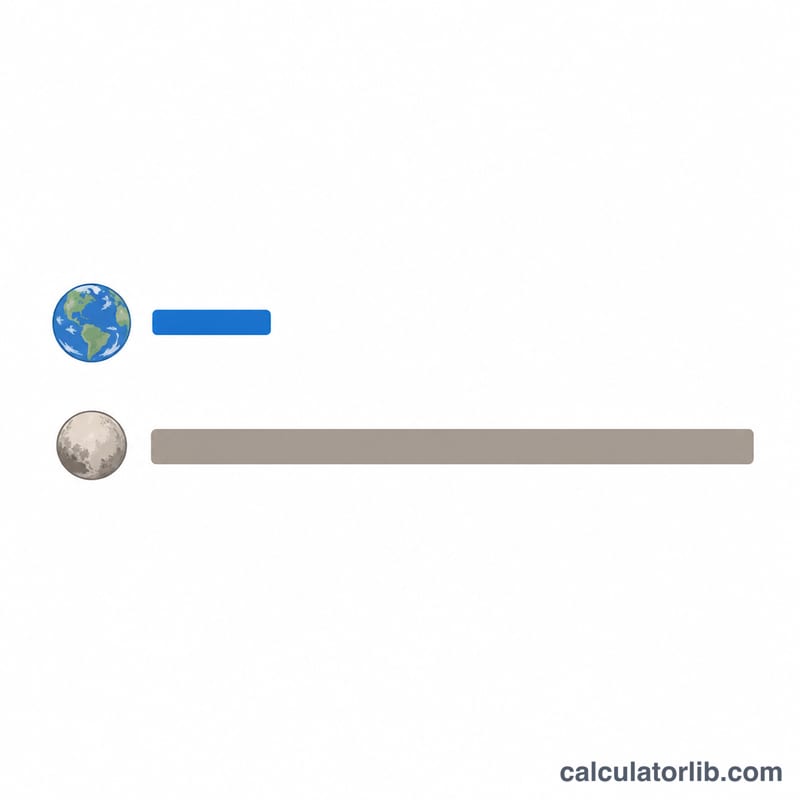
Worked Example
Suppose you enter 15:30:
- Pluto hours = \( \left\lfloor (15 + 30 \div 60) \times 6.4 \right\rfloor \bmod 24 = \lfloor 15.5 \times 6.4 \rfloor \bmod 24 = 99.2 \bmod 24 = 3 \)
- Pluto minutes = \( (30 \times 6.4) \bmod 60 = 192 \bmod 60 = 12 \)
- Pluto time = 03:12
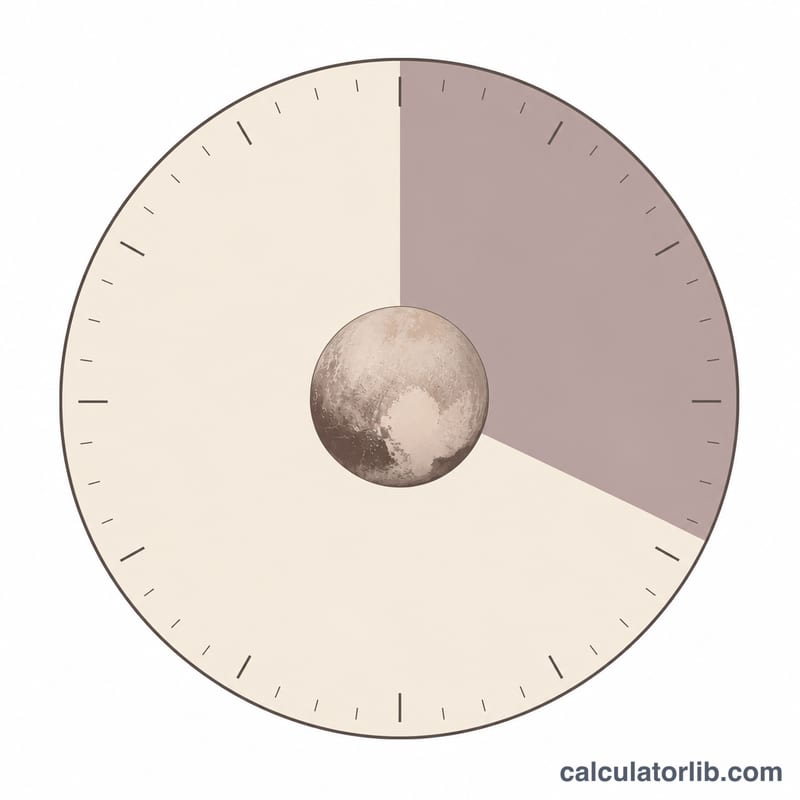
- Percentage = \( \dfrac{3 \times 60 + 12}{1440} \times 100 = \dfrac{192}{1440} \times 100 \approx \) 13.33%
So 15:30 on Earth maps to a Pluto time of 03:12, about 13.3% of the way through a Pluto day.
Frequently Asked Questions
Is this scientifically exact? No — it is a playful conversion. A real Pluto day (one rotation) lasts roughly 6.4 Earth days, and this tool uses that 6.4 factor in a simplified way to produce a clock-style novelty result.
What time format should I enter? Use 24-hour HH:MM, such as 09:00 or 21:45, so the time can be parsed correctly.
Why does the percentage seem low for an afternoon time? Because the result is recalculated against a fresh 24-hour Pluto cycle after the modulo operations, the percentage reflects the converted Pluto time, not your original Earth time.