
What This Calculator Does
When a price already includes sales tax (a "tax-inclusive" or gross amount), this calculator works backward to tell you how much of that total was tax and how much was the original net price. This is essential for bookkeeping, expense reports, and reconciling receipts where only the grand total and the tax rate are known.
How to Use It
Enter the total amount you paid (the figure that already includes tax), then enter the applicable sales tax rate as a percentage. The calculator instantly splits the total into its net (pre-tax) portion and the tax portion.
The Formula Explained
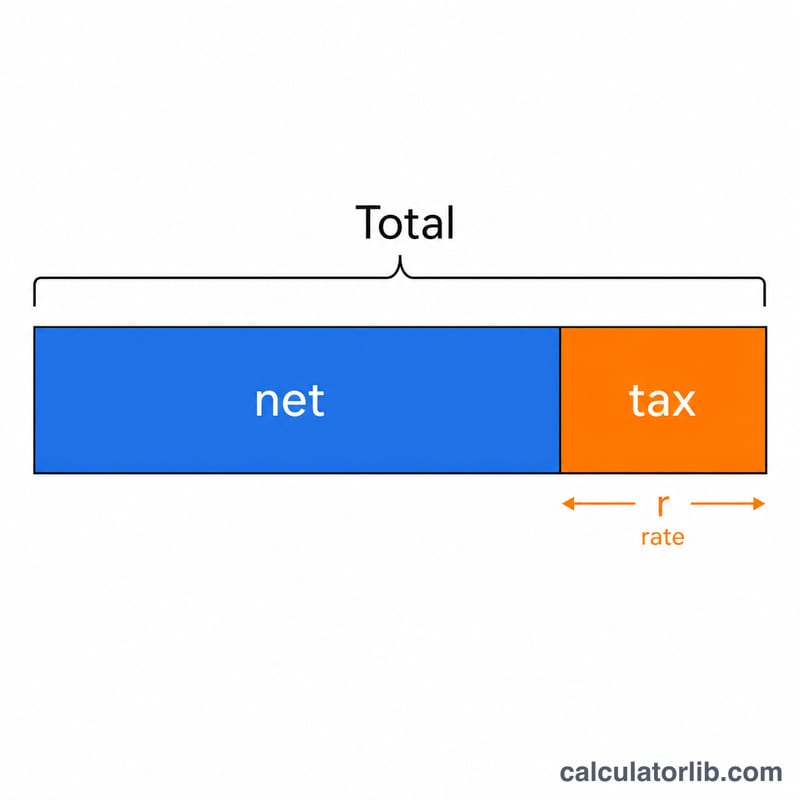
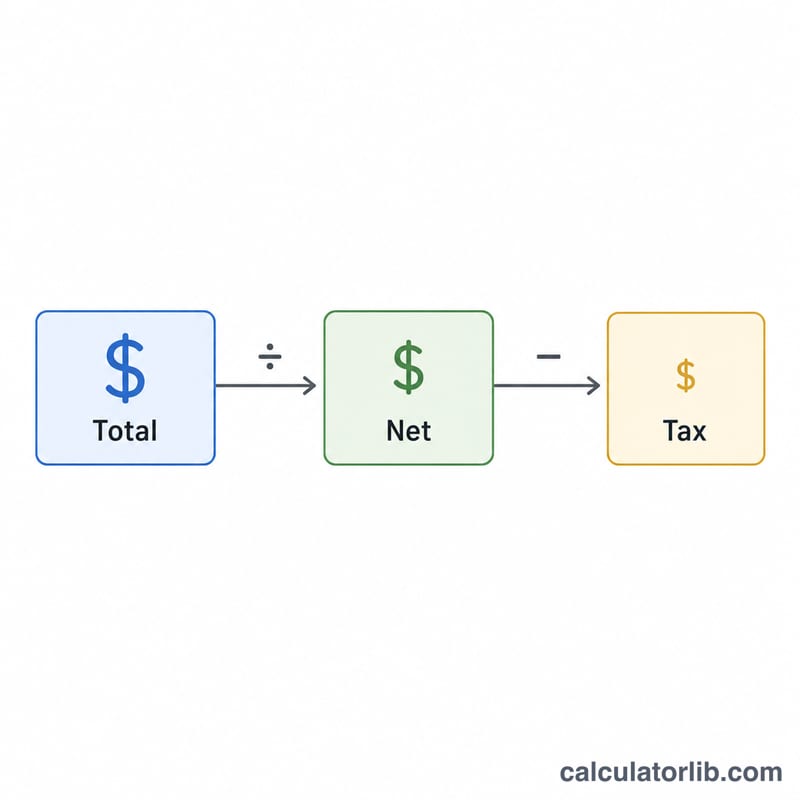
Because tax was added on top of the net price, the total equals the net multiplied by (1 + rate). To reverse this, divide the total by (1 + rate/100) to recover the net amount, then subtract the net from the total to isolate the tax:
$$\text{Tax} = \text{Total} - \frac{\text{Total}}{1 + \dfrac{\text{Rate (\%)}}{100}}$$
This is different from simply multiplying the total by the rate, which would overstate the tax.
Worked Example
Suppose you paid $107.00 and the sales tax rate is 7%. The net amount is \(107 / 1.07 = \$100.00\). The tax is therefore \(107 - 100 = \$7.00\). Notice that 7% of 107 ($7.49) would be wrong — the tax was charged on the $100 base, not the gross.
FAQ
Why not just take the percentage of the total? Because the tax was calculated on the pre-tax price, not the tax-inclusive total. Taking the percentage of the total overstates the tax.
Does this work for VAT or GST? Yes. The math is identical for any value-added or goods-and-services tax that is added as a percentage on top of the net price.
What if the rate is 0%? Then no tax was included, the net equals the total, and the tax amount is zero.