58 calculators
Whether you're fencing a yard, framing a picture, or working through a geometry assignment, this collection has the right tool. The Rectangle Perimeter Calculator, Circle Perimeter Calculator, and Square Perimeter Calculator handle the classics, while the Octagon Perimeter Calculator and Isosceles Triangle Perimeter Calculator cover the less-standard shapes.
Browse the most-popular list or open the Trending tab to see what other visitors are measuring. Every calculator is free, needs no account, and works on any device.
- Volume Calculator
- Area Calculator
- Perimeter Calculator
- Surface Area Calculator
- Circle Calculator
- Rectangle Calculator
- Triangle Calculator
-
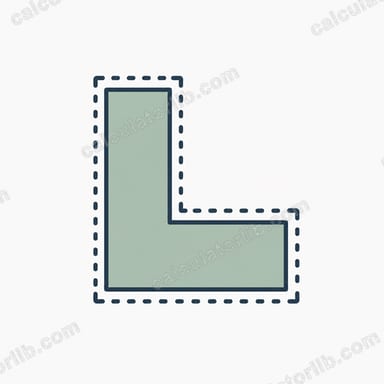
Perimeter of an L-Shape CalculatorCalculate the perimeter of an L-shaped figure from its overall outer width and height using P = 2 × (a + b). Fast, free, and accurate.
-
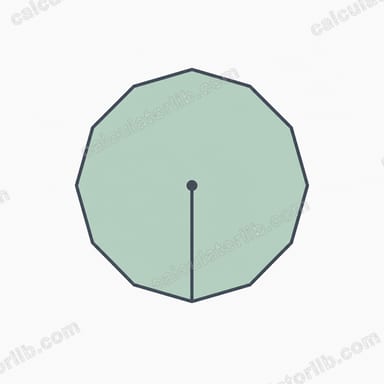
Dodecagon CalculatorCalculate the area, perimeter, apothem and circumradius of a regular dodecagon (12-sided polygon) from its side length instantly.
-
Star Shape CalculatorCalculate the area, edge length and perimeter of an n-pointed star polygon from its outer radius R and inner radius r. Free, instant, and accurate.
-
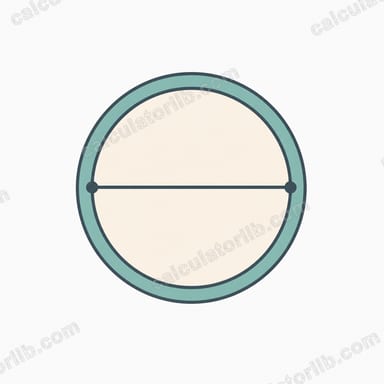
Circle Perimeter from Diameter CalculatorCalculate the perimeter (circumference) of a circle from its diameter using C = πd. Instantly get circumference, radius, and area for any diameter.
-
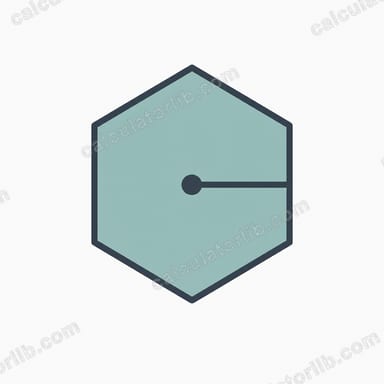
Hexagon CalculatorCalculate the area, perimeter, apothem and diagonal of a regular hexagon from its side length. Free, instant, with formulas and worked examples.
-
Trapezoid Side CalculatorFind the unknown fourth side of a trapezoid from its perimeter and three known sides. Free, instant trapezoid missing side calculator.
-
Perimeter of a Rectangle CalculatorCalculate the perimeter of a rectangle instantly using P = 2 × (length + width). Enter length and width to get the perimeter and area in any units.
-
Perimeter of a Right Triangle CalculatorCalculate the perimeter of a right triangle from its two legs. Enter leg a and leg b to get the hypotenuse and total perimeter instantly.
-
Perimeter of a Square CalculatorCalculate the perimeter of a square instantly from its side length using P = 4s. Free, fast, and accurate geometry calculator with worked examples.
-
Perimeter of a Rectangle CalculatorCalculate the perimeter of a rectangle instantly using P = 2(l + w). Enter length and width to get perimeter, area, and diagonal.
-
Right Triangle Perimeter from Two Legs CalculatorFind the perimeter of a right triangle from its two legs. Enter leg a and leg b to get the hypotenuse and total perimeter instantly.
-
Circumference of a Circle CalculatorCalculate the circumference of a circle from radius or diameter using C = 2πr = πd. Get circumference, diameter, and area instantly with worked examples.
-
Regular Polygon CalculatorCalculate the area, perimeter, interior & exterior angles, apothem and circumradius of any regular polygon from its number of sides and side length.
-
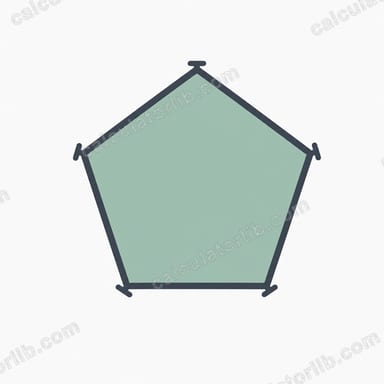
Perimeter of a Pentagon CalculatorCalculate the perimeter of a regular pentagon instantly with P = 5s. Enter one side length and get the total distance around all five sides.
-
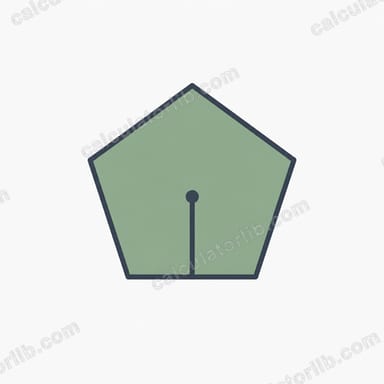
Pentagon CalculatorCalculate the area, perimeter, apothem, circumradius and diagonal of a regular pentagon from its side length with exact geometric formulas.
-
Circle Perimeter CalculatorEnter a circle's radius in cm, m, in, or ft to instantly get its perimeter (circumference) using P = 2πr. Fast, accurate, and classroom-ready.
-
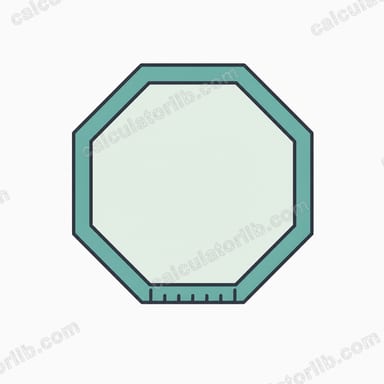
Octagon Perimeter CalculatorEnter the side length to get an octagon’s perimeter instantly. We multiply the side by 8 (P = 8 × a) for a quick, accurate total.
-
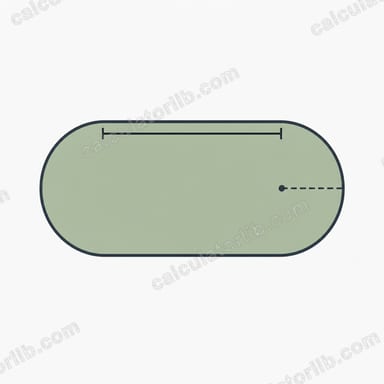
Stadium CalculatorCalculate the area and perimeter of a stadium (discorectangle) shape from its radius r and straight side length a. Free geometry calculator.
-
Arc Length from Radius and Radians CalculatorCalculate arc length from a circle's radius and central angle in radians using s = r × θ. Free, instant, with chord length too.
-
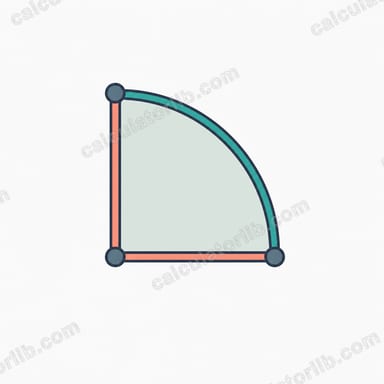
Quarter Circle Perimeter CalculatorCalculate the perimeter of a quarter circle from its radius using P = (πr/2) + 2r. Instant arc length and straight-edge breakdown.
-
Perimeter of a Square from Area CalculatorFind the perimeter of a square from its area instantly. Enter the area and get the side length and perimeter using P = 4√A. Free, fast, accurate.
-
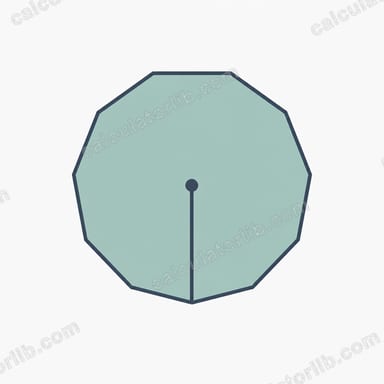
Decagon CalculatorCalculate the area, perimeter, apothem and circumradius of a regular decagon (10-sided polygon) from its side length, with formulas and a worked example.
-
Square Side from Perimeter CalculatorFind the side length of a square from its perimeter using s = P/4. Also returns the square's area and diagonal instantly.
-
Heptagon CalculatorCalculate the area, perimeter, apothem and circumradius of a regular heptagon (7-sided polygon) from its side length. Fast, free and accurate.



Frequently asked questions
Which shapes can I calculate the perimeter of here?
The collection covers circles (circumference), rectangles, squares, parallelograms, kites, isosceles triangles, octagons, and right triangles, among other shapes. Whether for a fencing estimate, a homework problem, or a design task, there is a dedicated calculator ready to use.
How accurate are the perimeter results?
Each calculator applies the standard geometric formula for its shape, verified against known reference values. Results are dependable for everyday tasks, but for construction, structural work, or safety-critical applications, confirm your figures against the governing standard and have a qualified engineer review them.
Are these perimeter calculators free?
Yes — every tool in this collection is completely free, with no account required and no subscription. Open any calculator, enter your dimensions, and get the perimeter instantly. No registration of any kind is needed.
Does the site store the measurements I enter?
Nothing you type is stored or sent to our servers. All calculations run entirely within your browser, and your data never leaves your device. Close the page and your entries are gone.
How can I find the most-used perimeter calculators quickly?
The page list is sorted by real visitor usage, with the most popular tools first. The Trending tab shows what is seeing the most activity right now, and Recently Added highlights the newest tools in the collection.