
What the CVR Calculator Does
The CVR (Conversion Rate) Calculator tells you what percentage of your visitors completed a desired action — such as a purchase, sign-up, download or form submission. By entering just two numbers, you get an instant percentage that shows how effectively your traffic is converting. It's a universal marketing metric used worldwide, so it applies to any website, landing page, ad campaign or email funnel regardless of country or currency.
Inputs You Provide
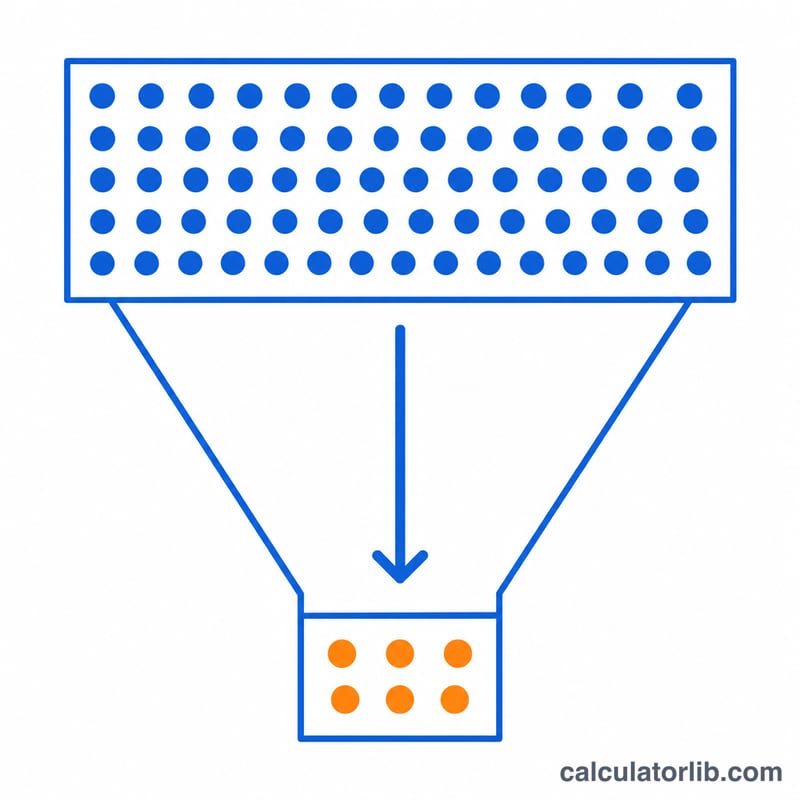
- Number of Conversions — how many visitors took the action you care about (e.g. 50 completed checkouts).
- Number of Visitors — the total number of people who visited during the same period (e.g. 2,000 sessions).
Both values are treated as whole numbers. To keep results meaningful, always measure conversions and visitors over the same time frame and the same audience.
The Formula
The calculator uses the standard conversion-rate equation:
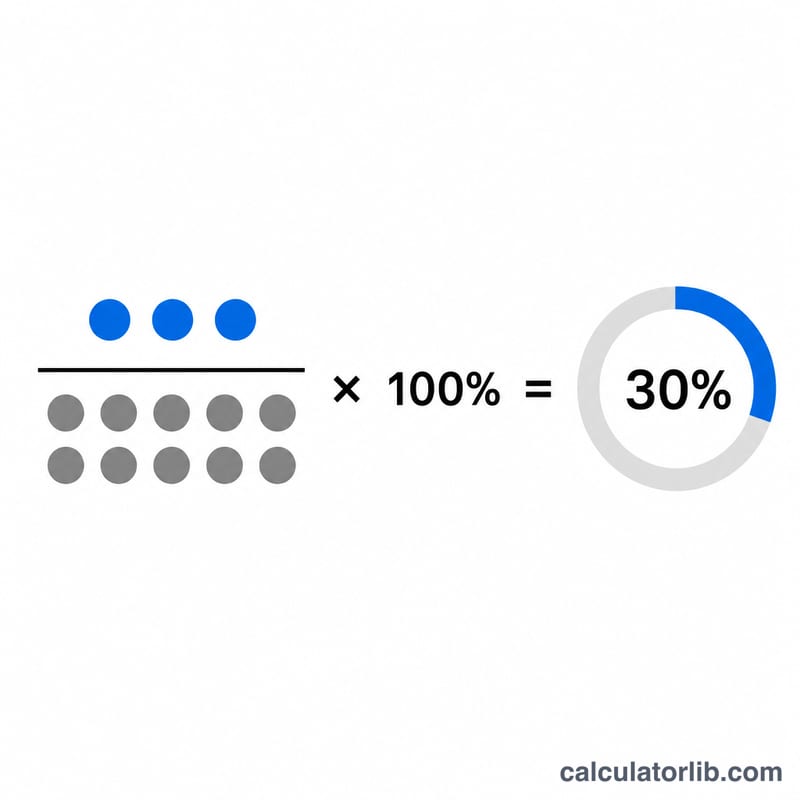
$$\text{CVR} = \frac{\text{Conversions}}{\text{Visitors}} \times 100\%$$
Behind the scenes, the tool divides conversions by visitors and multiplies by 100. If the number of visitors is zero, the calculator safely returns 0% instead of producing an error, so you never see a divide-by-zero result.
Worked Example
Suppose a landing page received 2,000 visitors and generated 50 conversions. The calculation is:
- \(50 \div 2{,}000 = 0.025\)
- \(0.025 \times 100 = \mathbf{2.5\%}\)
So 2.5% of visitors converted. If you later improved the page and got 80 conversions from the same 2,000 visitors, your CVR would rise to 4% — a clear, comparable signal of improvement.
Frequently Asked Questions
What is a good conversion rate?
It varies by industry and channel, but e-commerce sites often see 1–3%, while well-optimised lead pages can reach higher. Use your own historical CVR as the benchmark and aim to beat it rather than chasing a universal target that may not fit your market.
Should I count visitors or sessions?
Either works as long as you stay consistent. Many marketers use unique visitors for top-level CVR and sessions for campaign-level analysis. Just don't mix the two in one calculation, because doing so distorts the rate and makes comparisons across periods unreliable.
Why does the calculator show 0% when visitors is zero?
A conversion rate can't be calculated without traffic, since dividing by zero is mathematically undefined. The tool returns 0% as a safe default until you enter a visitor count greater than zero, then displays the real percentage immediately.
How do you calculate CVR?
Divide the number of conversions by the number of visitors, then multiply by 100 to get a percentage. For example, 50 conversions from 2,000 visitors gives 50 ÷ 2,000 = 0.025, or 2.5%. The calculator applies this formula automatically as you type.
What counts as a conversion?
A conversion is any action you define as a goal: a purchase, sign-up, form submission, download, or call. Decide on one clear action before measuring, and count it consistently. The CVR only reflects the specific goal you choose, so define it carefully for meaningful results.
Can CVR be higher than 100%?
Normally no, because conversions should not exceed visitors. If you see a rate above 100%, it usually means a single visitor completed multiple conversions, or you're counting total actions against unique visitors. Match the numerator and denominator to the same unit to avoid this.