
What this calculator does
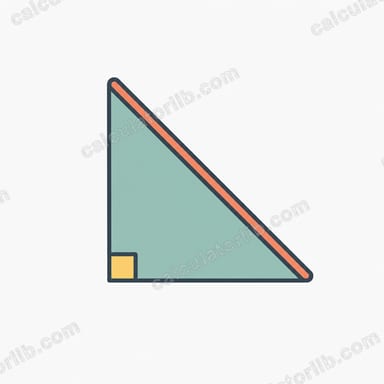
This tool finds the hypotenuse — the longest side — of a right triangle when you know the lengths of its two shorter sides (the legs). It applies the Pythagorean theorem, one of the most fundamental relationships in geometry, and also reports the triangle's area and perimeter so you get a complete picture in one step.
How to use it
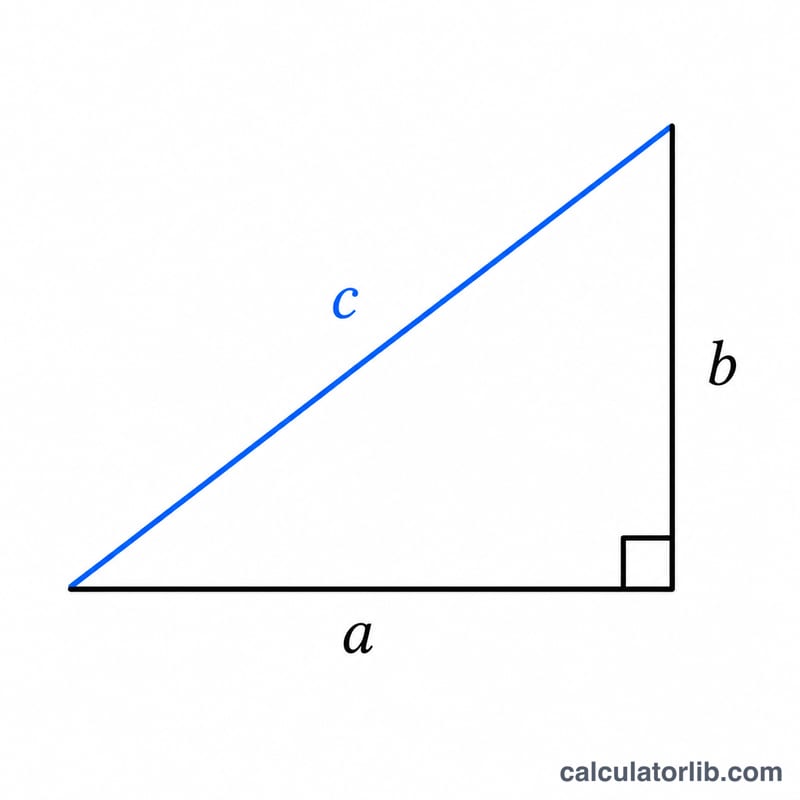
Enter the length of leg a and leg b in any consistent unit (centimeters, meters, inches — just keep both the same). Press calculate and the hypotenuse c appears in the same unit. The result table adds the area (\(\tfrac{1}{2} \times a \times b\)) and the perimeter (\(a + b + c\)).
The formula explained
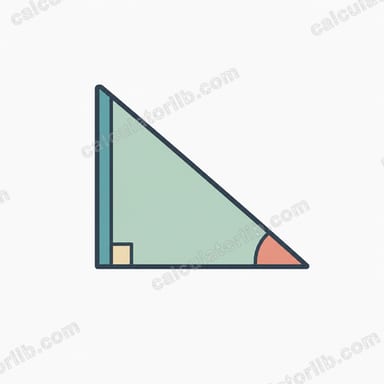
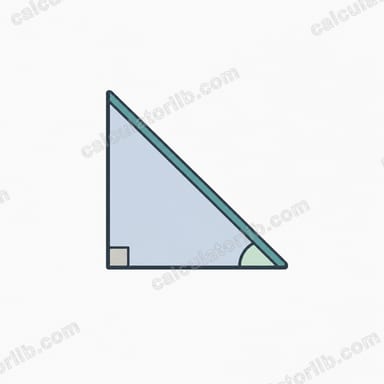
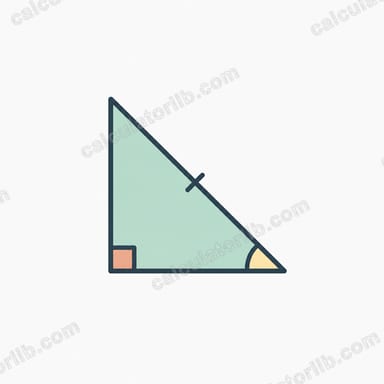
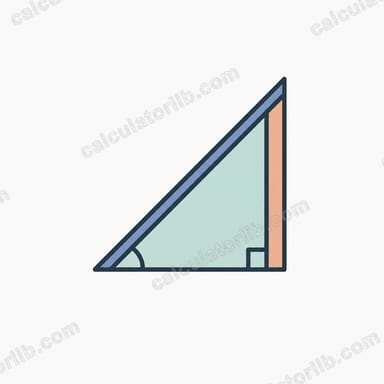
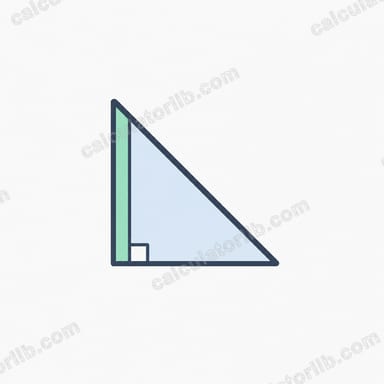
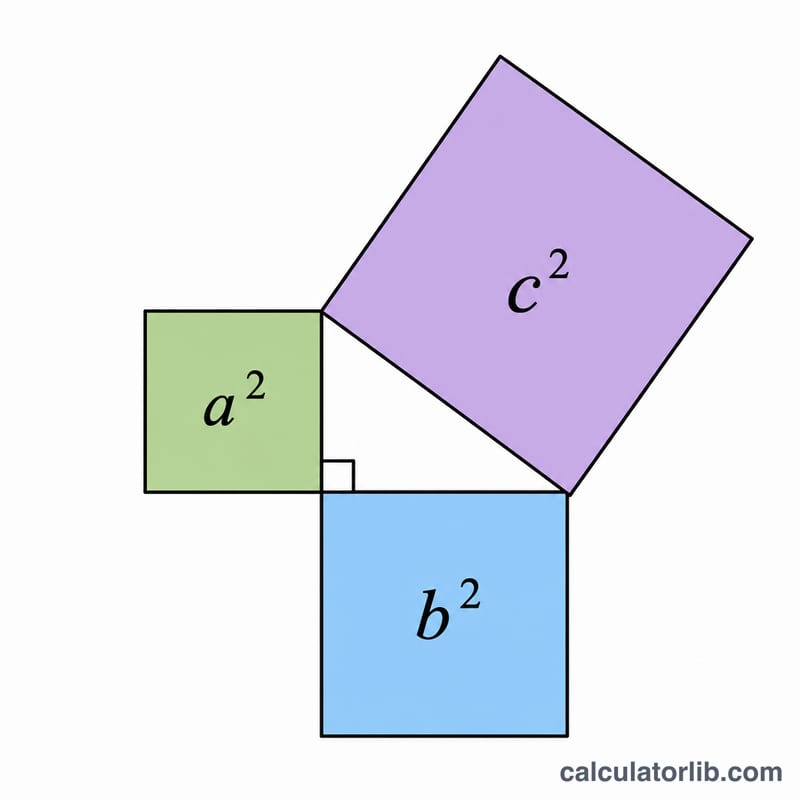
For a right triangle, the square of the hypotenuse equals the sum of the squares of the legs: $$c^{2} = a^{2} + b^{2}$$ Solving for c gives $$c = \sqrt{a^{2} + b^{2}}$$ The two legs meet at the 90° angle, and the hypotenuse sits opposite that right angle, always longer than either leg.
Worked example
Suppose a = 3 and b = 4. Then $$a^{2} + b^{2} = 9 + 16 = 25,$$ and \(c = \sqrt{25} = 5\). The area is \(\tfrac{1}{2} \times 3 \times 4 = 6\), and the perimeter is \(3 + 4 + 5 = 12\). This is the classic 3-4-5 right triangle.
FAQ
Does it work for any triangle? No — the Pythagorean theorem only holds for right triangles (one 90° angle). For other triangles use the law of cosines.
What units should I use? Any unit works as long as both legs use the same one; the answer is in that same unit.
Can the legs be decimals? Yes, you can enter any positive numbers including decimals such as 1.5 or 7.25.