
How the timer works
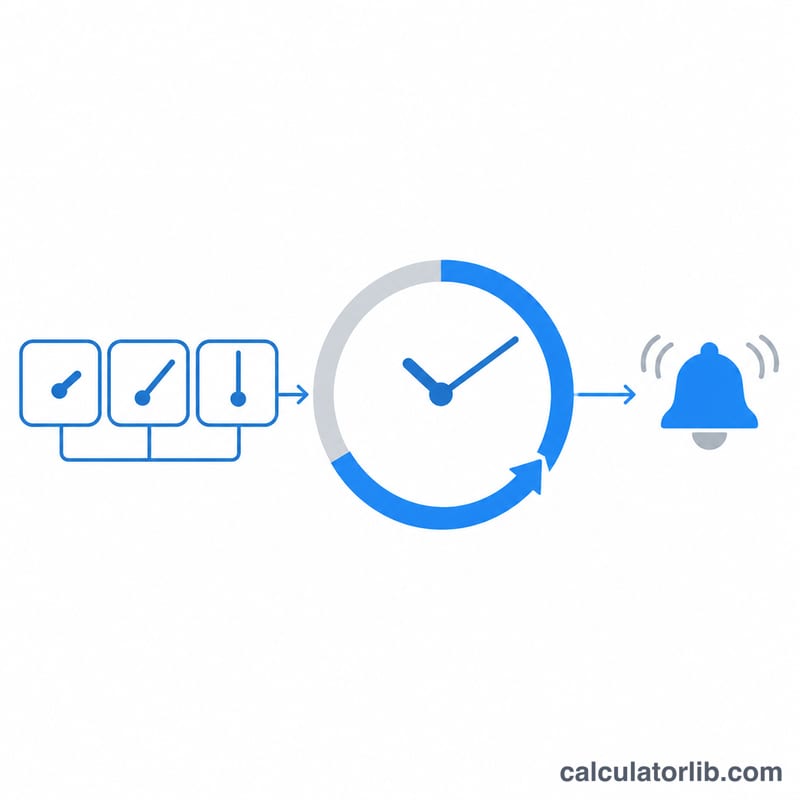
Tap a preset to start at once, or type hours, minutes and seconds and press Start. Space pauses and resumes, R resets, F opens full screen with the screen kept awake. The time left is worked out from the moment you pressed Start, so it stays exact when the browser slows a background tab, and the timer rings as soon as it ends.
Need more than one? New timer (or the N key) adds another, each with its own name, time and progress ring, and they all run at the same time. Repeat restarts a timer each time it ends, for rounds, stretches or medicine reminders.
Sound and notifications in your browser
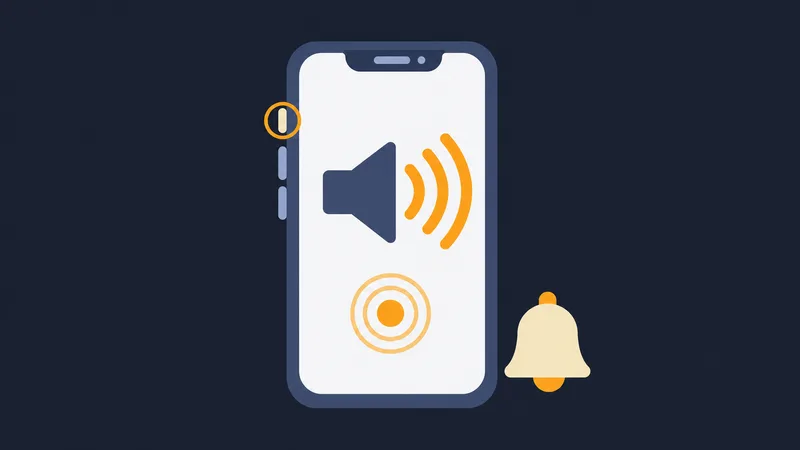
The ring is a sound made in your browser, so nothing is downloaded. Browsers play sound only after you have clicked or pressed a key on the page, and pressing Start or Set already counts. After a reload, if the browser is still holding sound back, the page shows a Tap to turn sound on button: one tap is enough. On an iPhone the ring plays even with the ring/silent switch on silent; just turn the volume up. Play sound lets you hear the chosen tone first.
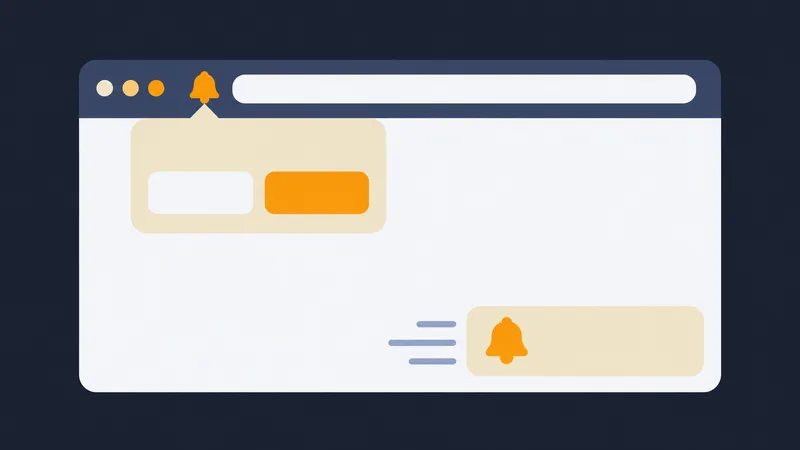
Turn on Show a notification to get a system notification when time is up, even while you are in another tab or app. Beside the switch the page says whether notifications are allowed, not allowed yet or blocked. If they are blocked:
- Chrome and Edge: click the icon at the left of the address bar, set Notifications to Allow, then reload the page.
- Firefox: click the icon at the left of the address bar, clear the blocked notification permission, then turn the switch on again.
- Safari on a Mac: Safari, Settings, Websites, Notifications, then Allow for this site.
- iPhone and iPad: notifications work only for a site added to the Home Screen (Share, Add to Home Screen) and opened from that icon.
- Still nothing? Check that the system allows notifications for your browser (macOS: System Settings, Notifications; Windows: Settings, System, Notifications) and that Do Not Disturb or Focus is off.
Keep the tab open and the device awake. If the browser suspends the tab (battery saver, a phone locked in your pocket) or the device sleeps, no web page can ring until you come back; it then rings at once and says how late it is. Keep the screen on helps on phones and tablets.
FAQ
Will it ring if I switch tabs? Yes, as long as the tab stays open and the computer is awake. Sound plays after you have clicked once on the page.
What happens after a reload? A running or paused timer is kept on this device and continues from the right second.