
What the Inverse Log (Antilog) Calculator Does
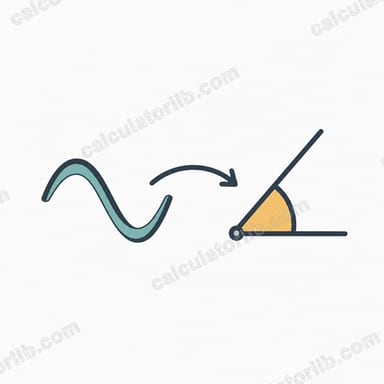
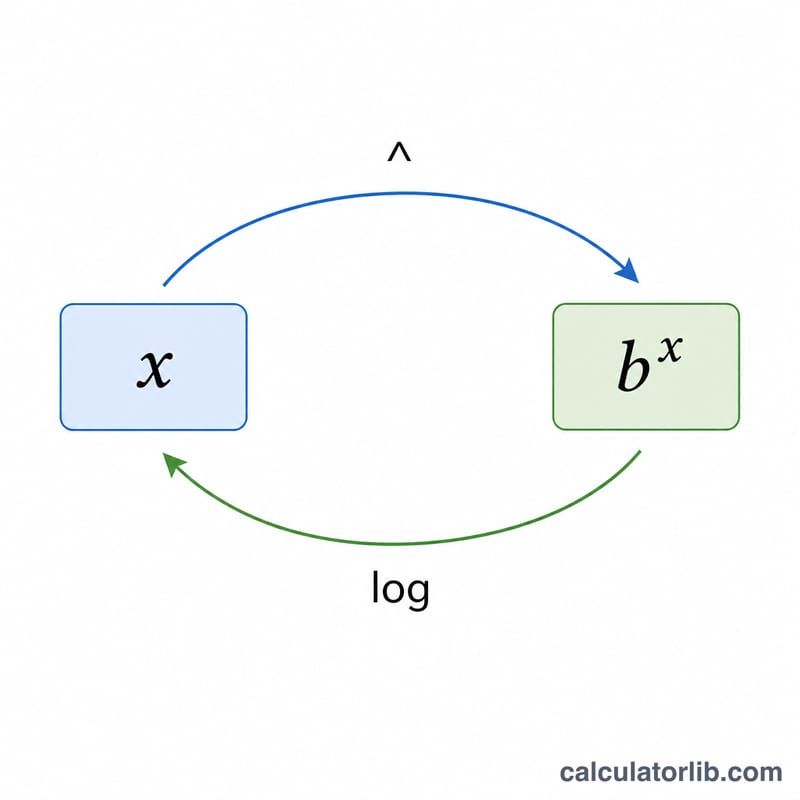
The inverse logarithm — also called the antilogarithm — reverses a logarithm. If you know the log of a number, the antilog gives you the original number back. This calculator takes a single value and raises your chosen base to that power. In other words, it computes basex, where x is the number you enter and base is the one you pick from the list.
The Inputs You Provide
- Enter a number — the exponent x. This can be any positive, negative, or decimal value (for example 2, -1.5, or 0.301).
- Select base — choose one of three options:
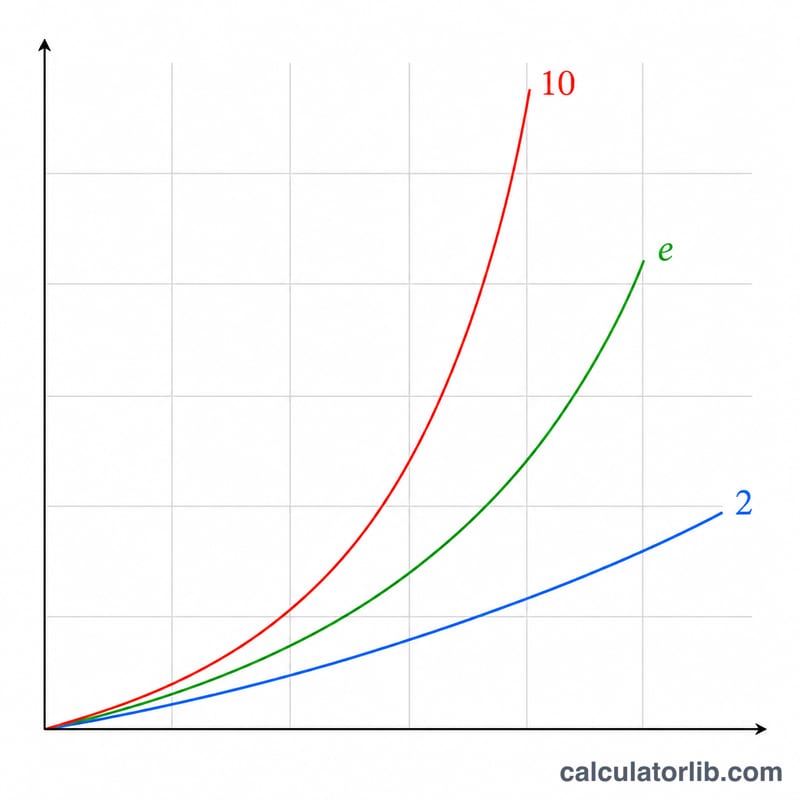
- 10 (Common log) — calculates 10x, the inverse of log₁₀.
- e (Natural log) — calculates ex (≈ 2.71828x), the inverse of ln.
- 2 (Binary log) — calculates 2x, the inverse of log₂.
The Formula
The calculator applies one simple rule depending on the base you select:
- Base 10: antilog = 10x
- Base e: antilog = ex (the exponential function)
- Base 2: antilog = 2x
Each is the exact mathematical inverse of its matching logarithm, so if log₁₀(100) = 2, then the antilog of 2 in base 10 returns 100.
Worked Example
Suppose you enter 3 and select base 10. The calculator computes 103 = 1000. If instead you enter 0.301 with base 10, you get 100.301 ≈ 2.0 — which makes sense, because log₁₀(2) ≈ 0.301. Switching the base to e with the number 1 returns e1 ≈ 2.71828, and base 2 with the number 10 returns 210 = 1024.
Frequently Asked Questions
What is an antilog? An antilog undoes a logarithm. Since a logarithm asks "to what power do I raise the base to get this number?", the antilog simply performs that exponentiation: basex.
Can I enter a negative or decimal number? Yes. Negative exponents return fractions (for example base 10 with -2 gives 0.01), and decimals are handled precisely (100.5 ≈ 3.162).
Why are there only three bases? Base 10 (common), base e (natural), and base 2 (binary) cover the logarithms used most often in science, mathematics, and computing. These three match the standard log, ln, and log₂ functions you will encounter most frequently.