
What this calculator does
The Credit Card Payoff Calculator shows how long it will take to clear a credit card balance and how much interest you'll pay along the way. It works with the standard US dollar-based APR system, but the maths applies to any revolving credit account that charges monthly compound interest. You enter your balance and rate, choose how you want to plan, and the tool returns the payoff time, total interest, and total cost.
The inputs you provide
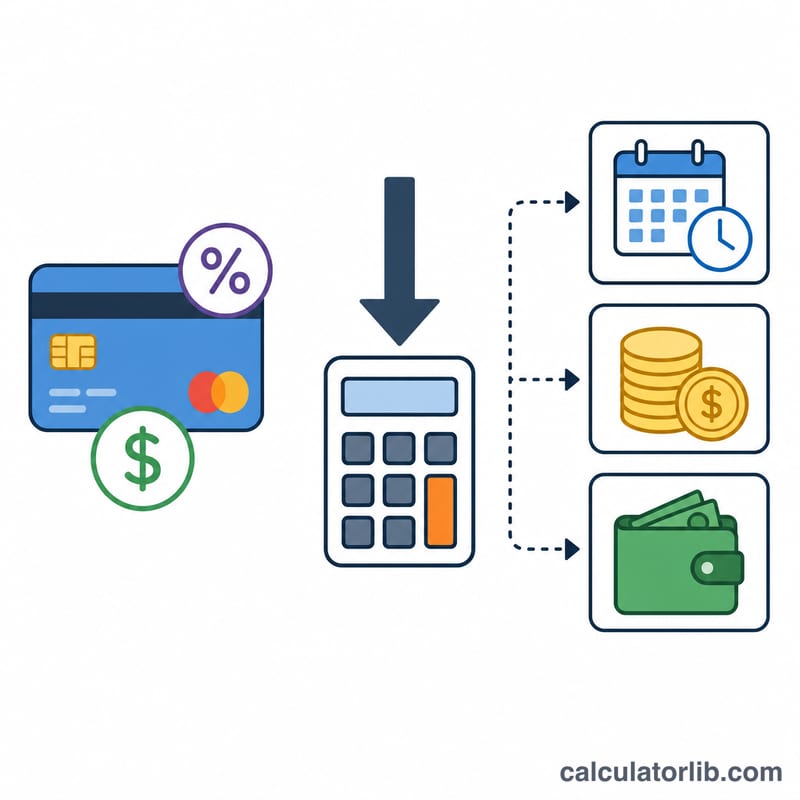
- Current Balance ($) – the amount you currently owe on the card.
- Annual Percentage Rate (APR %) – your yearly interest rate. The tool converts this to a monthly rate by dividing by 12 (e.g. 18% APR becomes 1.5% per month).
- Payoff Method – choose Fixed Monthly Payment or Target Timeframe.
- Monthly Payment ($) – used with the fixed-payment method; the calculator simulates each month until the balance reaches zero.
- Target Months to Pay Off – used with the timeframe method; the calculator solves for the payment you need.
The formula
To find the payment required to clear a balance in a set number of months, the calculator uses the standard amortization formula:
P = [B × (r/12) × (1 + r/12)n] ÷ [(1 + r/12)n − 1]
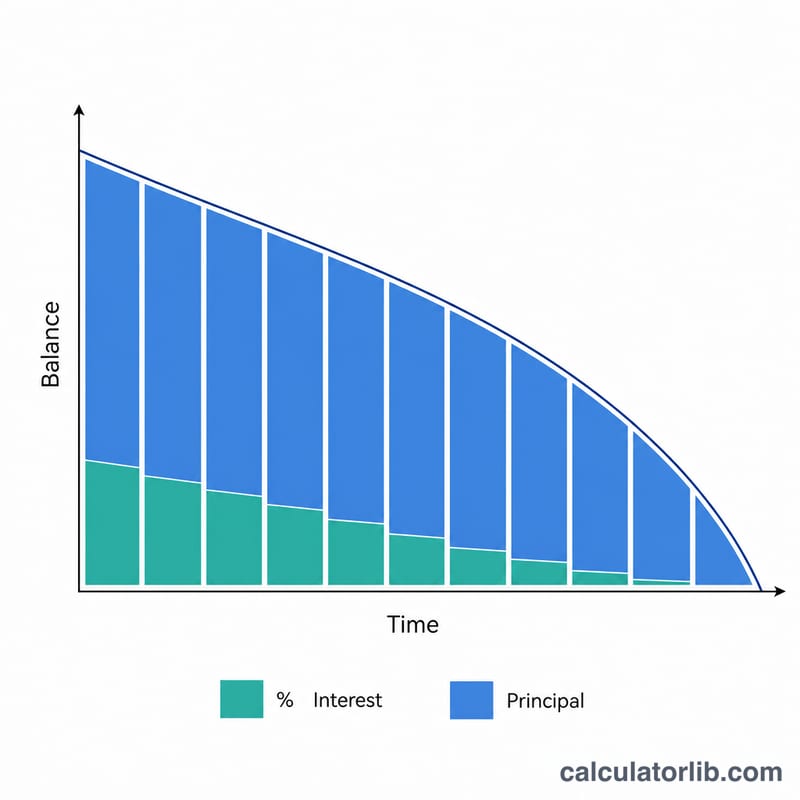
Here B is the balance, r is the annual rate as a decimal, and n is the number of months. For the fixed-payment method, the tool instead steps through each month: it charges interest (balance × monthly rate), subtracts the remaining payment as principal, and repeats until the balance is gone. If your payment is less than the monthly interest, it warns that the debt will never be paid off.
Worked example
Suppose you owe $5,000 at 18% APR and pay $200 per month. The monthly rate is 1.5%. The first month's interest is $75, so $125 goes to principal. Repeating this month by month, the balance clears in about 32 months, with roughly $1,312 in total interest — a total cost of around $6,312.
If you instead set a target of 24 months, the formula returns a required payment of about $249.62 per month, cutting interest to roughly $990.
FAQ
Why does a small payment never clear the debt? If your payment only covers (or is less than) the monthly interest charge, no principal is reduced. The calculator flags "payment too low to pay off debt" in this case.
Does paying more each month save money? Yes. Higher payments mean more goes to principal each month, shrinking the balance faster and dramatically reducing total interest.
Is APR the same as the monthly rate? No. APR is annual; the calculator divides it by 12 to get the monthly rate used in every calculation.