
What This Calculator Does
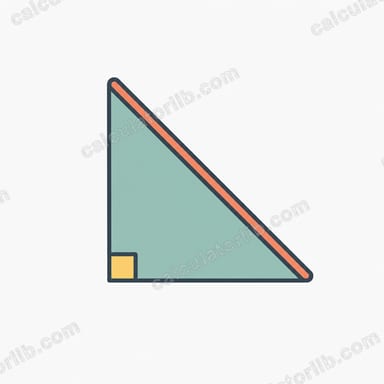
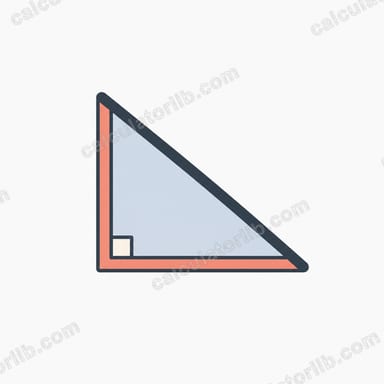
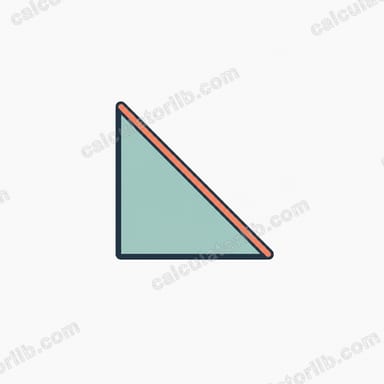
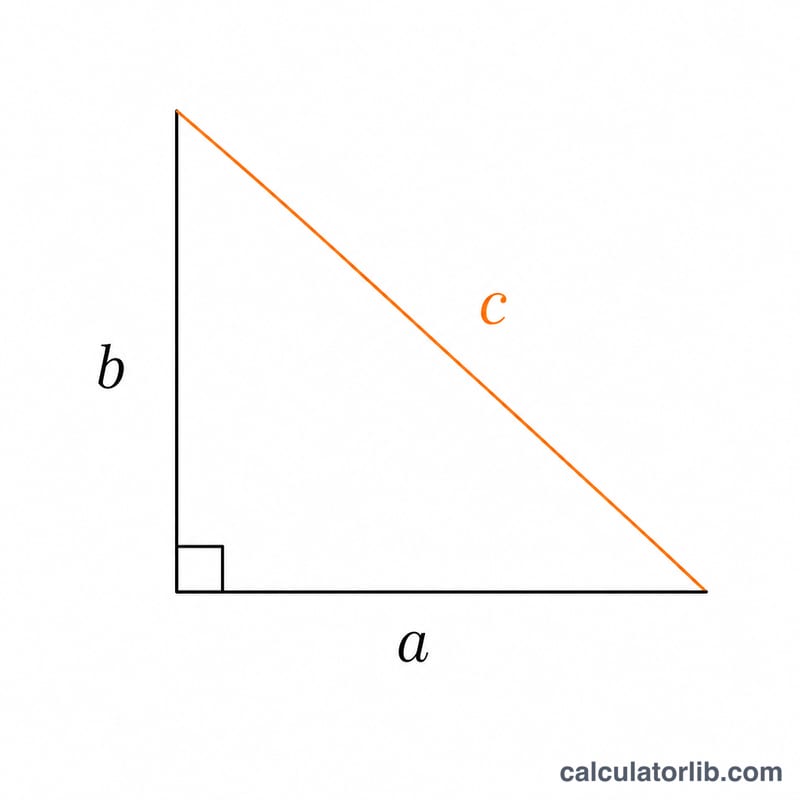
The Hypotenuse Calculator finds the longest side of a right triangle — the side opposite the 90° angle — using the two shorter sides (the legs). You enter Side A and Side B, and the tool instantly returns the hypotenuse. As a bonus, it also computes the two non-right angles and the area of the triangle, so a single entry gives you a complete picture of the right triangle.
The Formula
The calculation is based on the Pythagorean theorem:
c = √(a² + b²)
Here a and b are the two legs you enter, and c is the hypotenuse. The calculator also works out:
- Angle A = atan2(a, b) in degrees — the angle adjacent to Side B.
- Angle B = atan2(b, a) in degrees — the angle adjacent to Side A.
- Area = (a × b) ÷ 2.
Because the two legs meet at the right angle, multiplying them and halving gives the triangle's area directly, and the two computed angles always add up to 90°.
How to Use It
- Enter the length of Side A (one leg).
- Enter the length of Side B (the other leg).
- Read off the hypotenuse, the two angles, and the area.
Use any consistent unit — centimetres, metres, inches or feet. The result is returned in the same unit you typed in.
Worked Example
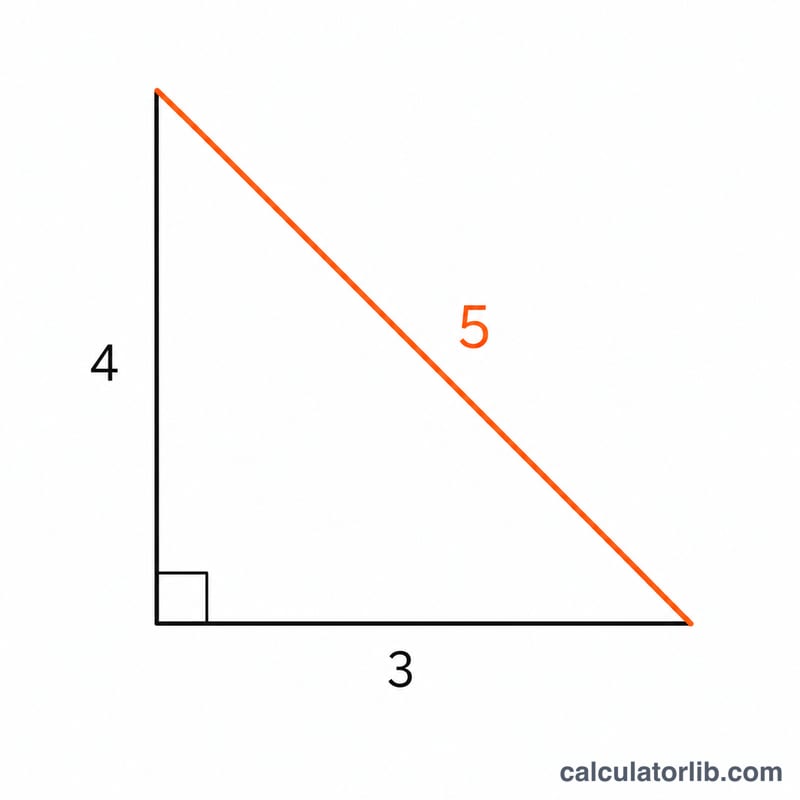
Suppose Side A = 3 and Side B = 4.
- Hypotenuse: c = √(3² + 4²) = √(9 + 16) = √25 = 5.
- Angle A: atan2(3, 4) ≈ 36.87°.
- Angle B: atan2(4, 3) ≈ 53.13°.
- Area: (3 × 4) ÷ 2 = 6.
This is the classic 3-4-5 right triangle.
FAQ
Does it matter which leg is A and which is B? No. The hypotenuse and area are the same either way; only the labelling of Angle A and Angle B swaps.
Can I find a missing leg instead? This tool needs two legs to find the hypotenuse. To find a missing leg from the hypotenuse, rearrange: a = √(c² − b²).
Why are the angles given? A right triangle is fully defined by its two legs, so the calculator can derive the remaining two angles and the area at no extra effort, saving you separate trigonometry steps.